🖤 BLACK FRIDAY SALE: 50% OFF Windows & Office with BLACK26 + 30% OFF Autodesk with BK26 Shop the sale →


Windows 11 LTSC vs Pro: Who Should Use Long-Term Servicing?

Windows 11 LTSC vs Pro comes down to stability against features. Windows 11 Enterprise LTSC 2024 is a frozen, volume-licensed build that gets security fixes for years but no new features, aimed at fixed-purpose machines. Windows 11 Pro gets an annual feature update, the Microsoft Store and inbox apps, and suits almost every office and home PC.
Key takeaways
- Windows 11 Enterprise LTSC 2024 is based on version 24H2 and gets security updates until 9 October 2029.
- Windows 11 IoT Enterprise LTSC 2024 gets updates until 10 October 2034, but is licensed through device makers.
- LTSC leaves out the Microsoft Store, most inbox apps and annual feature updates.
- LTSC is volume-licensed and Windows-only; it is not sold as a retail upgrade for home users.
- For general office PCs, Pro (or Enterprise on the General Availability Channel) is the better fit.
In this guide
Windows 11 LTSC vs Pro at a glance
The table below compares Windows 11 Pro on the normal release channel with the two LTSC 2024 editions. Dates come from Microsoft’s Windows 11 release information page and are in the Pacific time zone; the key difference is how long each build is serviced and what it includes.
| Feature | Windows 11 Pro | Enterprise LTSC 2024 | IoT Enterprise LTSC 2024 |
|---|---|---|---|
| Servicing channel | General Availability Channel | Long-Term Servicing Channel | Long-Term Servicing Channel |
| Feature updates | Annual (e.g. 25H2, 26H2) | None; features frozen at 24H2 | None; features frozen at 24H2 |
| Support per version | 24 months (25H2: to 12 Oct 2027) | To 9 Oct 2029 (5 years) | To 10 Oct 2034 (10 years) |
| Microsoft Store and inbox apps | Included | Not included | Not included |
| BitLocker, Hyper-V, Group Policy | Yes | Yes | Yes |
| TPM 2.0 and Secure Boot | Required | Required | Optional |
| How it’s sold | Retail, OEM and volume | Volume licensing | OEM / embedded device licensing |
| Best for | Office, home and power users | Fixed-purpose business devices | Kiosks, POS, industrial and medical devices |
If you are still choosing between consumer editions, our Windows 11 Home vs Pro comparison is the better starting point; LTSC is a niche choice.
What is Windows 11 LTSC?
LTSC stands for Long-Term Servicing Channel. It is a version of Windows Enterprise that receives monthly security and quality updates but no feature updates for its whole support life. The current release, Windows 11 Enterprise LTSC 2024, arrived on 1 October 2024 and matches Windows 11 version 24H2.
Microsoft describes LTSC as intended for “special use devices”: machines that do one important job and should not change. Think of a PC running a lab instrument, a factory control system or a hospital imaging station, where a new Start menu or a removed feature could break a validated process.
The 5-year lifecycle change
Windows 10 Enterprise LTSC releases used to get ten years of support. From Windows 10 Enterprise LTSC 2021 onwards, Microsoft cut the standard Enterprise LTSC lifecycle to five years. Windows 11 Enterprise LTSC 2024 therefore has no extended support and reaches end of servicing on 9 October 2029, according to Microsoft’s Windows 11 release information.
Windows 11 Pro works differently. Each annual version gets 24 months of updates, and you stay supported by installing the next feature update, normally free through Windows Update.
What is Windows 11 IoT Enterprise LTSC?
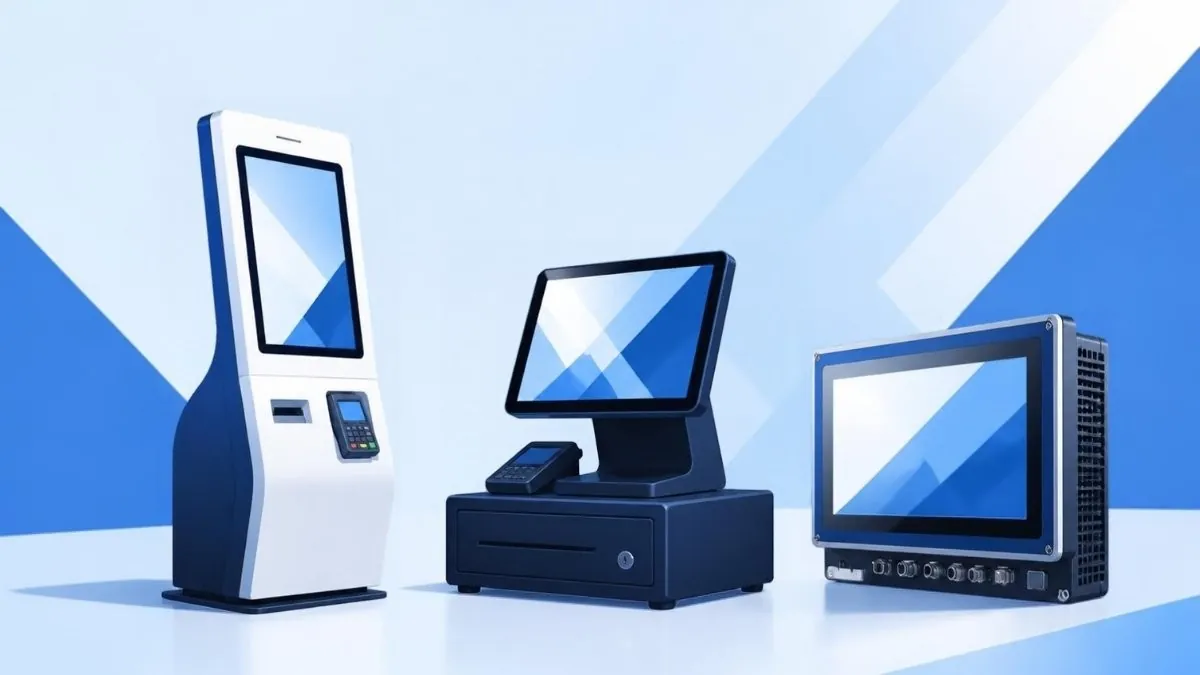
Windows 11 IoT Enterprise LTSC 2024 is the same 24H2-based LTSC build licensed for dedicated devices such as kiosks, digital signage, point-of-sale terminals and industrial PCs. It keeps the 10-year lifecycle, with updates until 10 October 2034, and has relaxed hardware requirements, including optional TPM 2.0 and Secure Boot.
Microsoft’s IoT Enterprise LTSC system requirements list an optional minimum of 2 GB RAM and 16 GB of storage, legacy BIOS support and no mandatory TPM. That is why it often appears in searches from people with older PCs that fail the Windows 11 check.
The catch is licensing. IoT Enterprise is normally supplied by device makers and embedded distributors under agreements for specific devices, not for general-purpose desktops. Using it simply to dodge the TPM requirement on an everyday PC is outside its intended licence.
What does LTSC leave out compared with Pro?
LTSC removes anything that would normally change through feature updates or the Store. It ships without the Microsoft Store and without most inbox apps that Pro includes, and Microsoft says support from Store-based apps and tools may be limited. Core business features such as BitLocker, Hyper-V and Group Policy remain.
- No Microsoft Store. Apps must be installed from installers or deployed by IT.
- Fewer inbox apps. Apps that update through the Store, such as many consumer apps, are not part of the build.
- No new features. Improvements added in 25H2 or 26H2 never arrive; you get them only by moving to a later LTSC release or to the normal channel. Our Windows 11 26H2 features overview shows what Pro users receive.
- Uneven app support. Some software vendors only test against the General Availability Channel. Check before you commit.
LTSC keeps the security features you would expect from Enterprise, plus newer 24H2 items such as Sudo for Windows. Microsoft lists them in What’s new in Windows 11 Enterprise LTSC 2024.
Who should use Windows 11 LTSC?
LTSC suits organisations with fixed-function machines that must not change, such as medical, laboratory, manufacturing, ATM or control-room PCs, and that have volume licensing in place. It does not suit general office PCs, gaming machines, developers or home users, who are better served by Pro or Enterprise on the normal channel.
Choose LTSC if
- The PC runs one validated application that must not change between audits.
- Re-testing after every annual feature update is costly or regulated.
- Your organisation already buys Windows through volume licensing.
Choose Pro if
- People use the PC for email, Office, browsing and varied apps.
- You want the Store, Copilot features and new Windows functions as they arrive.
- You are a home user, freelancer or small business buying a single licence.
A common question we get is from gamers who have heard LTSC is “lighter”. The saving in background apps is small, and the lack of the Store and Xbox components causes more trouble than it solves. Our guide on how to speed up Windows 11 achieves most of the same benefit on Pro.
Need Enterprise features without LTSC’s limits?
For business PCs that need more than Pro, Windows 11 Enterprise adds advanced security and management on the normal update channel. For most offices, a Windows 11 Pro retail key already covers BitLocker, Hyper-V and Group Policy.
How is Windows 11 LTSC licensed?
Windows 11 Enterprise LTSC is sold through Microsoft volume licensing programmes and is generally an upgrade right on top of a qualifying Windows Pro licence. IoT Enterprise LTSC is sold through OEM and embedded channels for specific devices. Neither is meant to be bought as a standalone consumer retail key.
LTSC activates with volume methods such as MAK or KMS keys issued under the agreement. For how those keys differ from retail and OEM, see our explainer on OEM vs retail vs volume Windows keys. Be wary of very cheap retail-style LTSC listings, and avoid unofficial activators, which are unsafe and breach the licence terms.
Businesses comparing Enterprise options should also read our Windows 11 Pro vs Enterprise vs Pro for Workstations guide, and larger buyers can request a quote through our enterprise bulk licensing page.
Frequently asked questions
Is Windows 11 LTSC better than Pro?
Not in general. LTSC is better for fixed-purpose devices that must stay unchanged for years, because it receives only security fixes. Pro is better for everyday PCs because it gets new features, the Microsoft Store and wider app support. For most people, Pro is the right edition and LTSC brings more limits than benefits.
How long is Windows 11 LTSC 2024 supported?
Windows 11 Enterprise LTSC 2024 is supported until 9 October 2029, five years from its release on 1 October 2024, with no extended support. Windows 11 IoT Enterprise LTSC 2024 has mainstream support until October 2029 and extended support until 10 October 2034, giving it a ten-year lifecycle.
Can I upgrade Windows 11 Pro to LTSC?
There is no simple in-place switch from Pro to LTSC, because they are on different servicing channels. Moving normally means a clean installation of LTSC media, activated with a volume licence key obtained through your organisation’s agreement. Back up and plan app reinstallation before you start.
Does Windows 11 LTSC need TPM 2.0?
Windows 11 Enterprise LTSC 2024 has the same requirements as Windows 11 Pro, including TPM 2.0 and Secure Boot. Only Windows 11 IoT Enterprise LTSC 2024 makes TPM and Secure Boot optional, and that edition is licensed for specific dedicated devices rather than general-purpose desktops.
Does Windows 11 LTSC have the Microsoft Store?
No. The Microsoft Store and most Store-delivered inbox apps are not included in LTSC. Microsoft notes that support for LTSC by apps and tools designed for the normal channel may be limited. Software is usually installed with traditional installers or deployed by an IT team instead.
Is Windows 11 LTSC good for gaming?
It is not a good choice. Without the Store, Xbox app components and feature updates, some games and launchers may not work properly, and graphics features added after 24H2 never arrive. Windows 11 Home or Pro with background apps trimmed gives similar performance with fewer compatibility problems.
The bottom line
Windows 11 LTSC is a specialist tool for machines that must not change, with long support but few apps and no new features. For nearly every other PC, Pro is the practical choice; if you are unsure what you have now, our guide to checking your Windows 11 edition and activation is a good first step.
Useful links
| Resource | Why it helps |
|---|---|
| Windows 11 Home vs Pro | Choose between the mainstream editions |
| Pro vs Enterprise vs Workstations | Compare business editions on the normal channel |
| OEM vs retail vs volume keys | How LTSC volume licensing differs from retail |
| Windows 11 26H2 features | What LTSC users don’t receive |
| Windows 11 Enterprise | Enterprise features with regular updates |
| Windows 11 Pro retail key | The right licence for most PCs |
| Windows 11 release information (Microsoft) | Official support end dates for every version |
| IoT Enterprise requirements (Microsoft) | Relaxed hardware minimums for IoT LTSC |


