🎃 HALLOWEEN SALE: 50% OFF best-selling Windows, Office, Autodesk & Server keys — use code GHOST50 Shop the sale →


Office Home 2024 vs Office Home & Business 2024: Which Should You Buy?

In the Office Home 2024 vs Home and Business 2024 decision, there are only two real differences: Home & Business adds the classic Outlook desktop app and is licensed for commercial use. Both include Word, Excel, PowerPoint and OneNote, install on one PC or Mac, and are one-time purchases supported until October 2029. If you earn money with Office, choose Home & Business.
Everything else, from the apps’ features to the support period, is identical. That makes the choice simpler than the price gap suggests, and this guide sets out who genuinely needs the more expensive edition.
Key takeaways
- Office Home 2024 includes Word, Excel, PowerPoint and OneNote for personal, non-commercial use.
- Office Home & Business 2024 adds classic Outlook and the right to use Office for business.
- Both install on one PC or one Mac and are supported until 9 October 2029.
- Neither includes Access, Publisher or Copilot; those need Professional Plus or Microsoft 365.
- Free new Outlook (Windows) and Outlook for Mac reduce the Outlook gap, but not the commercial-use one.
| Feature | Office Home 2024 | Office Home & Business 2024 |
|---|---|---|
| Word, Excel, PowerPoint, OneNote | Yes | Yes |
| Classic Outlook desktop app | No | Yes |
| Commercial use rights | No (home use) | Yes |
| Devices | 1 PC or Mac | 1 PC or Mac |
| Windows / macOS | Windows 10/11 and the three latest macOS versions | Windows 10/11 and the three latest macOS versions |
| Licence type | One-time purchase (perpetual) | One-time purchase (perpetual) |
| Support ends | 9 October 2029 | 9 October 2029 |
| Microsoft launch price (US) | $149.99 | $249.99 |
| Access, Publisher, Copilot | Not included | Not included |
In this guide
- Office Home 2024 vs Home and Business 2024: what is the difference?
- Do you need classic Outlook, or is the free version enough?
- Can you use Office Home 2024 for work or a business?
- Do both editions work on a Mac?
- What does neither edition include?
- Which should you buy?
- Frequently asked questions
- The bottom line
- Useful links
Office Home 2024 vs Home and Business 2024: what is the difference?
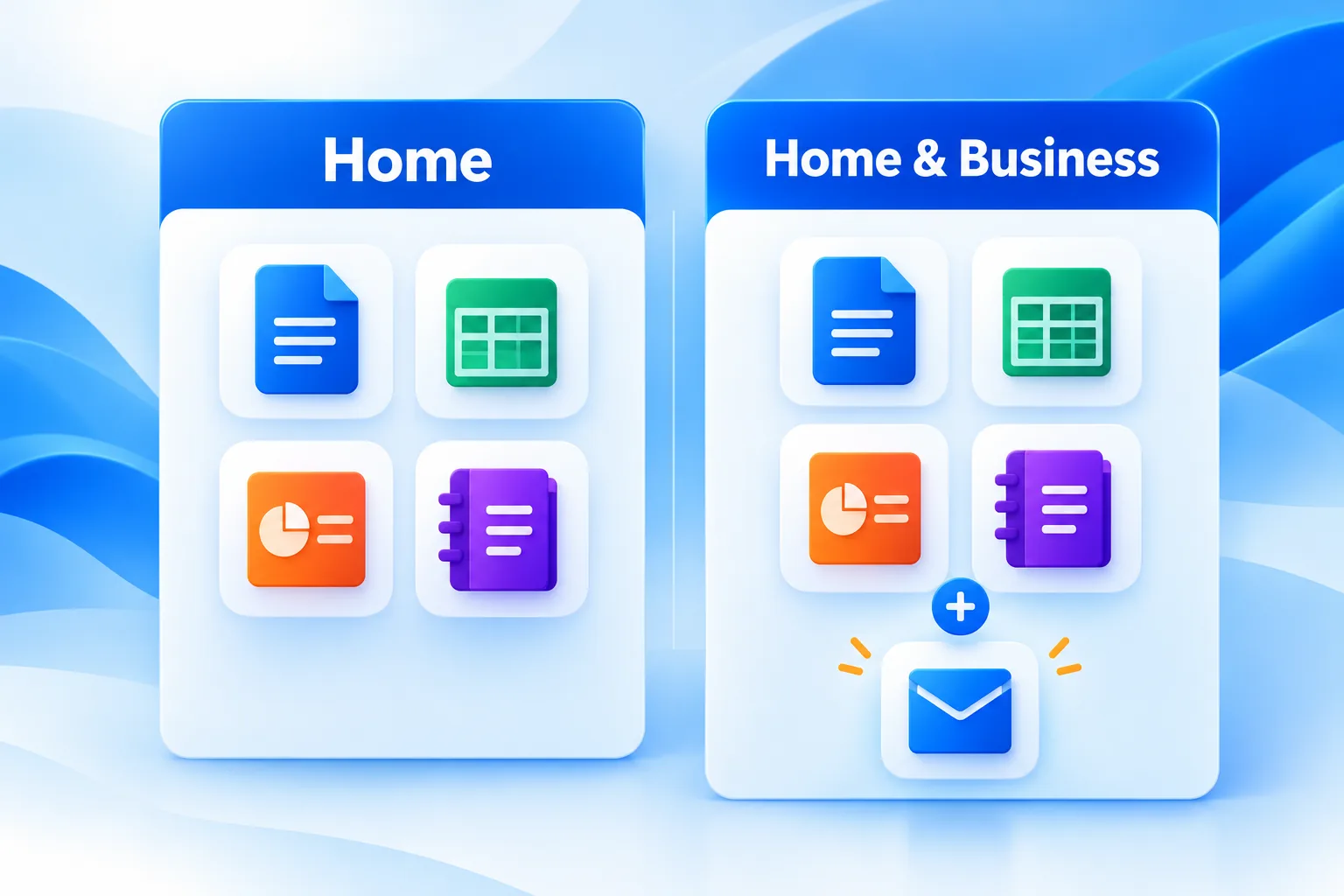
Office Home & Business 2024 is Office Home 2024 plus two things: the classic Outlook desktop app and commercial use rights. The four shared apps are the same versions with the same features, so a spreadsheet or document looks and works identically in either edition. You’re paying for email software and a broader licence.
Microsoft’s Office 2024 consumer launch announcement sets out the split: Home for Word, Excel, PowerPoint and OneNote, and Home & Business adding Outlook and the rights to use the apps for business. Office Home 2024 replaced the older “Home & Student” name, so if you’re upgrading from Home & Student 2021, Home 2024 is the like-for-like successor.
Both editions are perpetual. You pay once, keep the version you bought, and get security updates until 9 October 2029, when Microsoft’s lifecycle policy retires Office 2024. There are no new feature releases during that time; those go to Microsoft 365.
Do you need classic Outlook, or is the free version enough?
For many home users, the free version is enough. Windows 10 and 11 include new Outlook for Windows at no cost, and Microsoft made Outlook for Mac free to use in 2023. Classic Outlook matters when you need PST archives, COM add-ins, VBA macros, full offline access or on-premises Exchange.
That shifts the question. If you have one Gmail or Outlook.com account and read mail mostly online, Office Home 2024 plus free Outlook covers you. If your accounting, CRM or e-signature software plugs into Outlook, or you keep years of local mail archives, you’ll want the classic desktop app that only Home & Business includes among these two.
Our sibling guide on new Outlook vs classic Outlook covers the feature gaps and Microsoft’s migration timeline in detail. If Outlook is the only extra you need, a standalone Outlook 2024 for Windows licence is another route.

Can you use Office Home 2024 for work or a business?
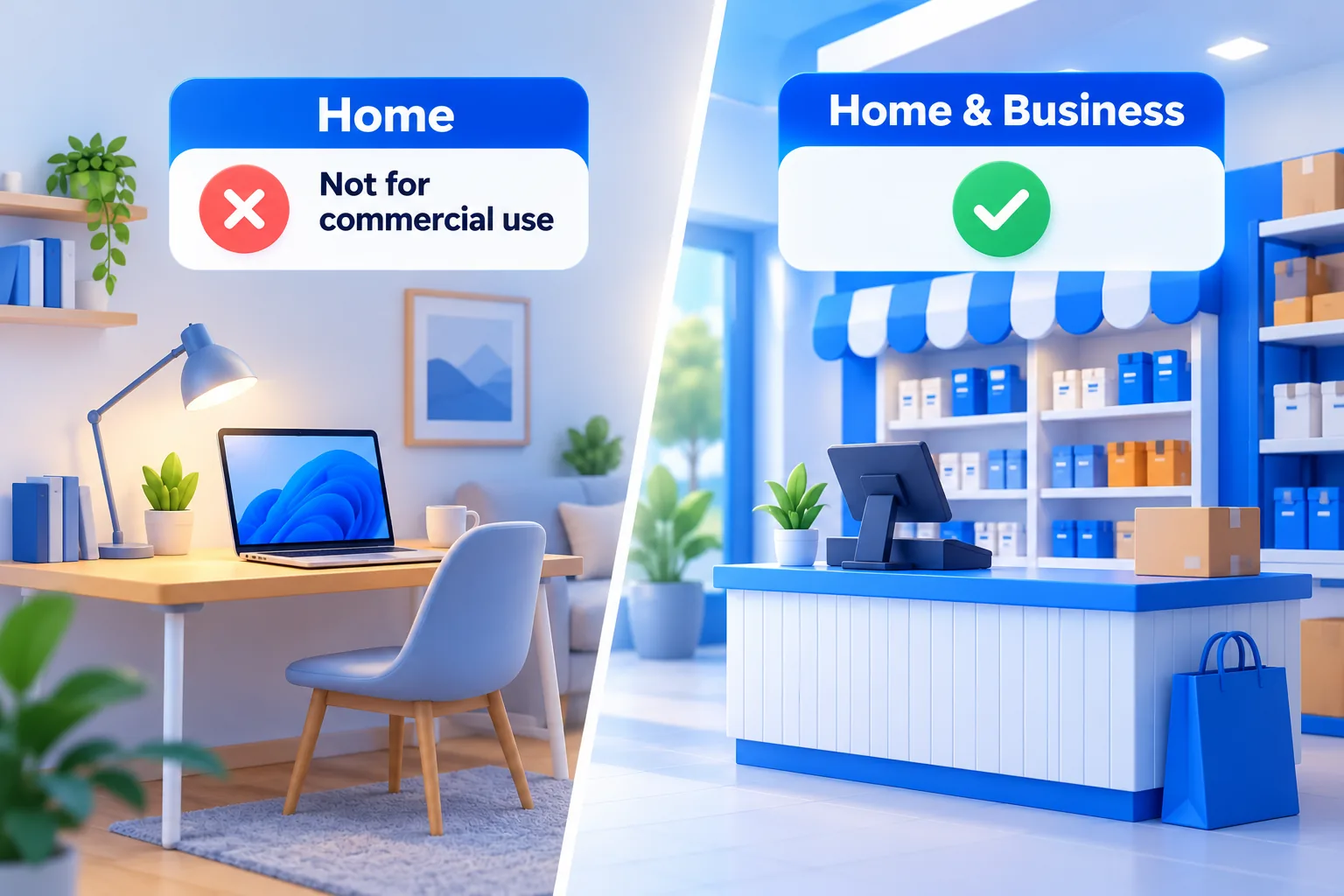
No. Office Home 2024 is licensed for personal, household use, and Microsoft reserves commercial rights for Home & Business. If you use Office to run a business, freelance, or produce work you’re paid for, Home & Business 2024 is the edition that covers it. Schoolwork, family budgets and personal projects are fine on Home.
Home-use licences from Microsoft have traditionally excluded commercial, non-profit and revenue-generating activities, so the boundary is broader than “running a company”. Typical cases that point to Home & Business include:
- Sole traders and freelancers invoicing clients from Word or Excel.
- Small shops and trades keeping accounts, quotes and stock lists.
- Side businesses, such as online selling or tutoring, even part-time.
- Charities and clubs using Office for organisational work.
Licence terms vary by region and are written by Microsoft, so read the Software License Terms shown during installation (File > Account > About) if your situation is borderline. For organisations with five or more users, Microsoft points to Office LTSC 2024 or Microsoft 365 business plans instead, and our comparison of Home & Business 2024 vs Professional Plus 2024 LTSC covers that step up.
Do both editions work on a Mac?
Yes. Microsoft licenses both Office Home 2024 and Office Home & Business 2024 for one PC or one Mac, and they run on the three most recent versions of macOS. The Mac apps are the native Mac versions of Word, Excel, PowerPoint and OneNote, with Outlook for Mac added in Home & Business.
The detail to watch is the listing, not the edition. Some keys are sold for Windows only, while “PC/Mac” licences are redeemed to your Microsoft account and can be installed on either. If you might switch from Windows to a MacBook during the licence’s life, choose a PC/Mac version such as Office 2024 Home for PC/Mac or Office 2024 Home & Business for PC/Mac.
Both editions need a Microsoft account and an internet connection to install and activate. Once activated, the apps work offline.
What does neither edition include?
Neither edition includes Access, Publisher, Copilot, extra OneDrive storage or installation on more than one device. Access is part of Office Professional Plus 2024 on Windows, Copilot requires a Microsoft 365 subscription, and Publisher isn’t part of Office 2024 at all.
| You need | Better option |
|---|---|
| Access databases | Office Professional Plus 2024 (Windows) or standalone Access 2024 |
| Copilot AI features | Microsoft 365 with Copilot |
| Office on several devices at once | Microsoft 365 Personal or Family |
| 1 TB of OneDrive storage | Microsoft 365 Personal or Family |
| Five or more business users | Office LTSC 2024 or Microsoft 365 business plans |
If those extras appeal, our sibling guide comparing Microsoft 365 vs Office 2024 weighs the subscription against a one-time purchase over several years.
Which should you buy?
Buy Office Home 2024 if you use Office only for personal tasks and are happy with free Outlook or webmail. Buy Office Home & Business 2024 if Office is used for any paid or business work, or if you need the classic Outlook desktop app. When in doubt about commercial use, Home & Business is the safer licence.
- Students and families: Office Home 2024.
- Retirees writing letters and managing household budgets: Office Home 2024.
- Freelancers, sole traders and side businesses: Office Home & Business 2024.
- Anyone whose business software plugs into Outlook: Office Home & Business 2024.
- Home users who want classic Outlook for PST archives: Office Home & Business 2024, or Home plus standalone Outlook 2024.
Moving to a new computer later? Both editions can be transferred to another device you own, no more than once every 90 days, as Microsoft’s guidance on transferring an Office licence sets out.
Compare the editions side by side
For personal use, Office 2024 Home for Windows covers the core apps. For business use with classic Outlook, see Office 2024 Home & Business for PC. Check whether each listing is PC-only or PC/Mac before you buy.
Frequently asked questions
Does Office Home 2024 include Outlook?
No. Office Home 2024 includes Word, Excel, PowerPoint and OneNote only. You can still use the free new Outlook app built into Windows, or the free Outlook for Mac, with any email account. The classic Outlook desktop app requires Office Home & Business 2024, standalone Outlook 2024 or Microsoft 365.
Can I use Office Home 2024 for my small business?
No. Office Home 2024 is licensed for personal, non-commercial use. Microsoft gives commercial use rights to Office Home & Business 2024, so a small business, freelancer or sole trader should choose that edition. Organisations with five or more users are usually better served by Office LTSC 2024 or Microsoft 365 business plans.
Is Office Home & Business 2024 a one-time purchase?
Yes. Office Home & Business 2024 is a perpetual licence: you pay once and keep using that version without a subscription. It receives security updates until 9 October 2029. It doesn’t receive new features, Copilot or the 1 TB of OneDrive storage that come with Microsoft 365 subscriptions.
Can I install Office Home & Business 2024 on two computers?
No. Each licence covers one PC or one Mac. You can move it to another computer you own, but no more than once every 90 days unless the old hardware fails, and you must remove it from the original device. For several devices at once, Microsoft 365 is the better fit.
What happened to Office Home & Student?
Microsoft renamed it. Office Home 2024 is the successor to Office Home & Student 2021, with the same core idea: Word, Excel, PowerPoint and OneNote for personal use on one device. If you previously owned Home & Student, Office Home 2024 is the direct replacement.
Does Office Home & Business 2024 work on a Mac?
Yes. Office Home & Business 2024 can be installed on one PC or one Mac and supports the three most recent macOS versions. On a Mac you get Word, Excel, PowerPoint, OneNote and Outlook. Make sure the key you buy is sold as a PC/Mac licence rather than Windows-only.
The bottom line
The apps are the same; the licence and Outlook are what differ. Choose Office Home 2024 for personal use and Office Home & Business 2024 for anything that earns money or depends on classic Outlook. Browse the full Office 2024 range to compare PC and PC/Mac versions.
Useful links
| Resource | Why it helps |
|---|---|
| Office 2024 for consumers (Microsoft 365 Blog) | Microsoft’s own description of both editions |
| End of support in 2029 (Microsoft Learn) | Confirms the 9 October 2029 retirement date |
| Transfer your Office licence (Microsoft) | The 90-day rule for moving to a new device |
| New Outlook vs classic Outlook | Whether you need the classic Outlook app |
| Microsoft 365 vs Office 2024 | Subscription versus one-time purchase |
| Home & Business vs Pro Plus 2024 LTSC | When a business needs the bigger suite |
| Office 2024 Home for Windows | Core apps for personal use |
| Office 2024 Home & Business for PC | Classic Outlook and commercial rights |
| Office 2024 Home & Business PC/Mac | Account-linked licence for Windows or macOS |


