🖤 BLACK FRIDAY SALE: 50% OFF Windows & Office with BLACK26 + 30% OFF Autodesk with BK26 Shop the sale →


Windows Server 2025 System Requirements for Hardware and VMs

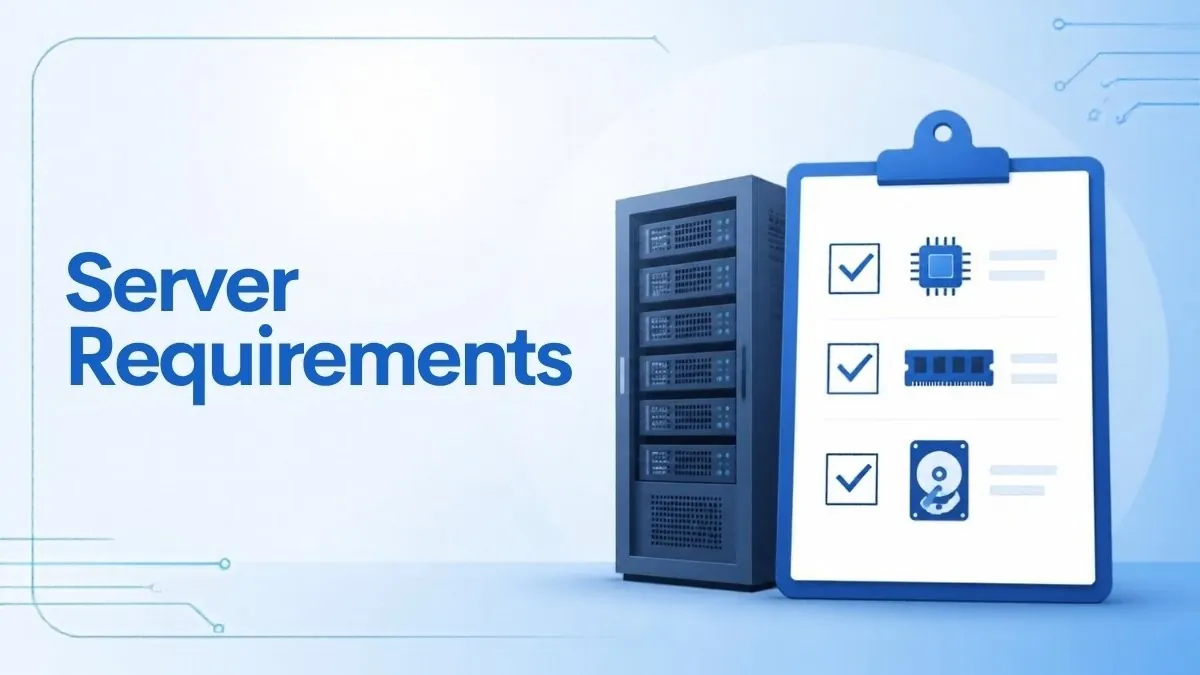
The minimum Windows Server 2025 system requirements are a 1.4 GHz 64-bit processor with SSE4.2 and POPCNT support, 2 GB of RAM (4 GB recommended for Desktop Experience), 32 GB of storage and a gigabit Ethernet adapter. Those are floors for installation, not sizing advice: real servers need far more, depending on the roles you run.
Key takeaways
- CPU: 1.4 GHz x64 with NX/DEP, CMPXCHG16b, LAHF/SAHF, PrefetchW, SLAT (EPT or NPT), SSE4.2 and POPCNT. Older CPUs without SSE4.2 or POPCNT will not run Windows Server 2025.
- RAM: 2 GB minimum for Server Core or Desktop Experience, 4 GB recommended for Desktop Experience, ECC for physical hosts.
- Storage: 32 GB absolute minimum on a PCI Express-compliant controller; IDE/PATA boot drives are not supported.
- Virtual machines: give the VM at least 1,280 MB of RAM during setup or installation can fail.
- TPM 2.0, UEFI and Secure Boot are needed only for features such as BitLocker and Secured-core, not for a basic install.
In this guide
- What are the minimum Windows Server 2025 system requirements?
- Windows Server 2025 CPU requirements
- How much RAM and storage does Windows Server 2025 need?
- Running Windows Server 2025 in a virtual machine
- TPM, Secure Boot and Secured-core requirements
- Sizing a real server: practical starting points
- Frequently asked questions
- The bottom line
- Useful links
What are the minimum Windows Server 2025 system requirements?
Microsoft’s minimums apply to both Standard and Datacenter editions and to both Server Core and Desktop Experience installations. They cover a 64-bit 1.4 GHz CPU with specific instruction sets, 2 GB of RAM, 32 GB of disk on a PCIe storage controller and a 1 Gbps network adapter.
| Component | Minimum for Windows Server 2025 | Notes |
|---|---|---|
| Processor | 1.4 GHz 64-bit, x64 instruction set | Needs NX/DEP, CMPXCHG16b, LAHF/SAHF, PrefetchW, SLAT, SSE4.2, POPCNT |
| Memory | 2 GB (Server Core or Desktop Experience) | 4 GB recommended for Desktop Experience; ECC for physical hosts |
| Storage | 32 GB system partition | PCI Express-compliant storage adapter; no IDE/ATA/PATA boot, page or data drives |
| Network | Ethernet adapter, at least 1 Gbps | PCI Express compliant; PXE and KDNet support useful but optional |
| Firmware | UEFI 2.3.1c with Secure Boot | Required only for certain features |
| TPM | TPM 2.0 | Required only for features such as BitLocker |
| Display | Super VGA (1024×768) or higher | Or remote management only |
These figures come from Microsoft’s Windows Server hardware requirements page, which also warns that it is unrealistic to give recommended specs for every deployment. Treat the table as a compatibility check, then size for your roles.
Windows Server 2025 is supported under Microsoft’s Fixed Lifecycle Policy, with mainstream support to November 2029 and extended support to November 2034, according to the Microsoft lifecycle page. Hardware you buy now should comfortably outlast it.
Windows Server 2025 CPU requirements
Windows Server 2025 needs a 64-bit x64 processor of at least 1.4 GHz that supports NX and DEP, CMPXCHG16b, LAHF/SAHF and PrefetchW, Second Level Address Translation (Intel EPT or AMD NPT), SSE4.2 and the POPCNT instruction. Clock speed rarely blocks an install; missing instruction sets do.
The SSE4.2 and POPCNT requirements are what rule out very old hardware. Processors from roughly the last decade of mainstream Intel Xeon and AMD EPYC lines include them, but it is worth checking an older tower server or a repurposed workstation before you buy licences.
How to check your CPU
- Download Coreinfo from Microsoft’s Sysinternals site.
- Open an elevated Command Prompt in the folder and run
coreinfo64 -f(usecoreinfo -fon older versions). - Look for an asterisk next to
SSE4.2,POPCNT,NX,CX16(CMPXCHG16b) andLAHF-SAHF. - Run
coreinfo64 -vto confirm EPT (Intel) or NPT (AMD) support for SLAT.
Microsoft notes that performance depends on core count and cache size as well as clock speed. For licensing, remember that Windows Server Standard and Datacenter are licensed per physical core, with a minimum of 16 core licences per server. Our guide to Windows Server 2025 licensing, cores and CALs explains the maths.
How much RAM and storage does Windows Server 2025 need?
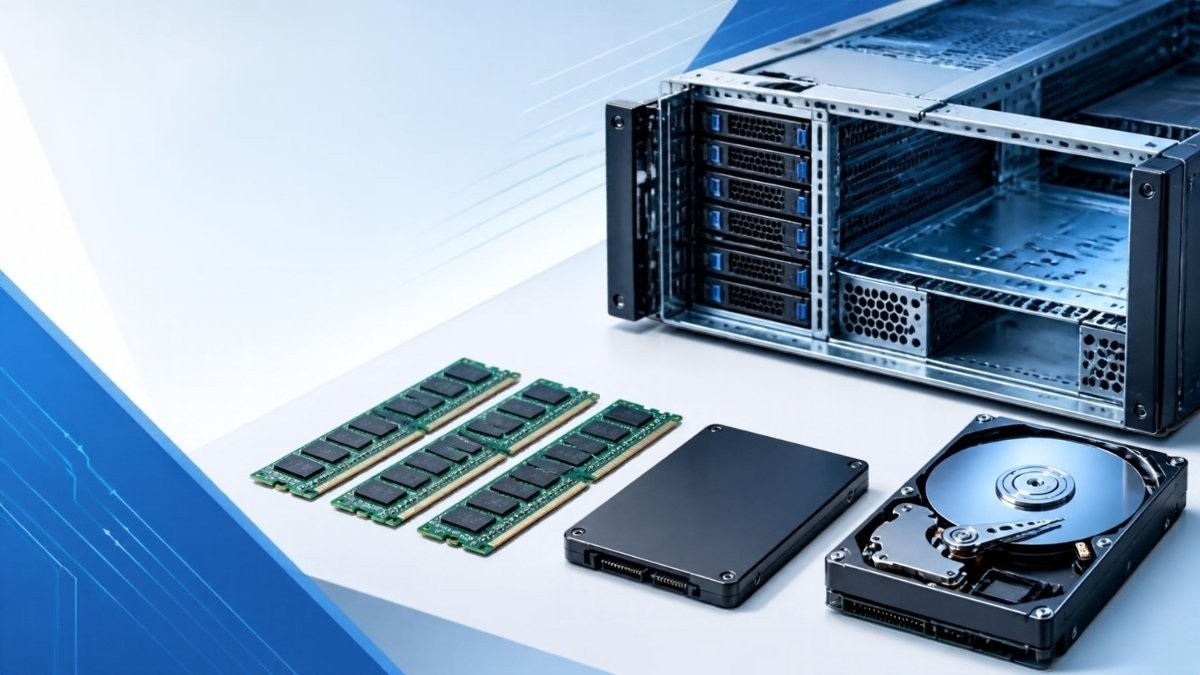
The minimum is 2 GB of RAM for Server Core and for Desktop Experience, with 4 GB recommended for Desktop Experience, and a 32 GB system partition. ECC memory is expected for physical hosts. In practice, plan 8–16 GB of RAM and 64–128 GB of SSD storage for even a lightly used server.
Memory
- Server Core: 2 GB minimum. Core has no desktop shell, so it uses less memory and has a smaller attack surface.
- Desktop Experience: 2 GB minimum, 4 GB recommended. The Windows 11-style desktop, Server Manager and GUI tools all need headroom.
- ECC: Microsoft lists ECC or similar technology for physical host deployments. Most server-grade platforms use ECC by default.
Storage
Microsoft calls 32 GB an “absolute minimum”, enough for Server Core with the IIS role. Desktop Experience uses about 4 GB more than Server Core. Servers with more than 16 GB of RAM need extra disk space for the page file, hibernation and memory dump files.
The storage controller must comply with the PCI Express specification. Windows Server 2025 does not allow PATA, ATA, IDE or EIDE for boot, page or data drives, which matters if you are reusing very old hardware.
Planning disk layout before installing? Our guide to the diskpart commands for cleaning and partitioning drives covers the command-line tools you will meet in Setup.
Running Windows Server 2025 in a virtual machine
A Windows Server 2025 VM follows the same minimums, but Microsoft warns that installing on a VM with just one core and 1,024 MB of RAM fails. Allocate at least 1,280 MB during setup (more if you have added languages or updates to the image), then reduce it afterwards if you need to.
- Create a Generation 2 VM in Hyper-V (or the UEFI equivalent in VMware or Proxmox) so you can use Secure Boot and a virtual TPM.
- Assign at least 2 virtual processors and 4 GB of RAM for a comfortable install; the 1,280 MB figure is the floor for setup to complete.
- Create a virtual disk of at least 64 GB, using a VHDX on Hyper-V.
- Attach the Windows Server 2025 ISO and start the VM.
- After installation, adjust memory to suit the role, or enable Dynamic Memory.
If you are stuck with a small VM, Microsoft documents a workaround: press Shift+F10 in Setup, create and format the partition with diskpart, then run wpeutil createpagefile /path=C:\pf.sys before continuing.
Hyper-V host limits in Windows Server 2025
If Windows Server 2025 is the host, the ceilings are generous. Microsoft’s Hyper-V scale limits list up to 2,048 virtual processors and 240 TB of memory per Generation 2 VM.
| Per-VM limit (Windows Server 2025 host) | Generation 2 | Generation 1 |
|---|---|---|
| Virtual processors | 2,048 | 64 |
| Memory | 240 TB | 1 TB |
| Virtual hard disk (VHDX) | 64 TB | 64 TB |
| Virtual network adapters | 64 | 8 standard + 4 legacy |
| Checkpoints | 50 | 50 |
The edition matters for how many VMs you can license. Standard covers two Windows Server VMs per fully licensed host; Datacenter covers unlimited VMs. Our Standard vs Datacenter comparison covers the break-even point.
TPM, Secure Boot and Secured-core requirements
Unlike Windows 11, Windows Server 2025 does not require a TPM or Secure Boot to install. They are needed only for specific features: BitLocker needs TPM 2.0, and Secured-core server needs TPM 2.0, Secure Boot, virtualisation-based security, IOMMU (Intel VT-d or AMD-Vi), Kernel DMA Protection and DRTM.
| Feature | Needs |
|---|---|
| Basic installation | No TPM or Secure Boot required |
| BitLocker Drive Encryption | TPM 2.0 with EK certificate and SHA-256 PCR banks |
| Secure Boot | UEFI 2.3.1c firmware |
| Credential Guard (on by default where supported) | Virtualisation-based security support |
| Secured-core server | TPM 2.0, Secure Boot, VBS, IOMMU, Kernel DMA Protection, DRTM |
Microsoft’s What’s new in Windows Server 2025 notes that Credential Guard is now enabled by default on devices that meet its requirements. On new hardware, buying a server with TPM 2.0 and UEFI is sensible even if you don’t plan to use these features on day one.
Hardware checks out? Licence the right edition
For a physical server or up to two Windows Server VMs, Windows Server 2025 Standard is usually the fit; heavily virtualised hosts are better served by Windows Server 2025 Datacenter. Remember that users or devices accessing the server also need Windows Server 2025 CALs.
Sizing a real server: practical starting points
Size from the roles you will run, not from the minimums. A small file server or domain controller is comfortable on 4 cores, 8–16 GB of RAM and SSD storage; a Hyper-V host or SQL Server needs much more. Microsoft recommends test deployments, and its role-specific documentation gives better guidance.
| Typical role | Sensible starting point | What drives the size |
|---|---|---|
| Domain controller (small office) | 2–4 cores, 8 GB RAM, 80 GB SSD | Number of users and objects; DNS and DHCP |
| File and print server | 4 cores, 8–16 GB RAM, storage to suit data | Data volume, deduplication, backups |
| Remote Desktop Session Host | 8+ cores, 2–4 GB RAM per concurrent user | User count and applications |
| SQL Server | 8+ cores, 32 GB+ RAM, fast NVMe | Database size and query load |
| Hyper-V host | 16+ cores, 64 GB+ RAM | Sum of all VM allocations plus host overhead |
These are general starting points from common small-business deployments rather than Microsoft figures; monitor and adjust once the server is live. If you plan to run SQL Server on the same box, check our SQL Server editions comparison for edition limits on memory and cores.
Ready to install? Our Windows Server 2025 Standard installation guide walks through download, setup and activation. If you are upgrading an older server, see upgrading from Windows Server 2022 to 2025.
Frequently asked questions
Does Windows Server 2025 require TPM 2.0?
No, not for installation. Unlike Windows 11, Windows Server 2025 installs without a TPM. You need TPM 2.0 only for features that depend on it, such as BitLocker Drive Encryption and Secured-core server. Microsoft specifies TPM 2.0 with an EK certificate and SHA-256 PCR banks when a TPM is present.
What is the minimum RAM for Windows Server 2025?
Microsoft lists 2 GB as the minimum for both Server Core and Desktop Experience, with 4 GB recommended for Desktop Experience. Virtual machines need at least 1,280 MB during setup to avoid a failed installation. For real workloads, 8 GB or more is a more realistic starting point.
Will Windows Server 2025 run on an older CPU?
Only if the CPU supports every required instruction set. Windows Server 2025 needs SSE4.2, POPCNT, NX/DEP, CMPXCHG16b, LAHF/SAHF, PrefetchW and SLAT. Very old processors without SSE4.2 or POPCNT will not install it. Use Microsoft’s Coreinfo tool to check before buying licences.
How much disk space does Windows Server 2025 need?
The absolute minimum is 32 GB for the system partition, enough for Server Core with the IIS role. Desktop Experience uses about 4 GB more, and servers with more than 16 GB of RAM need extra space for page and dump files. Plan for at least 64–128 GB in practice.
Can I run Windows Server 2025 in Hyper-V on Windows 11?
Yes. Windows 11 Pro, Enterprise and Education include Hyper-V, and Windows Server 2025 runs well as a Generation 2 VM. Give it at least 1,280 MB of RAM for setup, preferably 4 GB, plus 64 GB of virtual disk. You still need a valid Windows Server licence to activate it beyond evaluation.
Is Server Core lighter than Desktop Experience?
Yes. Server Core has no desktop shell, so it uses less memory and about 4 GB less disk space, and needs fewer updates. You manage it remotely with Windows Admin Center, PowerShell or Server Manager from another machine. Desktop Experience is easier for small teams who prefer GUI tools.
The bottom line
Most server hardware from the last decade meets the Windows Server 2025 minimums; the instruction-set checks are what catch very old machines. Confirm your CPU with Coreinfo, size RAM and storage for the roles you will run, and give VMs enough memory during setup. Then choose between Windows Server 2025 editions based on how many VMs you will host.
Useful links
| Resource | Why it helps |
|---|---|
| Microsoft Learn: Windows Server hardware requirements | Official CPU, RAM, storage and network minimums |
| Microsoft Learn: Hyper-V scale limits | VM and host maximums for Windows Server 2025 |
| Microsoft Lifecycle: Windows Server 2025 | Support end dates |
| Microsoft Learn: What’s new in Windows Server 2025 | Security defaults such as Credential Guard |
| Windows Server 2025 licensing explained | Core licences and CALs |
| Standard vs Datacenter | Choose the edition for your VM count |
| Windows Server 2025 Standard install guide | Download, install and activate |
| Windows Server 2025 Standard | Licence for most small-business servers |


