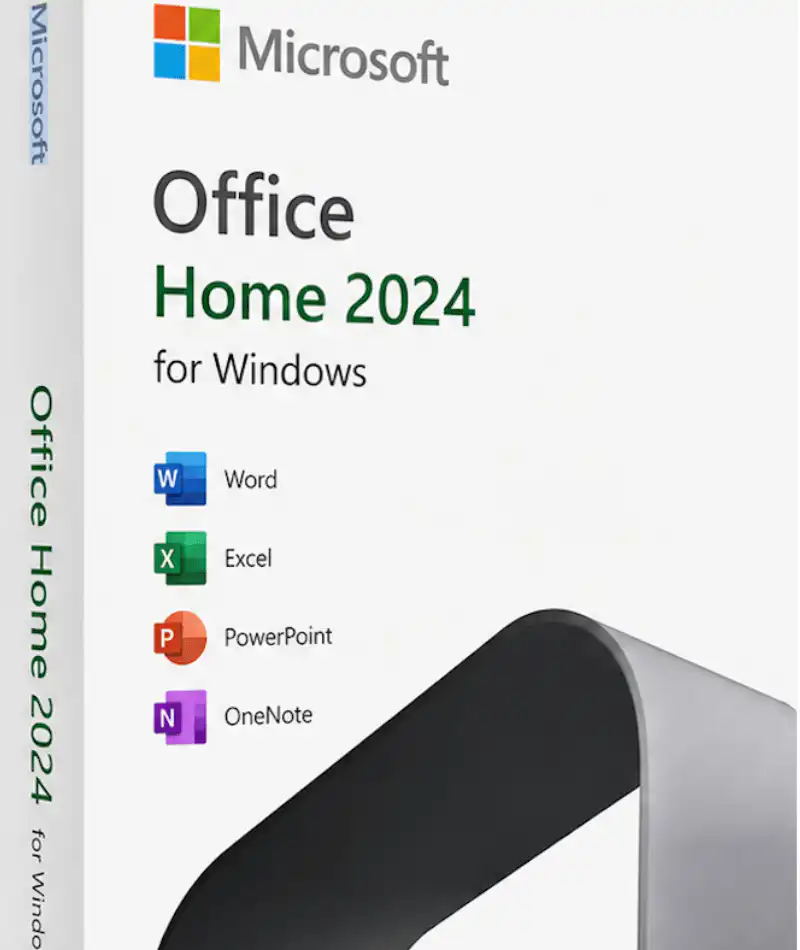
Microsoft Office 2024 Home for Windows — Retail Product Key (1 PC, One-Time Purchase)
Microsoft Office 2024 Home for Windows is a perpetual, one-time-purchase licence for a single PC that includes Word, Excel, PowerPoint and OneNote. It is the entry-level edition of the Office 2024 family: no monthly fee, no renewal date, and no Microsoft 365 subscription attached. Your 25-character retail key activates directly against Microsoft’s activation servers and stays valid for as long as you use that device.
This listing is the Retail online-activation key for Windows PCs only. If you would rather have a key that binds permanently to your Microsoft account for easier reinstallation across a PC or a Mac, choose the Office 2024 Home bind-key edition for PC & Mac instead.
⚠️ Before you buy — please read
- Windows only. This retail key does not activate Office for Mac. Mac buyers should use the Office 2024 Mac category.
- One PC, one activation. A retail online-activation key is intended for a single installation. Reinstalling on the same PC after a clean Windows install is normally fine; moving the licence to a different computer after a major hardware change may require phone activation using our free CID tool.
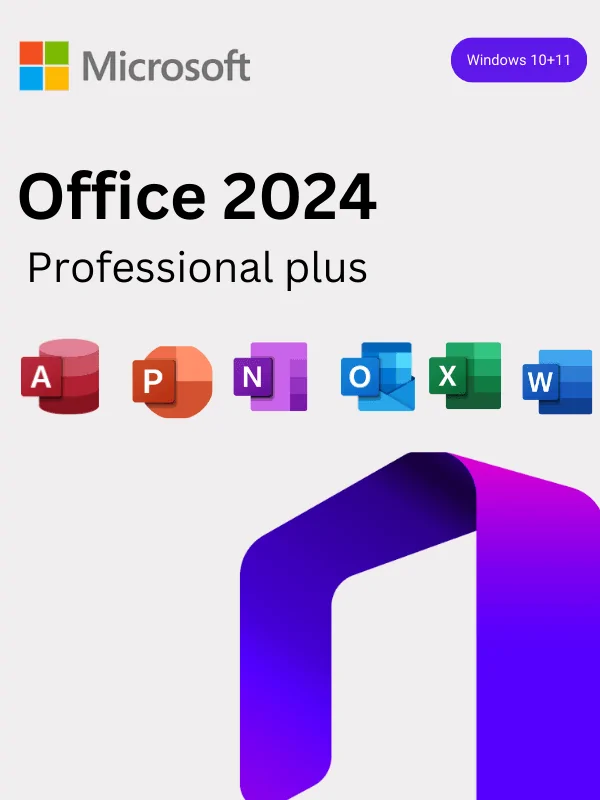
- No Outlook, Access or Publisher. Office 2024 Home is Word, Excel, PowerPoint and OneNote only. If you need Outlook, see Office 2024 Home & Business; for Access as well, see Office 2024 Professional Plus. Publisher has been retired by Microsoft and is not in any Office 2024 edition.
- No Copilot or AI features. Microsoft’s Copilot AI tools are exclusive to Microsoft 365 subscriptions and are not part of any perpetual Office 2024 licence.
- Once a key has been activated — or an activation has been attempted — the order becomes non-refundable. Please read our Refund & Returns Policy before checkout.
What Is Microsoft Office 2024 Home?
Office 2024 Home is the consumer entry point to Microsoft’s 2024 perpetual release. “Perpetual” means you pay once and keep the software — unlike Microsoft 365, which stops working when the subscription lapses. Office 2024 is a frozen feature set: it receives security and stability updates for its support lifecycle, but new features released after launch go only to Microsoft 365 subscribers.
That trade-off is exactly why most home buyers choose it. If you write documents, keep a household or study budget in Excel, and build the occasional presentation, you are paying once for tools you will still be using in five years — instead of renewing indefinitely for cloud features you may never open.
Applications included
- Microsoft Word 2024 — document creation with an improved accessibility checker, refreshed Fluent design, and better co-authoring on files stored in the cloud.
- Microsoft Excel 2024 — dynamic arrays and modern lookup functions including XLOOKUP, TEXTBEFORE and TEXTAFTER, plus faster recalculation on multi-core CPUs. [VERIFY: confirm whether GROUPBY/PIVOTBY shipped in the perpetual 2024 build before listing them — several sources treat these as Microsoft 365-only.]
- Microsoft PowerPoint 2024 — smoother transitions, improved media handling, and easier recording of narrated slides.
- Microsoft OneNote 2024 — free-form notebooks for notes, clippings and study material, syncing to your Microsoft account.
Want a single app rather than the suite? Browse Word 2024 or Excel 2024 separately.
Key Features of the Office 2024 Home Retail Licence
- One-time payment, no subscription. No renewal invoice, no card on file, no feature lock-out if you stop paying.
- Genuine retail key, delivered by email. Your licence arrives within minutes of payment confirmation and activates on Microsoft’s own servers.
- Works fully offline. An internet connection is needed for download and activation only; day-to-day work does not require one.
- Supported until October 2029. Microsoft’s stated end-of-support date for Office 2024 is 9 October 2029 — security updates run to that date.
- Standard file formats. Full .docx, .xlsx and .pptx compatibility, so files open cleanly for anyone on any Office version.
- Optional OneDrive integration. You can save to OneDrive with the free storage tier attached to your Microsoft account. This licence does not include the 1 TB of storage that comes with Microsoft 365, and OneDrive should never be your only copy of important files.
- Dark mode and accessibility improvements across all four applications.
- Multi-language. Install in your preferred display language from Microsoft’s own setup page.
Office 2024 Home vs Other Office 2024 Editions
| Edition |
Apps included |
Devices |
Best for |
| Office 2024 Home (this page) |
Word, Excel, PowerPoint, OneNote |
1 PC |
Students, families, personal use |
| Office 2024 Home & Business |
Home apps + Outlook |
1 PC or Mac |
Freelancers and sole traders who need desktop email |
| Office 2024 Standard |
Word, Excel, PowerPoint, Outlook, OneNote |
1 PC |
Small business standard-issue desktops |
| Office 2024 Professional Plus |
Standard apps + Access |
1 PC |
Power users and database work |
| Microsoft 365 account |
Always-current apps + cloud storage |
Multiple devices |
Users who want cloud storage and continuous updates |
On a tighter budget? The previous generation is still fully supported and considerably cheaper — see Office 2021 Home & Student or the full Office 2021 PC range. Note that Office 2021 reaches end of support in October 2026, so Office 2024 is the better long-term buy.
Who Should Buy Office 2024 Home?
- Students and university users writing coursework and dissertations who need a permanent Word licence rather than a subscription that lapses after graduation.
- Households managing budgets, letters and school projects on one family PC.
- New PC owners setting up a machine from scratch — pair it with a Windows 11 Pro licence or browse the full Windows 11 range.
- Occasional users who resent paying every year for software they open a few times a month.
Not the right fit if you need Outlook, shared team licensing, or installs across several machines. In those cases look at Office 2024 Pro Plus for 3 devices, or contact our B2B & wholesale team for volume pricing.
System Requirements
| Operating system |
Windows 11 or Windows 10 (64-bit). Windows 10 reached end of support in October 2025 — upgrading to Windows 11 is recommended. |
| Processor |
1.1 GHz or faster, 2-core |
| Memory |
4 GB RAM (8 GB recommended) |
| Storage |
4 GB available disk space |
| Display |
1280 × 768 minimum resolution |
| Internet |
Required for download and activation only |
| Licence type |
Retail, online activation, perpetual — 1 PC |
| Microsoft account |
Required to download from Microsoft’s setup page |
| Support lifecycle |
Security updates until 9 October 2029 |
How to Install and Activate Office 2024 Home
- Receive your key. Your 25-character product key is emailed to you within minutes of payment. Check spam if it hasn’t arrived; you can also see it in My Account.
- Remove older Office installs. Uninstall any trial or previous version first — mixed installations are the single most common cause of activation errors.
- Go to Microsoft’s setup page and sign in with a free Microsoft account.
- Enter your product key to redeem the licence to that account, then download the installer.
- Run the installer as administrator and let setup finish.
- Open Word and confirm activation under File → Account. If online activation fails, use our free Confirmation ID (CID) tool to complete phone activation without calling anyone.
Step-by-step screenshots for every scenario are in our Installation & Activation Guide. If anything goes wrong, our team is reachable through the Help & Support Centre.
Why Buy Office 2024 Home from WinCDKey?
- Verified Microsoft Partner — check our listing directly on the Microsoft AppSource partner directory.
- 400,000+ regular customers and 600,000+ orders served, with 2,500+ verified reviews on Trustpilot.
- UK-registered company. Wincdkey Ltd, Company No. 15530488, 71–75 Shelton Street, Covent Garden, London, WC2H 9JQ. Authorised global distributor: 1D3 Digitech OÜ.
- Instant email delivery, secure checkout, and human support via live chat and ticket.
- Order tracking and a full order history through Order Tracking.
Related Products
Frequently Asked Questions
Is Office 2024 Home a one-time purchase?
Yes. Office 2024 Home is a perpetual licence bought outright. There are no monthly or annual fees, and the software keeps working indefinitely on the PC it was activated on.
How many PCs can I install this key on?
One. This retail licence covers a single Windows PC. For additional machines you need a separate licence per device, or a multi-device edition such as Office 2024 Pro Plus for 3 devices.
Does Office 2024 Home include Outlook?
No. Office 2024 Home includes Word, Excel, PowerPoint and OneNote only. Outlook is available in Home & Business and higher editions, or as a standalone licence in our Outlook 2024 category.
Does it include Copilot or Microsoft’s AI features?
No. Copilot is exclusive to Microsoft 365 subscriptions. No perpetual Office 2024 edition includes it. If you specifically want AI features and cloud storage, look at our Microsoft 365 accounts instead.
Will it work on a Mac?
No. This is the Windows retail key. Mac users should choose from the Office 2024 Mac category.
Can I move the licence to a new computer later?
A retail licence can generally be reinstalled on the same PC and, in many cases, transferred after decommissioning the old machine — but online activation may fail after a major hardware change. Our CID tool resolves most of these cases instantly. [VERIFY: confirm supplier’s transfer policy for this specific SKU before publishing a firmer answer.]
How long will Office 2024 receive updates?
Microsoft supports Office 2024 with security and stability updates until 9 October 2029. New features released after launch are reserved for Microsoft 365 subscribers.
Do I need a Microsoft account?
Yes, a free Microsoft account is required to redeem the key and download the installer from Microsoft’s setup page. It costs nothing to create.
Is this a genuine Microsoft licence?
Yes. Keys are sourced through authorised distribution and activate directly against Microsoft’s servers. WinCDKey is a verified Microsoft Partner — you can confirm our listing in the AppSource partner directory.
When will I receive my key?
Almost always within 1–2 minutes of payment confirmation, 24/7. Delivery is by email; the key is also visible in My Account.
What if the key does not activate?
Contact us through the Help & Support Centre or live chat. Most activation issues are resolved the same day. Refund eligibility is set out in our Refund & Returns Policy.
Is Office 2021 a better deal?
It is cheaper, but its support ends in October 2026 against 2029 for Office 2024 — so the cost per supported year is usually worse. Compare in the Office 2021 category and see our software blog for edition comparisons.
Buy Office 2024 Home for Windows Today
Genuine retail key · instant email delivery · one-time payment · verified Microsoft Partner. Add to cart above, or explore the rest of the Office 2024 range first. Questions before you buy? Our FAQ page and About Us page cover the essentials.
Refunds
Once a purchased software package has been activated or an activation has been attempted through an online activation site, the package becomes none refundable But in serious matters, we can refund on Wincdkey wallet. So you can use every product. We cannot add the software package to our stock if an activation has been completed or attempted.
We cannot issue a refund if a customer has purchased the wrong product. Rather then we can change it if he not try to active it
Example: A customer purchases a Windows software package for a Mac machine.
Exchanges
Microsoft Softwares will exchange software purchases for up to 30 days after order completion but only if the software has not been downloaded by the customer, you can also return your purchased software within 30 days if the software remains none downloaded for a full refund.
Redemption or Activation:
After purchasing keys, you will get a voucher code which is needed to redeem. this voucher code have a lifetime validity but once redeem it then you need to activate your windows or office within 7 working days.
Refund process
Refunds will be credited back to the credit/debit card that customers used to place their order, refunds are processed from our platform immediately the time taken to credit to the customer depends entirely on the customers card issuer and/or bank account.
How to initiate a Refund/Exchange
For any refund or exchange please open a create a refund or exchange request ticket here.