

Microsoft Remembers Why Windows Enthusiasts Matter — And Windows 11 Is Getting Its Soul Back

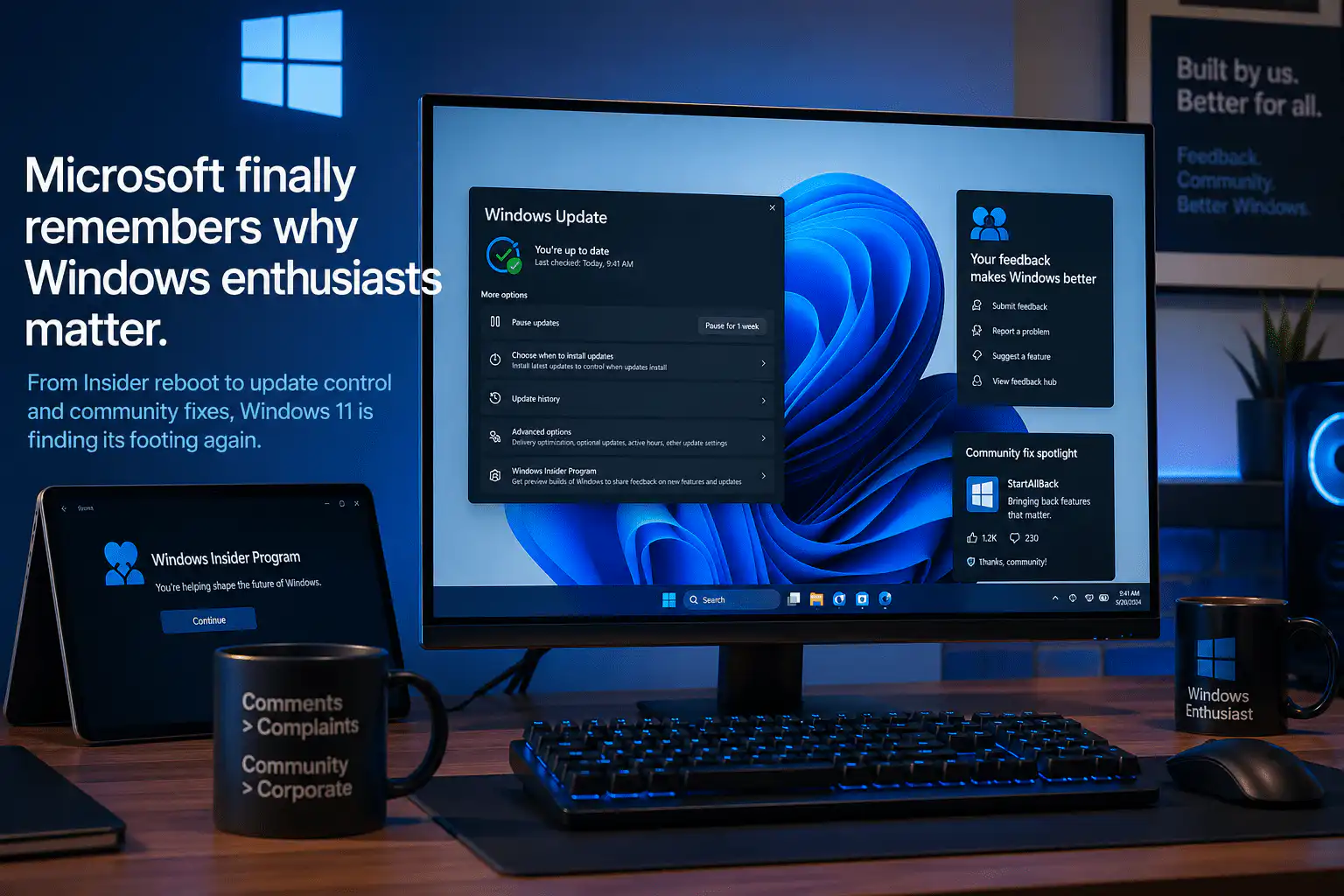
For a few years there, being a Windows enthusiast felt a little lonely. Microsoft was more interested in pushing AI widgets and MSN news feeds at you than listening to what the community actually wanted. The Windows Insider Program — once a lively, energetic place where fans helped shape the OS in real time — had lost much of its spark.
That’s changing in 2026. And the shift is bigger than just a few feature tweaks.
The Windows Insider Program Is Getting a Full Reboot
Microsoft has kicked off a reboot of the Windows Insider Program, with the tech giant eager to listen to feedback and lower the barriers that prevent Insiders from testing new features.
In the early days of Windows 10 and Windows 11 previews, the Insider Program had genuine energy behind it. Enthusiasts would race to install new builds, report bugs, debate changes online, and feel — rightly — that their voices helped shape the product. Over time, that sense of community eroded as features began shipping without ever touching an Insider build, and feedback seemed to disappear into a void.
The reboot signals Microsoft is serious about reversing that. The first Experimental Preview build has already landed under a reorganised Insider channel structure, and the company has made it clear it wants real engagement — not just passive telemetry collection.
If you’ve been on the fence about upgrading to get involved, this is a good reason to take the plunge. You can grab a Windows 11 Pro key today and start experiencing the new builds as they roll out over summer 2026.
Real Update Control Is Finally Coming
One of the most persistent frustrations with Windows 11 has been the lack of user control over updates. Forced restarts at inconvenient times, driver updates kicking in mid-session, and an inability to skip or delay updates during setup were all things Windows 10 handled better.
Windows 11 is now getting new controls that let users skip updates during setup, extend pause durations, and avoid forced reboots. These are exactly the kind of quality-of-life improvements that enthusiasts have been requesting for years, and they signal a meaningful shift in how Microsoft thinks about user autonomy over their own machines.
Paired with broader improvements under the Windows K2 initiative — which aims to make restarts necessary only once a month — the update experience on Windows 11 is on track to be significantly less intrusive by late 2026.
Microsoft Has Made a Public Commitment to Quality
Microsoft has announced major changes to Windows 11, revamped the Windows Insider Program, and made a public commitment to double down on quality.
This isn’t vague corporate speak. The three pillars of Microsoft’s internal Windows K2 initiative — performance, craft, and reliability — are already producing tangible results in Insider builds. The company has acknowledged that Windows 10 outperforms Windows 11 in certain benchmarks and is actively working to close that gap. File Explorer speed improvements, a rebuilt Start menu that loads up to 60% faster, and ad removal from the Start menu are all part of what’s shipping over the coming months.
The culture shift inside Microsoft’s Windows team is arguably just as important as any individual feature. Teams are no longer racing to ship fast — the obsession with agility has been replaced with an obsession with quality, and new features must clear a significantly higher internal bar before reaching preview builds.
Why the Enthusiast Community Actually Matters
It would be easy to dismiss the Windows enthusiast community as a niche. But historically, this group has been the canary in the coal mine for broader user sentiment. When enthusiasts started complaining loudly about Windows 11’s forced AI features, ad-like recommendations, and sluggish UI, those complaints were echoing what millions of mainstream users felt but hadn’t yet articulated.
Microsoft’s Editor-in-Chief at Windows Central noted that Microsoft should credit Insiders who contribute to a change being made — the type of thing Microsoft needs to do more of. Giving ownership and recognition to the community that helps improve the product creates a feedback loop that benefits everyone, including casual users who never touch an Insider build.
Enthusiasts also tend to be the people who recommend software to friends, manage IT for small businesses, and build the forum posts that rank on Google when someone searches “should I upgrade to Windows 11.” When this group is happy, adoption follows.
What This Means If You’re Still on Windows 10
With Windows 10 now past its end-of-life date, machines running it are no longer receiving security patches. That’s not just a mild inconvenience — it’s a genuine security risk, particularly for business users or anyone handling sensitive data.
The good news is that 2026 is genuinely the best time to make the switch. Windows 11 is improving faster than it ever has, and the momentum behind the K2 initiative and Insider Program reboot means the OS will be in a noticeably better place by the time you’ve settled in.
Here’s what to grab at WinCDKey depending on your situation:
- Windows 11 Pro (1 Device) — the go-to choice for home users and professionals who want full Remote Desktop and BitLocker support
- Windows 11 Home — perfect for everyday personal use on a single machine
- Windows 11 Pro OEM — a cost-effective option for a permanent installation on one device
- Windows 11 Pro (5 PC) — ideal for small offices or households with multiple machines
- Upgrade from Windows 11 Home to Pro — already running Home and want BitLocker, Remote Desktop, and Group Policy? This is the most affordable route
Need the full package? Our Office 2024 Pro Plus + Windows 11 Pro bundle gets you both the OS and Microsoft’s latest productivity suite in one purchase, saving you money compared to buying separately. If you prefer a subscription model with cloud storage and mobile access, the Windows 11 Pro + Office 365 Pro Plus bundle is excellent value.


