🎃 HALLOWEEN SALE: 50% OFF best-selling Windows, Office, Autodesk & Server keys — use code GHOST50 Shop the sale →


Visual Studio 2026 Professional vs Enterprise: What’s the Difference?


Visual Studio Professional vs Enterprise is mainly a question of advanced testing and diagnostics. Visual Studio 2026 Professional has the same editor, compilers, debugger, Git tools and, as of 2026, code coverage. Enterprise adds IntelliTrace, Live Unit Testing, Microsoft Fakes, and code map and dependency validation tools. Most developers and small teams are fully served by Professional.
The gap has narrowed. Code coverage, once an Enterprise feature, is now in every edition, and several older Enterprise extras have been deprecated. Here is what still separates the editions, what each costs, and when the free Community edition is allowed.
Key takeaways
- Professional and Enterprise share the IDE, languages, workloads, debugger and Git integration. Enterprise adds testing, diagnostics and architecture tools.
- Enterprise-only in Visual Studio 2026: IntelliTrace, Live Unit Testing, Microsoft Fakes, creating code maps and dependency validation.
- Code coverage is now available in Community, Professional and Enterprise. In Visual Studio 2022 and earlier it was Enterprise-only.
- Community is free for individuals and for non-enterprise organisations with up to five users.
- Enterprise subscriptions cost several times more than Professional, so buy them for specific tools, not “just in case”.
In this guide
- Visual Studio Professional vs Enterprise vs Community at a glance
- What does Visual Studio Enterprise have that Professional doesn’t?
- What changed between editions in Visual Studio 2026?
- Can you use Visual Studio Community instead?
- How are Visual Studio Professional and Enterprise licensed?
- Which Visual Studio edition should you choose?
- Frequently asked questions
- The bottom line
- Useful links
Visual Studio Professional vs Enterprise vs Community at a glance
Verdict: choose Visual Studio 2026 Professional for commercial development by individuals and teams. Choose Enterprise when your team will actually use IntelliTrace, Live Unit Testing, Microsoft Fakes or architecture validation. Choose Community only if your organisation qualifies under its licence terms.
| Feature | Community | Professional | Enterprise |
|---|---|---|---|
| Best for | Students, hobbyists, open source, very small organisations | Professional developers and most business teams | Larger teams with heavy testing and architecture needs |
| Price | Free (eligibility rules apply) | Paid | Paid, highest cost |
| Commercial use in enterprise organisations | No (except open source, academic and classroom scenarios) | Yes | Yes |
| IDE, workloads, debugger, Git, unit testing | Yes | Yes | Yes |
| Code coverage | Yes (from Visual Studio 2026) | Yes (from Visual Studio 2026) | Yes |
| IntelliTrace historical debugging | No | No | Yes |
| Live Unit Testing (.NET) | No | No | Yes |
| Microsoft Fakes (.NET) | No | No | Yes |
| Code maps and dependency diagrams | View only | View only | Create and edit |
| Tier Interaction Profiling (Performance Profiler) | No | No | Yes |
Edition features are taken from Microsoft Learn and Microsoft’s Visual Studio comparison page, checked against version 18.10, the September 2026 update of Visual Studio 2026.
What does Visual Studio Enterprise have that Professional doesn’t?
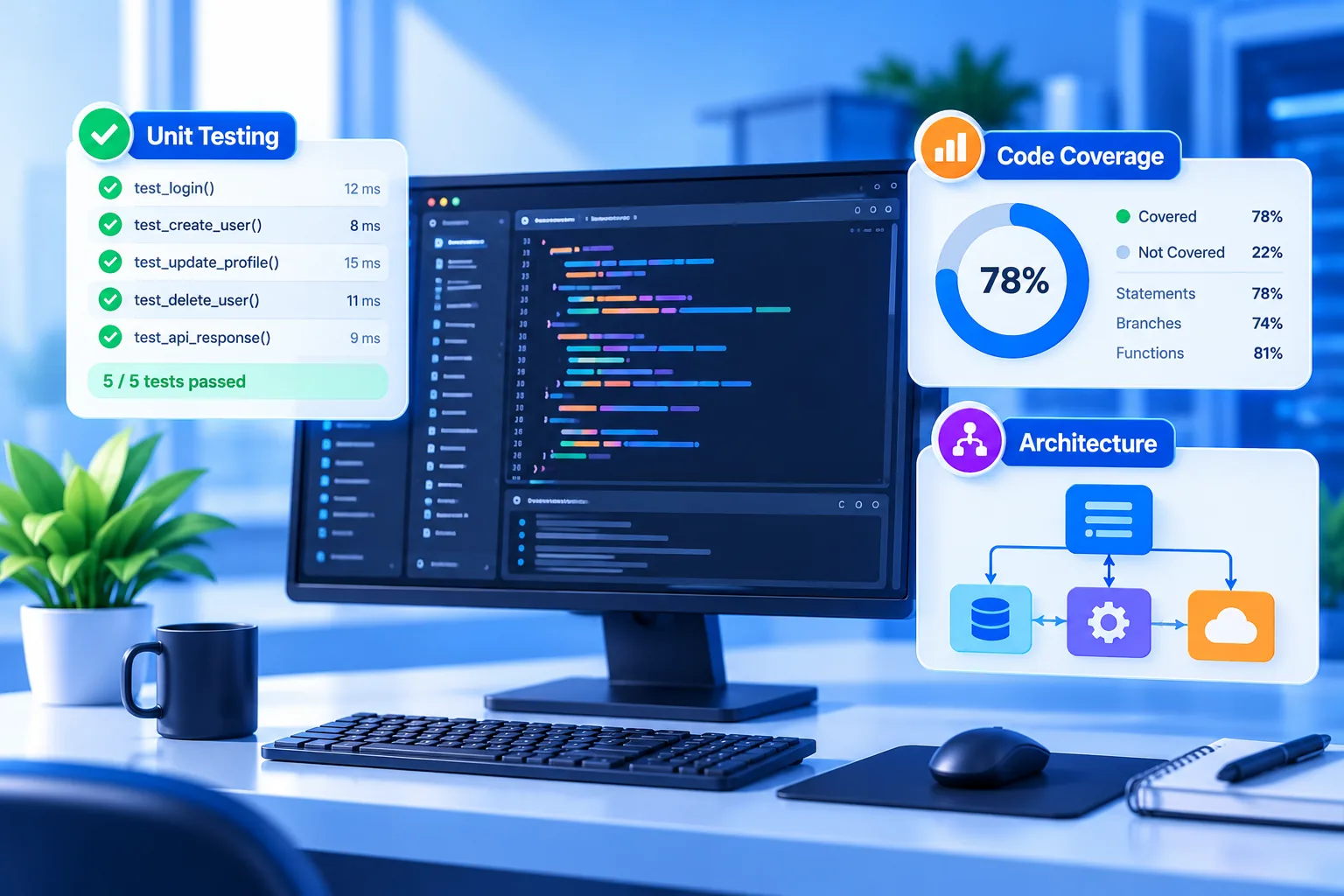
Visual Studio Enterprise adds tools for finding hard bugs and keeping large codebases under control. IntelliTrace records events so you can step back through what happened. Live Unit Testing runs affected tests as you type. Microsoft Fakes isolates code that is hard to mock. Code maps and dependency validation enforce architecture rules.
IntelliTrace
Normal debugging shows you the state at a breakpoint. IntelliTrace records events and calls as the app runs, so you can go back to an exception and see what led up to it. Microsoft’s IntelliTrace documentation states it works in Enterprise “but not the Professional or Community editions”. Support is strongest for .NET Framework applications.
Live Unit Testing
Live Unit Testing works out which unit tests your edit affects and runs them in the background, marking each line as covered and passing, covered and failing, or not covered. The effect is a much shorter feedback loop. Per Microsoft’s Live Unit Testing overview, it is Enterprise-only and supports .NET code.
Microsoft Fakes
Fakes generates stubs and shims so you can test code that calls static methods, sealed classes or system APIs such as DateTime.Now. It matters most in legacy .NET codebases that were never designed for dependency injection. Teams writing new code with interfaces and open-source mocking libraries often don’t need it.
Architecture tools
Enterprise can create and edit code maps and dependency diagrams and validate code against them, so a rule like “the UI layer must not call the data layer directly” is flagged when broken. Professional and Community users can only open these diagrams read-only.

What changed between editions in Visual Studio 2026?
Visual Studio 2026, released in November 2025, narrowed the Professional and Enterprise gap. Code coverage moved into Community and Professional, IntelliTest is deprecated, and the Snapshot Debugger is deprecated. Older comparison articles that list these as Enterprise reasons are out of date.
The code coverage documentation now says the feature is available in Enterprise, Community and Professional, and that in Visual Studio 2022 and earlier it was limited to Enterprise. For many teams that was the main reason to pay for Enterprise.
What this means for upgraders
If you bought Enterprise mainly for code coverage, Professional may now be enough. Check whether your team uses IntelliTrace, Live Unit Testing or Fakes day to day. If the honest answer is “rarely”, Professional is the better value. For a wider look at the new release, see our Visual Studio 2026 vs 2022 comparison.
Can you use Visual Studio Community instead?
You can use Visual Studio Community for free if you are an individual developer, work in classroom learning, academic research or open-source projects, or belong to a non-enterprise organisation with up to five users. Microsoft defines an enterprise as having more than 250 PCs or more than US $1 million in annual revenue. Enterprises can’t use Community for commercial work.
Community includes the same core IDE as Professional, which is why licence compliance, not features, is usually the reason to move up. A business that grows past five developers or crosses the enterprise threshold should move those developers to Professional.

How are Visual Studio Professional and Enterprise licensed?
Visual Studio Professional and Enterprise are licensed per user, either through Microsoft subscriptions or as standalone licences. On Microsoft’s Visual Studio pricing page, monthly cloud subscriptions are US $45 per user for Professional and US $250 for Enterprise. Annual standard subscriptions include extra benefits such as monthly Azure credit.
| Option (Microsoft, USD) | Professional | Enterprise |
|---|---|---|
| Monthly subscription | $45 per user a month | $250 per user a month |
| Standard subscription, first year | $99.99 per user a month, billed annually | $499.92 per user a month, billed annually |
| Standard subscription renewal | $66.59 per user a month | $214.09 per user a month |
| Monthly Azure credit (standard subscription) | $50 | $150 |
| Azure DevOps access | Basic | Basic + Test Plans |
Microsoft also lists a standalone, perpetual IDE licence at US $499, without subscription benefits. A licence key that activates Visual Studio suits developers who just want the IDE without monthly billing.
Get the Visual Studio 2026 edition you will actually use
For most commercial development, Visual Studio 2026 Professional covers the IDE, debugger and code coverage. If your team relies on IntelliTrace, Live Unit Testing or Fakes, choose Visual Studio 2026 Enterprise. Need help activating? Visit our help and support centre.
Which Visual Studio edition should you choose?
Choose Professional if you build commercial software and want a full IDE without paying for tools you won’t open. Choose Enterprise if you maintain large or legacy .NET systems where IntelliTrace, Live Unit Testing, Fakes or architecture validation save real debugging time. Choose Community only when your organisation meets its eligibility rules.
| Developer profile | Recommended edition |
|---|---|
| Student, hobbyist or open-source contributor | Community |
| Freelancer or agency with up to five developers (non-enterprise) | Community or Professional |
| In-house developer at a company over the enterprise threshold | Professional |
| Team maintaining a large .NET Framework application | Enterprise |
| Architect enforcing layer rules across many projects | Enterprise |
Many teams mix editions: a lead or QA engineer runs Enterprise while the rest use Professional. Solution files open in every edition. Still on the previous release? Visual Studio 2022 Professional remains available, and our Visual Studio 2022 Professional install guide covers activation.
Frequently asked questions
Is Visual Studio Professional worth it over Community?
For many developers the features are almost identical, so the real question is licensing. Community is free only for individuals, open-source, academic and classroom use, and non-enterprise organisations with up to five users. Once your organisation exceeds those limits, Professional is the edition you are allowed to use commercially.
Does Visual Studio 2026 Professional include code coverage?
Yes. Microsoft’s documentation states code coverage is available in Visual Studio Enterprise, Community and Professional editions, and that in Visual Studio 2022 and earlier it was limited to Enterprise. You can run coverage from Test Explorer and view results in the Code Coverage Results window.
Is IntelliTrace available in Visual Studio Professional?
No. IntelliTrace is available only in Visual Studio Enterprise. Professional and Community users still have the standard debugger, breakpoints, Diagnostic Tools and the Performance Profiler, but not IntelliTrace’s recorded event history, which lets you step back through earlier program state after an exception.
What is Live Unit Testing in Visual Studio?
Live Unit Testing automatically runs the unit tests affected by your code changes in the background while you edit, and shows pass, fail or not-covered markers beside each line. It supports .NET with MSTest, xUnit.net and NUnit, and it is available only in Visual Studio Enterprise.
Can Professional and Enterprise users work on the same project?
Yes. Both editions open the same solutions and project files, use the same compilers, and work with the same Git repositories. Enterprise-only artefacts, such as code maps and dependency diagrams, open read-only in Professional, and Fakes assemblies need Enterprise to build tests that use them.
Is Visual Studio Enterprise worth the extra cost?
It is worth it when the team uses its exclusive tools often. IntelliTrace and Live Unit Testing can save hours on complex .NET bugs, and architecture validation helps large teams. For new projects with modern testing practices, Professional plus free mocking libraries usually delivers similar results for much less money.
The bottom line
For most developers, Visual Studio 2026 Professional is the right edition, especially now that it includes code coverage. Pay for Enterprise only when its diagnostics and architecture tools will be used every week. If you are also choosing a database edition for your projects, read our SQL Server editions comparison.
Useful links
| Resource | Why it helps |
|---|---|
| Visual Studio 2026 Professional | The edition most commercial developers need |
| Visual Studio 2026 Enterprise | Adds IntelliTrace, Live Unit Testing, Fakes and architecture tools |
| Visual Studio 2026 vs 2022 | What changed in the new release |
| Visual Studio 2022 Professional | Previous release for projects that need it |
| Visual Studio 2022 install guide | Download and activation steps |
| SQL Server editions compared | Choosing a database edition for development and production |
| Microsoft: IntelliTrace | Confirms IntelliTrace is Enterprise-only |
| Microsoft: Live Unit Testing | How Live Unit Testing works and edition support |
| Microsoft: code coverage | Confirms code coverage is in all editions from 2026 |
| Microsoft: Visual Studio pricing | Subscription prices and Community licence terms |


