

Microsoft Office 2010: Download, Install & Activate (32/64-bit Guide)

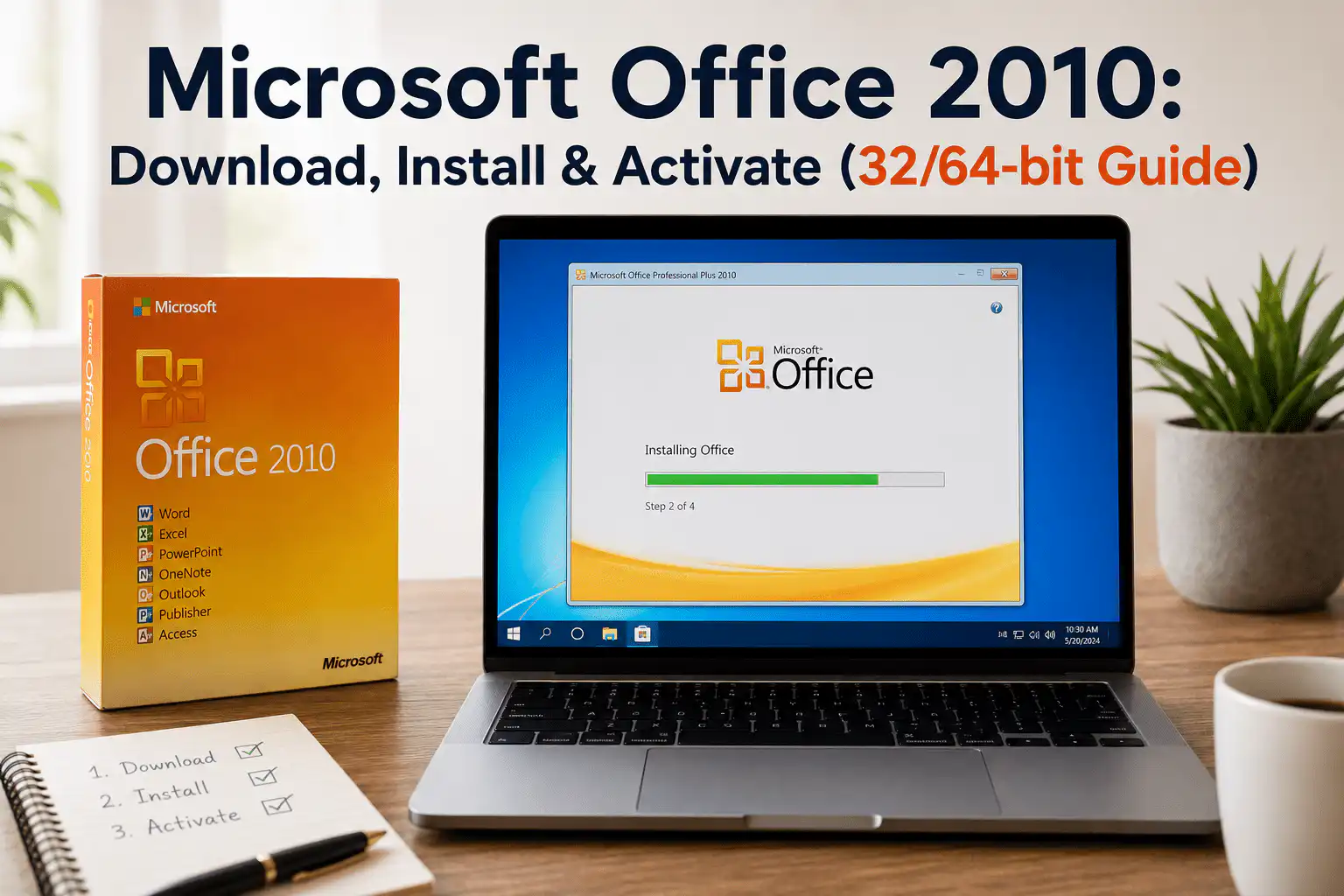
Microsoft Office 2010 was one of the most popular productivity suites ever released, and millions of users still have questions about downloading, installing, and activating it. This guide covers everything you need to know about Office 2010 — including how it compares to the newer versions available today, and why many users are making the switch to Office 2021 or Office 2024.
What Is Microsoft Office 2010?
Released in June 2010, Microsoft Office 2010 introduced a range of improvements over its predecessor, Office 2007. It was the first version to offer a 64-bit installer alongside the traditional 32-bit version, giving users more flexibility based on their hardware. The suite included Word, Excel, PowerPoint, Outlook, OneNote, Access, Publisher, and InfoPath.
Key highlights at the time of release included:
- The redesigned Backstage View, replacing the old File menu with a full-screen interface for saving, printing, and managing documents
- Improved Paste Preview, allowing you to see how pasted content would look before committing
- Sparklines in Excel — small in-cell charts for quick data visualisation
- Broadcast Slideshow in PowerPoint, letting you share presentations via a web browser in real time
- Enhanced photo and media editing tools directly within Office applications
Is Microsoft Office 2010 Still Supported?
No. Microsoft ended all support for Office 2010 on 13 October 2020. This means:
- No further security updates or patches are being issued
- No technical support is available from Microsoft
- The software is increasingly incompatible with modern file formats and cloud services
- Running Office 2010 on a connected PC poses a security risk
If you’re still using Office 2010 for critical work, we strongly recommend upgrading to a supported version. You can find genuine licences for Office 2021 for PC or Office 2024 for PC at Wincdkey — all delivered instantly by email at competitive prices.
How to Download Microsoft Office 2010 (32-bit and 64-bit)
Office 2010 Direct download here
Important note on 32-bit vs 64-bit:
- 32-bit Office 2010 — Compatible with both 32-bit and 64-bit versions of Windows. Recommended for most users, as it offers broader compatibility with older add-ins and third-party plugins.
- 64-bit Office 2010 — Designed for users who regularly work with very large Excel files or databases that exceed 2GB. Requires a 64-bit version of Windows.
If you’re unsure which version your PC supports, go to Control Panel > System to check your Windows edition and system type.
How to Install Microsoft Office 2010
Once you have your installer file (.exe or .iso), follow these steps:
- Double-click the Office 2010 installer file to launch the setup wizard.
- When prompted, enter your 25-digit product key in the format
XXXXX-XXXXX-XXXXX-XXXXX-XXXXX. - Accept the Microsoft Software License Terms and click Continue.
- Choose Install Now for a standard installation, or Customize to select which applications to install.
- Wait for the installation to complete — this typically takes 5–15 minutes depending on your system.
- Click Close when the installation is finished, then restart your computer if prompted.
How to Activate Microsoft Office 2010
After installation, Office 2010 must be activated using a valid product key. There are two activation methods:
Option 1: Online Activation
- Open any Office 2010 application (e.g. Word or Excel).
- If activation is required, a prompt will appear automatically. Click Activate now.
- Select I want to activate the software over the Internet and click Next.
- Follow the on-screen instructions to complete activation via Microsoft’s servers.
Option 2: Phone Activation
If online activation fails — for example, if the key has previously been activated on a different machine — you can use phone activation:
- In the activation wizard, select I want to activate the software by telephone.
- Select your country and call the number shown on screen.
- Provide the Installation ID displayed on your screen to the automated system.
- Enter the Confirmation ID (CID) provided by Microsoft to complete activation.
Need help with phone activation on a newer Office version? Wincdkey offers a Phone Activation CID Tool to assist with the process.
Microsoft Office 2010 System Requirements
| Component | Minimum Requirement |
|---|---|
| Processor | 500 MHz or faster |
| RAM | 256 MB (32-bit) / 512 MB (64-bit) |
| Hard Disk Space | 3.0 GB available |
| Display | 1024 × 768 resolution |
| Operating System | Windows XP SP3, Windows Vista SP1, Windows 7, Windows Server 2003 SP2+ |
| Internet | Required for activation and online features |
Note: Office 2010 is not compatible with Windows 10 or Windows 11 in an officially supported capacity, and Microsoft no longer certifies it for modern operating systems.
Office 2010 vs. Newer Office Versions: Should You Upgrade?
If you’re still running Office 2010, here’s a quick comparison to help you decide whether it’s time to move on:
| Feature | Office 2010 | Office 2019 | Office 2021 | Office 2024 |
|---|---|---|---|---|
| Security Updates | ❌ Ended Oct 2020 | ✅ Until 2025 | ✅ Until 2026 | ✅ Until 2029 |
| Windows 11 Support | ❌ No | ✅ Yes | ✅ Yes | ✅ Yes |
| Dark Mode | ❌ No | ✅ Yes | ✅ Yes | ✅ Yes |
| Real-time Collaboration | ❌ No | Limited | ✅ Yes | ✅ Yes |
| Microsoft Teams Integration | ❌ No | ❌ No | ✅ Yes | ✅ Yes |
| Excel Dynamic Arrays | ❌ No | ❌ No | ✅ Yes | ✅ Yes |
| One-time Purchase | ✅ Yes | ✅ Yes | ✅ Yes | ✅ Yes |
The verdict: if security, compatibility, and modern features matter to you, upgrading is the right call. Wincdkey offers genuine, one-time purchase licences for all current Office versions at prices significantly below RRP.
Upgrade Options Available at Wincdkey
Whether you need a licence for personal use, a home office, or a business, Wincdkey has a range of genuine Microsoft Office licences to suit every need:
- Office 2021 Home and Business for PC — Word, Excel, PowerPoint, and Outlook in a single one-time purchase
- Office 2021 Professional Plus — the full suite including Access and Publisher, ideal for power users
- Office 2024 Professional Plus — Microsoft’s latest perpetual Office suite with the newest features
- Office 2024 Home and Business (PC & Mac) — perfect for users who work across platforms
- Office 2021 Pro Plus + Windows 11 Pro Bundle — save more by pairing your Office licence with a Windows 11 upgrade
Not sure which version is right for you? Browse our full Office 2021 range and Office 2024 range, or visit our FAQs page for guidance.
Frequently Asked Questions
Can I still use Office 2010 in 2025?
Technically yes, but it is not recommended. Microsoft ended all support for Office 2010 in October 2020, meaning there are no security updates. Running unsupported software on a PC connected to the internet presents a real security risk. We recommend upgrading to Office 2021 or Office 2024 for ongoing security and modern feature support.
Is Office 2010 compatible with Windows 11?
Office 2010 is not officially supported on Windows 11 and Microsoft does not certify it for use on modern operating systems. While it may run in some cases, you are likely to encounter compatibility issues and receive no support if problems arise.
What is the difference between 32-bit and 64-bit Office 2010?
The 32-bit version of Office 2010 is compatible with both 32-bit and 64-bit Windows and offers the broadest add-in compatibility. The 64-bit version is designed for users working with very large data sets in Excel (files over 2GB). For most home and business users, 32-bit is the safer choice.
Where can I get a genuine Office product key?
Wincdkey supplies genuine Microsoft Office product keys for all current versions, delivered instantly by email. All licences are verified authentic. Visit our Office 2021 or Office 2024 pages to browse available options, or check our Help & Support Centre if you have questions before purchasing.
How do I activate Office after purchasing from Wincdkey?
Once your order is confirmed, you’ll receive your product key by email. Full step-by-step activation instructions are available in our Installation & Activation Guide. If you need assistance with phone activation, our CID Tool is also available.
Final Thoughts
Microsoft Office 2010 served its users well for over a decade, but with support having ended in 2020, continuing to run it on a connected PC is no longer advisable. The good news is that upgrading has never been more affordable — Wincdkey offers genuine, one-time purchase licences for Office 2021 and Office 2024 at competitive prices, with instant email delivery and full activation support.
Browse our complete range of Microsoft software licences today, or get in touch via our Help & Support Centre if you need help choosing the right product.


