Skip to navigation Skip to main content
🖤 BLACK FRIDAY SALE: 50% OFF Windows & Office with BLACK26 + 30% OFF Autodesk with BK26 Shop the sale →
⚡ Flash Sale: Extra 15% off Windows & Office suites with code TECH15 • Instant Email Delivery within 60s
Open Support Ticket
Track Order
Wincdkeys Wincdkeys
0 items €0.00
Sign in Create an Account


Lost your password?

Menu
Wincdkey Wincdkey
0 items
  • Microsoft OfficeMicrosoft Office
    • Office 2024
      • office 2024 mac
      • office 2024 PC
    • Office 2021
      • Office 2021 PC
      • Office 2021 MAC
    • Office 2019
      • Office 2019 PC
      • Office 2019 MAC
    • Office 2016
      • Office 2016 PC
      • Office 2016 MAC
  • WindowsWindows
    • Windows 7
    • Windows 8
    • Windows 10
    • Windows 11
  • Office AppsOffice Apps
    • Excel
      • Excel 2024
      • Excel 2021
      • Excel 2019
      • Excel 2016
    • Word
      • Word 2024
      • Word 2021
      • Word 2019
      • Word 2016
    • Access
    • Project
      • Project 2024
      • Project 2021
      • Project 2019
      • Project 2016
    • Visio
      • visio 2024
      • Visio 2021
      • Visio 2019
      • Visio 2016
    • Outlook
      • Outlook 2024
      • Outlook 2021
      • Outlook 2019
      • Outlook 2016
  • MS ServerMS Server
    • SQL SERVER
    • Windows Server 2012
    • Windows Server 2016
    • Windows Server 2019
    • Windows Server 2022
    • Windows Server 2025
  • Antivirus
  • EaseUS
    • Data Recovery
    • Data Transfer
    • File Repair Tools
    • Mobile Data Recovery
    • Partition Manager
  • 🎁 Giveaway
Track Order
Illustration of a laptop running several virtual machines with Hyper-V on Windows 11
19 Nov
Microsoft Windows, Tips & Tricks

Hyper-V on Windows 11 Pro: How to Enable It and Create a Virtual Machine

Posted by author-avatar wincdkey
October 26, 2026
0
Hyper-V on Windows 11 explained: requirements, how to enable it with Windows Features or PowerShell, create a Windows 11 VM, and the Home edition limits.

Continue reading
Illustration of adding Gmail and Outlook.com email accounts to Outlook 2024 on a laptop
18 Nov
Microsoft Office, Tips & Tricks

How to Set Up Email in Outlook 2024 (Gmail, Outlook.com and IMAP)

Posted by author-avatar wincdkey
October 26, 2026
0
Set up email in Outlook 2024 step by step: add Gmail, Outlook.com and IMAP accounts, with the exact server settings, ports and fixes for setup errors.
Continue reading
Document page with dotted leader lines showing a table of contents in Word
16 Nov
Microsoft Office, Tips & Tricks

How to Create a Table of Contents in Word (and Keep It Updated)

Posted by author-avatar wincdkey
October 26, 2026
0
Create a table of contents in Word in six steps, keep it updated with one click, and fix missing headings, wrong page numbers and broken links for good.
Continue reading
Laptop sign-in screen with a padlock and key, illustrating how to change a computer password in Windows 11
08 Nov
Microsoft Windows, Tips & Tricks

How to Change or Reset Your Windows 11 Password (Local and Microsoft)

Posted by author-avatar wincdkey
October 26, 2026
0
How to change computer password in Windows 11 for local and Microsoft accounts, plus how to reset a forgotten one with security questions, online or CMD.
Continue reading
Laptop with a lightning bolt on screen illustrating Fast Startup in Windows 11
07 Nov
Microsoft Windows, Tips & Tricks

Fast Startup in Windows 11: What It Does and When to Turn It Off

Posted by author-avatar wincdkey
October 26, 2026
0
Fast Startup in Windows 11 hibernates the kernel at shutdown. Learn how it differs from hibernate, when to disable it, and four ways to turn it off safely.
Continue reading
Monitor with power symbol and timer illustrating the Windows shutdown command
06 Nov
Microsoft Windows, Tips & Tricks

Windows Shutdown Command: Timers, Restarts and Switches Explained

Posted by author-avatar wincdkey
October 26, 2026
0
Every Windows shutdown command switch explained: shutdown /s /t timers, restart to BIOS or Safe Mode, cancel with /a and schedule a daily shutdown easily.
Continue reading
How to install RAM illustration showing a memory module going into a motherboard slot
05 Nov
Microsoft Windows, Tips & Tricks

How to Check and Upgrade RAM in Windows 11 (Type, Speed and Slots)

Posted by author-avatar wincdkey
October 26, 2026
0
How to install RAM in a Windows 11 PC or laptop: check type, speed and free slots, pick compatible DDR4 or DDR5 sticks, fit them safely and test.
Continue reading
Windows 11 wallpaper illustration showing a desktop with a colourful background and folder icons
02 Nov
Microsoft Windows, Tips & Tricks

Windows 11 Wallpaper Location and Personalising an Unactivated PC

Posted by author-avatar wincdkey
October 26, 2026
0
Find every Windows 11 wallpaper location, save Windows Spotlight images and change your background on an unactivated PC, with steps that still work.
Continue reading
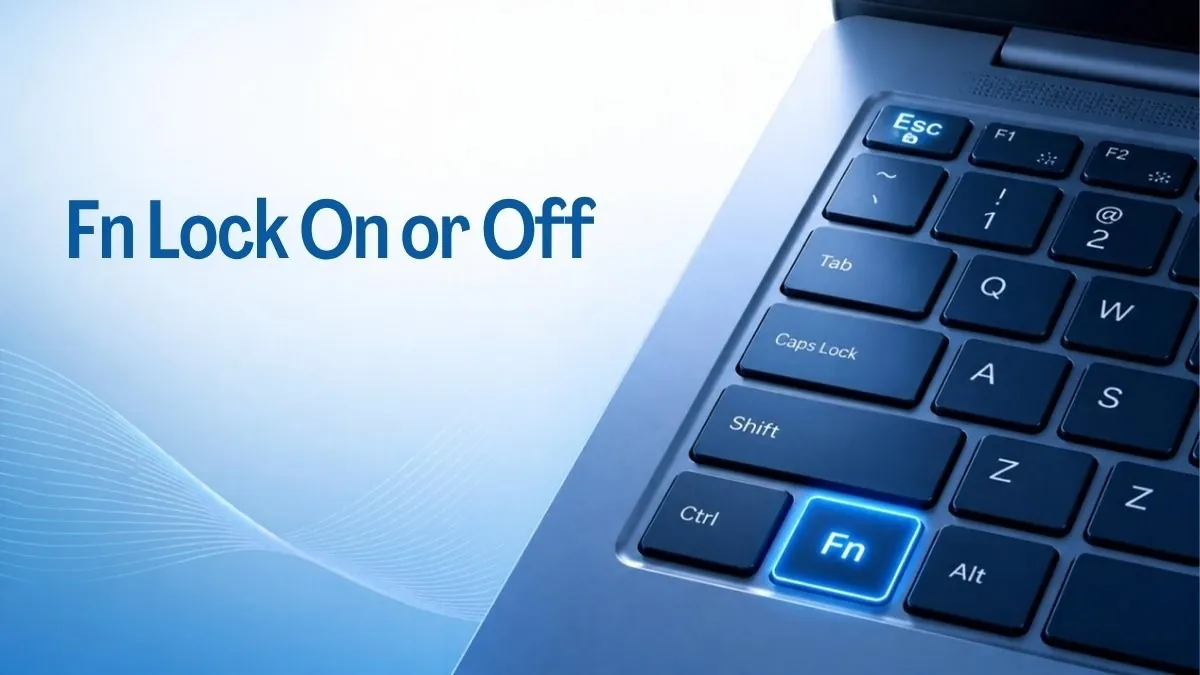
Laptop keyboard with a highlighted Fn key and Esc key showing how to turn Fn key lock on or off
02 Nov
Microsoft Windows, Tips & Tricks

How to Turn Fn Lock On or Off on Any Laptop Keyboard

Posted by author-avatar wincdkey
October 26, 2026
0
Fn key lock explained: the Fn + Esc shortcut, brand methods for Lenovo, Dell, HP and ASUS, BIOS settings and Mac options, plus fixes when it fails.
Continue reading
Snipping Tool in Windows 11 illustration showing a screenshot selection on a laptop screen
31 Oct
Microsoft Windows, Tips & Tricks

Snipping Tool in Windows 11: Shortcuts, Screen Recording and OCR

Posted by author-avatar wincdkey
October 26, 2026
0
Snipping Tool Windows 11 guide: every shortcut, how to record your screen with sound, copy text from images, and where screenshots are saved.
Continue reading
  • 1
  • 2
About Wincdkey Ltd
  • About Us
  • Refunds & Returns
  • Shipping Policy
  • Privacy Policy
  • Terms of service
  • Eu Law & Authentication
  • Contact
INFORMATION
  • Software Blog
  • FAQ
  • Phone Activation Software (CID)
  • Affiliate Portal
  • B2B Wholesale
  • Installation & Activation
Trusted Partner

microsoft partner

1D3 Digitech Logo
1D3 DIGITECH OÜ is an authorized global distributor of wincdkey.com
payments
© 2026 Wincdkey Ltd (Company No. 15530488). Registered in England and Wales. 71–75 Shelton Street, Covent Garden, London, WC2H 9JQ, United Kingdom.
  • Menu
  • Categories
  • Microsoft OfficeMicrosoft Office
    • Office 2024
      • office 2024 mac
      • office 2024 PC
    • Office 2021
      • Office 2021 PC
      • Office 2021 MAC
    • Office 2019
      • Office 2019 PC
      • Office 2019 MAC
    • Office 2016
      • Office 2016 PC
      • Office 2016 MAC
  • WindowsWindows
    • Windows 7
    • Windows 8
    • Windows 10
    • Windows 11
  • Office AppsOffice Apps
    • Excel
      • Excel 2024
      • Excel 2021
      • Excel 2019
      • Excel 2016
    • Word
      • Word 2024
      • Word 2021
      • Word 2019
      • Word 2016
    • Access
    • Project
      • Project 2024
      • Project 2021
      • Project 2019
      • Project 2016
    • Visio
      • visio 2024
      • Visio 2021
      • Visio 2019
      • Visio 2016
    • Outlook
      • Outlook 2024
      • Outlook 2021
      • Outlook 2019
      • Outlook 2016
  • MS ServerMS Server
    • SQL SERVER
    • Windows Server 2012
    • Windows Server 2016
    • Windows Server 2019
    • Windows Server 2022
    • Windows Server 2025
  • Antivirus
  • EaseUS
    • Data Recovery
    • Data Transfer
    • File Repair Tools
    • Mobile Data Recovery
    • Partition Manager
  • 🎁 Giveaway
  • Microsoft OfficeMicrosoft Office
    • Office 2024
      • office 2024 mac
      • office 2024 PC
    • Office 2021
      • Office 2021 PC
      • Office 2021 MAC
    • Office 2019
      • Office 2019 PC
      • Office 2019 MAC
    • Office 2016
      • Office 2016 PC
      • Office 2016 MAC
  • WindowsWindows
    • Windows 7
    • Windows 8
    • Windows 10
    • Windows 11
  • Office AppsOffice Apps
    • Excel
      • Excel 2024
      • Excel 2021
      • Excel 2019
      • Excel 2016
    • Word
      • Word 2024
      • Word 2021
      • Word 2019
      • Word 2016
    • Access
    • Project
      • Project 2024
      • Project 2021
      • Project 2019
      • Project 2016
    • Visio
      • visio 2024
      • Visio 2021
      • Visio 2019
      • Visio 2016
    • Outlook
      • Outlook 2024
      • Outlook 2021
      • Outlook 2019
      • Outlook 2016
  • MS ServerMS Server
    • SQL SERVER
    • Windows Server 2012
    • Windows Server 2016
    • Windows Server 2019
    • Windows Server 2022
    • Windows Server 2025
  • Antivirus
  • EaseUS
    • Data Recovery
    • Data Transfer
    • File Repair Tools
    • Mobile Data Recovery
    • Partition Manager
  • 🎁 Giveaway
  • Login / Register
Shopping cart
Close
Sign in
Close


Lost your password?

No account yet?

Create an Account
  • USD $ US Dollar
  • GBP £ British Pound Sterling
  • EUR € Euro
✕