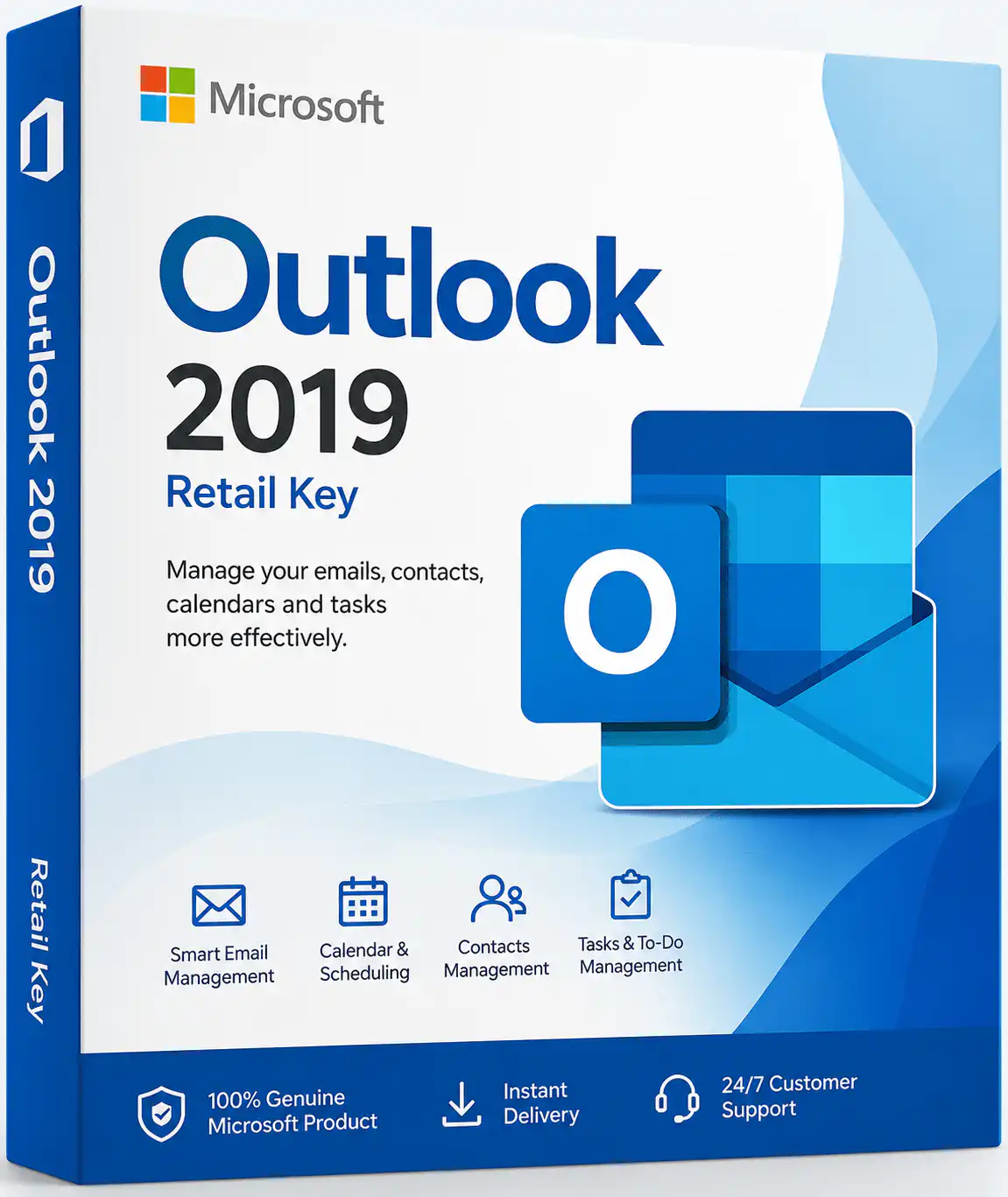
Buy a genuine Microsoft Outlook 2019 retail key and get lifetime access to the trusted desktop email, calendar, and contact manager that millions of professionals rely on every day. This is a one-time purchase, one-time payment licence — no subscription, no recurring fees. As an Official Microsoft Partner, WinCDKey delivers your Outlook 2019 key by email within 1–2 minutes of checkout, ready for instant activation.
⚡ Instant Delivery Licence Callout
Activation Type: Online | Delivery: Email, 1–2 minutes | Devices: 1 PC | Validity: Lifetime, no expiration
Need it on more than one device? See
all Outlook licence options including multi-device editions.
What Is Microsoft Outlook 2019?
Outlook 2019 is the standalone desktop email client from the Office 2019 suite, sold as a perpetual licence rather than a subscription. It combines email, calendar, contacts, and task management in a single application, and connects to Exchange, Microsoft 365, Outlook.com, Gmail, and most IMAP/POP accounts. This retail key activates the full desktop version of Outlook 2019 for Windows on one PC.
Key Features
- Efficient Email Management — organise multiple accounts with rules, filters, and quick-access folders.
- Integrated Calendar — schedule meetings, set reminders, and sync appointments across devices.
- Contacts & Tasks — keep contacts and to-do lists in one place so nothing gets missed.
- Focused Inbox — automatically splits mail into Focused and Other so priority messages stand out.
- Office Integration — works seamlessly alongside Word, Excel, and other Office apps for attachments and scheduling.
- Offline Access — read and reply to email offline, with automatic sync once you’re back online.
- Built-in Security Tools — phishing and malware protections to keep your inbox safe.
Outlook 2019 vs. Newer Versions
| Feature |
Outlook 2019 |
Outlook 2021 |
Outlook 2024 |
| Licence type |
One-time purchase |
One-time purchase |
One-time purchase |
| Microsoft support status |
Ended Oct 2025 |
Supported to Oct 2026 |
Supported to Oct 2029 |
| Dark mode |
No |
Yes |
Yes |
| Best for |
Budget buyers on older PCs |
Balanced value & longevity |
Longest support runway |
Compare directly on the Outlook 2021 and Outlook 2024 category pages.
Who Is This For?
- Budget-conscious buyers who want a permanent, low-cost email client with no subscription.
- Users on older Windows 10 or Windows 11 PCs who don’t need the newest Outlook interface.
- Small businesses replacing a single Outlook seat without committing to a Microsoft 365 plan.
- Buyers who don’t need long-term security patching and understand the October 2025 support cut-off.
System Requirements
| Component |
Minimum |
| Operating System |
Windows 10 or Windows 11 (64-bit recommended) |
| Processor |
1.6 GHz or faster, 2-core |
| RAM |
4 GB |
| Storage |
4 GB available disk space |
| Internet |
Required for activation and updates |
How to Activate Your Outlook 2019 Key
- Complete checkout — your licence key arrives by email within 1–2 minutes.
- Download the official Outlook 2019 installer (link included in your confirmation email).
- Run the installer and enter your product key when prompted.
- Sign in with a Microsoft account to complete online activation.
- Still stuck? Follow our full Installation & Activation Guide or grab a phone activation code from our CID Tool.
Why Buy Outlook 2019 From WinCDKey?
- ✅ Official Microsoft Partner — verify our profile on Microsoft AppSource.
- ✅ 100% genuine, unused licence keys — no OEM tricks or grey-market resale.
- ✅ Instant delivery by email, 24/7.
- ✅ Trusted by 400,000+ regular customers with 600,000+ orders served and 2,500+ verified reviews on Trustpilot.
- ✅ 24/7 live chat support and a clear Refund & Returns Policy.
- ✅ Backed by our authorised global distributor, 1D3 DIGITECH OÜ.
Related Products
- Outlook 2021 — newer version with dark mode, supported until October 2026.
- Outlook 2024 — latest standalone edition, supported until October 2029.
- Office 2019 for PC — get the full Office 2019 suite instead of Outlook alone.
- Windows 11 — pair your Outlook key with a genuine Windows 11 licence.
- Windows 10 Pro — a compatible OS option if you’re not upgrading yet.
Frequently Asked Questions
Is this a genuine Microsoft Outlook 2019 key?
Yes. WinCDKey is an Official Microsoft Partner, and every Outlook 2019 key sold is a genuine, unused retail licence.
Is Outlook 2019 still supported by Microsoft?
No. Microsoft ended support for Office 2019, including Outlook 2019, on October 14, 2025. It still works, but no longer receives security updates. For continued support, consider Outlook 2024.
Is this a one-time purchase or a subscription?
One-time purchase. You pay once and own the licence permanently — there’s no recurring subscription fee.
How many devices can I install Outlook 2019 on?
This key activates on 1 PC. If you need multiple devices, browse our other Outlook licence options.
How fast will I receive my key?
Your licence key is emailed within 1–2 minutes of completing checkout.
Does this include Word, Excel, or PowerPoint?
No, this is Outlook only. If you need the full suite, see our Office 2019 bundles.
What if my key doesn’t activate?
Contact our 24/7 live chat or use the Phone Activation (CID) Tool. Most activation issues are resolved within minutes.
Can I get a refund?
Refunds are available before activation is attempted. See our full Refund & Returns Policy for details.
Is my payment and personal data secure?
Yes. Checkout is encrypted, and WinCDKey Ltd is a UK-registered company operating under standard consumer protection law.
Will Outlook 2019 work on Windows 11?
Yes, Outlook 2019 is compatible with both Windows 10 and Windows 11.