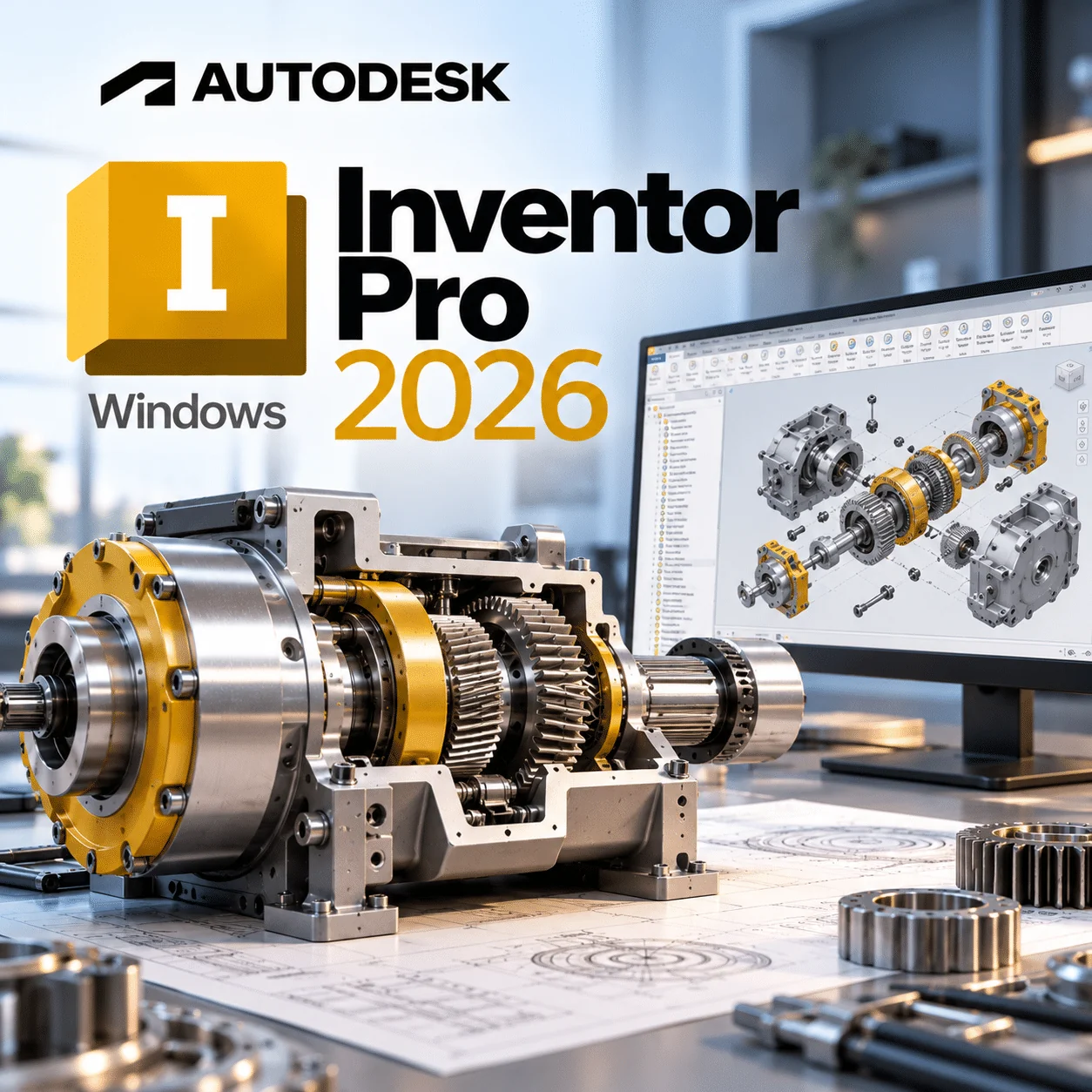
Autodesk Inventor Pro 2026 is the 2026 edition of Autodesk’s mechanical 3D CAD software, aimed at design engineers who need parametric parts, assemblies and drawings on a Windows 10 or Windows 11 PC. You get 1 year of use on 1 device, with the licence emailed to you as soon as payment completes.
Licence at a glance
| Item |
Detail |
| Product |
Autodesk Inventor Professional |
| Version |
2026 |
| Platform |
64-bit Windows 11 or Windows 10 |
| Licence term |
1-year subscription, 1 device |
| Delivery |
By email after payment |
| Activation |
Sign in to your Autodesk Account |
| Updates |
Inventor 2026 updates released during your 12 months |
What is Autodesk Inventor Pro 2026?
Autodesk Inventor Pro 2026 is Windows CAD software for designing, testing and documenting mechanical products in 3D. You model parts with sketches and features, put them together in assemblies, check fit and motion, and generate drawings and parts lists that update when the design changes. It suits machine builders, fabricators and product designers.
The 2026 release is a good fit for offices that have not moved every machine to Windows 11, since Autodesk still lists Windows 10 support for this version.
What’s new in Inventor Professional 2026
Autodesk says the 2026 release carries more than 140 enhancements. Its Inventor 2026 What's New blog highlights these.
Associative mirror
Mirrored components stay linked to their source, so changes to position or geometry carry over to the mirrored side automatically.
Modernised sheet metal tools
Contour Flange, Corner Round and Punch have new interfaces with direct manipulation in the graphics area.
Patterns with irregular spacing
Rectangular, circular and sketch-driven patterns move to the property panel with a shaded preview. Rectangular and circular patterns can now use irregular spacing, set instance by instance.
Simplify in the part environment
From the 3D Model tab you can exclude bodies by size, remove features or replace bodies with envelopes, which helps when sharing lightweight models with customers.
Revit interoperability and Break View
New BIM Content commands help orient and place assets, simplify data for export and add Revit categories to parts and assemblies. In drawings, break lines can be placed in a sketch and dimensioned to entities in the view.
Key features
- Feature-based parametric part modelling
- Assembly constraints, joints and interference checks
- Sheet metal with flat-pattern output
- Frame Generator for structural frames
- Tube and pipe plus cable and harness environments
- Dynamic simulation of mechanisms
- Drawings with balloons, parts lists and BOM linked to the model
- iLogic for rule-based design and configurators
Inventor vs AutoCAD: which do you need?
Buy Inventor Professional if you design 3D mechanical products and want drawings generated from the model; buy AutoCAD 2026 if your work is mainly 2D drafting, layouts and DWG exchange. Many engineering offices use both side by side.
| Area |
Inventor Professional 2026 |
AutoCAD |
| Core purpose |
Parametric 3D mechanical design |
General 2D drafting and 3D modelling |
| Drawings |
Generated from 3D models and update automatically |
Drawn directly in DWG |
| Assemblies and motion |
Full assemblies, joints, dynamic simulation |
No parametric assembly environment |
| Sheet metal and frames |
Dedicated tools with flat patterns |
Manual geometry |
| Routed systems |
Tube and pipe, cable and harness |
Not included |
| Native file |
IPT, IAM, IDW/DWG |
DWG |
Weighing up 2D options too? Our AutoCAD vs AutoCAD LT guide explains which drafting tool fits.
Who is it for?
- Mechanical design engineers building parts and assemblies every day.
- Offices still running Windows 10 on some workstations.
- Fabricators who need sheet metal flat patterns and frame cut lists.
- AEC equipment makers sending content into Revit using the new BIM tools.
- Teams matching existing 2026 files across several seats.
System requirements
From Autodesk’s system requirements for Inventor 2026.
| Component |
Minimum |
Recommended |
| Operating system |
64-bit Windows 10 or Windows 11 |
64-bit Windows 11 |
| CPU |
2.5 GHz or faster |
3.0 GHz or faster, 4 or more cores |
| Memory |
16 GB for assemblies under 500 parts |
32 GB or more (64 GB for 1,000+ parts) |
| Graphics |
2 GB GPU, 29 GB/s bandwidth, DirectX 11 |
8 GB GPU, 106 GB/s bandwidth, DirectX 11 |
| Display |
1280 x 1024 |
3840 x 2160 (4K), 100 to 200% scaling |
| Disk space |
40 GB (installer plus full install) |
40 GB plus project storage |
| .NET |
.NET 8.0 or later, Windows Update enabled |
Same |
| Other |
Internet for install and licensing; local Excel 2016+ or LibreOffice 7.2+ to edit spreadsheets |
3Dconnexion SpaceMouse (driver 10.7.0+) |
ARM processors are not listed. Need a newer OS for a workstation? See our Windows 11 range.
Always check Autodesk’s current requirements before buying, as Autodesk updates OS support during a release’s life.
How to activate
- Open the order confirmation email; your licence details arrive there after payment.
- Sign in to (or create) your Autodesk Account.
- Download Inventor Professional 2026 from your Autodesk Account or the link in your order email.
- Install it on your Windows 10 or Windows 11 PC.
- Launch Inventor, sign in, and apply the licence by following the instructions in your order email.
- Contact our support team or read the Installation & Activation Guide if something goes wrong.
Why buy from WinCDKey
Related products
Frequently asked questions
Is Inventor Professional 2026 a one-time purchase?
No. It is a 1-year subscription for 1 device, not a perpetual licence. Autodesk sells Inventor only on subscription now. When the year finishes you renew to keep using it, and all your design files remain on your computer.
Does Inventor 2026 support Windows 10?
Yes. Autodesk lists 64-bit Microsoft Windows 11 and Windows 10 for Inventor 2026. That makes 2026 a practical choice for firms that still have Windows 10 machines, because Inventor 2027 drops Windows 10 and requires Windows 11.
Is Inventor 2026 available for Mac?
No. Inventor runs on Microsoft Windows only, and Autodesk does not publish a macOS version of Inventor 2026. If your team uses Macs, Autodesk Fusion is the mechanical CAD tool that runs natively on macOS, or you will need a Windows PC for Inventor.
Should I buy Inventor or AutoCAD?
Buy Inventor if you design mechanical parts and assemblies in 3D and want drawings created from the model. Buy AutoCAD if most of your work is 2D drafting, plans and DWG exchange. Inventor can import DWG files, so many engineers use both.
Can I move the licence to another PC?
Yes, within the 1-device limit. Sign out of Inventor on the old machine, install it on the new PC and sign in with your Autodesk Account. Using it on two computers at the same time is not covered. Our support team can help if the new installation does not license.
What happens after the subscription year?
The licence stops working after 12 months and Inventor will not open for design work until you renew. Your files are not removed. You can renew with another 1-year licence and pick up exactly where you left off.
How is Inventor Professional 2026 delivered?
By email shortly after payment, usually within minutes. The email contains your licence details and activation steps, and you download the software from your Autodesk Account. No physical media is shipped, and our order tracking page shows your order status.
What are the Inventor 2026 system requirements?
Autodesk asks for 64-bit Windows 10 or 11, a 2.5 GHz CPU, 16 GB RAM, a 2 GB DirectX 11 GPU, 40 GB disk space and .NET 8.0. It recommends a 3.0 GHz 4-core CPU, 32 GB RAM, an 8 GB GPU and a 4K display for everyday assembly work.
What is associative mirror in Inventor 2026?
Associative mirror keeps mirrored components linked to the originals. When you move or change the source part, the mirrored copy follows automatically, instead of needing to be mirrored again. It saves time on symmetrical machines, frames and enclosures.
Refunds
Once a purchased software package has been activated or an activation has been attempted through an online activation site, the package becomes none refundable But in serious matters, we can refund on Wincdkey wallet. So you can use every product. We cannot add the software package to our stock if an activation has been completed or attempted.
We cannot issue a refund if a customer has purchased the wrong product. Rather then we can change it if he not try to active it
Example: A customer purchases a Windows software package for a Mac machine.
Exchanges
Microsoft Softwares will exchange software purchases for up to 30 days after order completion but only if the software has not been downloaded by the customer, you can also return your purchased software within 30 days if the software remains none downloaded for a full refund.
Redemption or Activation:
After purchasing keys, you will get a voucher code which is needed to redeem. this voucher code have a lifetime validity but once redeem it then you need to activate your windows or office within 7 working days.
Refund process
Refunds will be credited back to the credit/debit card that customers used to place their order, refunds are processed from our platform immediately the time taken to credit to the customer depends entirely on the customers card issuer and/or bank account.
How to initiate a Refund/Exchange
For any refund or exchange please open a create a refund or exchange request ticket here.