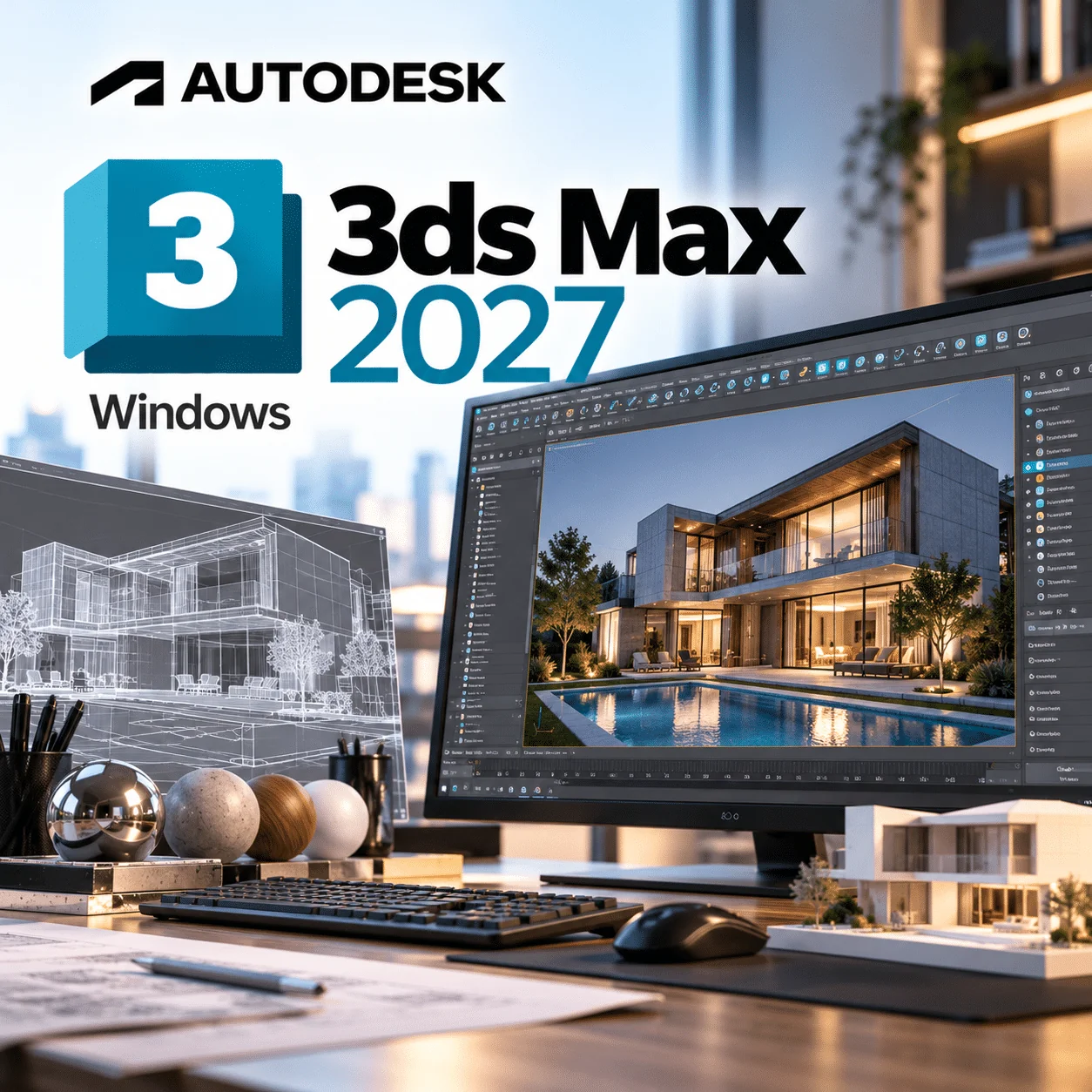
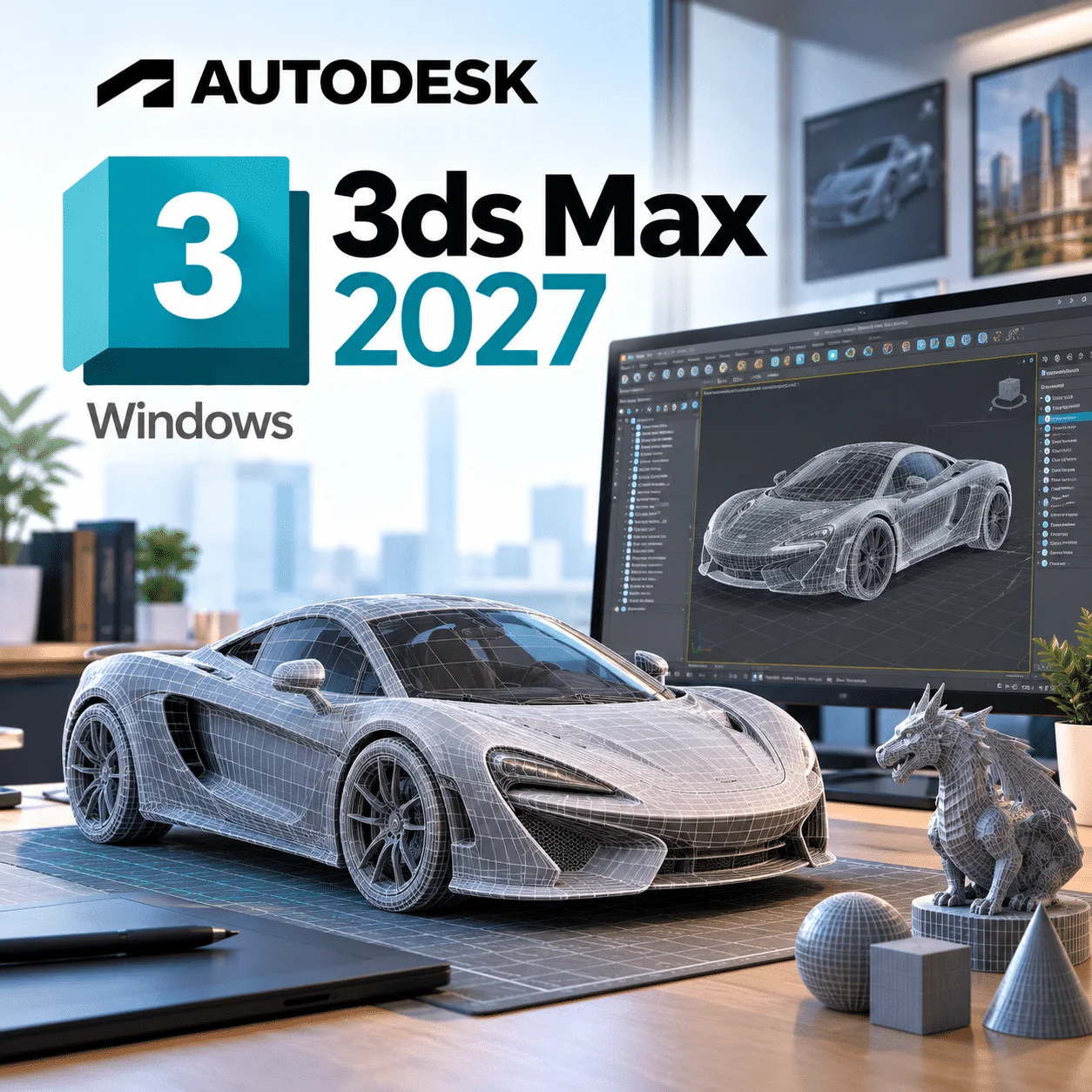
Autodesk 3ds Max 2027 is Autodesk’s 3D modelling, animation and rendering software for Windows, used by architectural visualisation artists, game studios and motion designers. This listing is a 1-year subscription for 1 Windows device, delivered by email straight after payment. The 2027 release needs Windows 11, so check your PC before you order.
Licence at a glance
| Item |
Detail |
| Product |
Autodesk 3ds Max |
| Version |
2027 |
| Platform |
Windows 11 (64-bit) |
| Licence term |
1-year subscription, 1 device |
| Delivery |
By email after payment |
| Activation |
Sign in with your Autodesk Account (named-user sign-in) |
| Updates |
Updates Autodesk releases for 3ds Max 2027 during your term |
What is Autodesk 3ds Max 2027?
Autodesk 3ds Max 2027 is a Windows desktop application for building 3D models, texturing them, animating them and rendering finished images or sequences. It ships with the Arnold renderer, a parametric modifier stack and character rigging tools, and it is widely used for interior and exterior visualisation, game assets and broadcast graphics.
Where 3ds Max stands out is hard-surface modelling and its plug-in ecosystem. Tools such as Forest Pack, tyFlow and third-party renderers like V-Ray are built around it, which is why many archviz studios standardise on it. Autodesk’s own 3ds Max product page positions it for design visualisation, games and film.
What’s new in 3ds Max 2027
These changes come from Autodesk’s 3ds Max 2027 What's New notes.
Smart Bevel
Smart Bevel produces cleaner, more detailed bevels where Boolean operations meet. That cuts down the manual edge clean-up that usually follows a Boolean cut.
Extrude with a custom direction
The Extrude modifier can now push splines along an orientation you choose, not just the local Z axis. Handy for angled facades, mouldings and trims.
Spline Chamfer fixed radius
A new fixed-radius option gives consistent circular corners on splines, which helps when you are drawing profiles to real dimensions.
Noise Plus and Field Helper
Noise Plus is a new modifier with extra fractal types, animation and tiling controls. Field Helper lets you make more precise component selections, including selections that drive other modifiers.
Arnold 5.9.0 and colour tools
The bundled Arnold for 3ds Max moves to 5.9.0, with lightweight USD instancing, a new hair scattering mode and more flexible light sampling. The colour-management eyedropper can now sample display or scene colour in viewports and the Rendered Frame Window.
Autodesk Assistant (tech preview) and platform changes
An AI-powered assistant, released as a technical preview, helps you find feature and workflow information inside the program. Under the hood, 3ds Max 2027 moves to .NET Core 10 and Qt 6.8, and DirectX 9 support has been removed.
Key features
- Polygon, spline and NURBS modelling with a non-destructive modifier stack
- Boolean, Array and Retopology tools for complex hard-surface work
- Arnold renderer included, plus support for third-party renderers
- Slate Material Editor and OpenPBR-based materials
- CAT and Biped for character rigging and animation
- OpenColorIO colour management for consistent output
- USD import and export for studio pipelines
- MAXScript and Python for automation and custom tools
3ds Max 2027 vs 3ds Max 2026
Choose 2027 if your PC runs Windows 11 and you want Smart Bevel and the newer Arnold build. Stay on 3ds Max 2026 if you still run Windows 10 or rely on plug-ins that have not been updated yet.
| Area |
3ds Max 2027 |
3ds Max 2026 |
| Windows 10 support |
Not listed (Windows 11 only) |
Windows 10 (1809 or later) and Windows 11 |
| Headline modelling tools |
Smart Bevel, Extrude custom direction, Noise Plus |
Vertex Weld for splines, three-point rectangles |
| Arnold version at launch |
Arnold for 3ds Max 5.9.0 |
Earlier Arnold 5.8 series |
| DirectX 9 |
Removed |
Still present |
| AI help |
Autodesk Assistant (tech preview) |
Not included |
Who is it for?
- Archviz studios producing interior and exterior stills and walkthroughs.
- Game artists building props, environments and LODs.
- Motion designers who need procedural modifiers and Arnold rendering.
- Freelancers who want a 12-month term without a long commitment.
- Revit and AutoCAD users who bring models from Revit 2026 or AutoCAD 2027 into 3ds Max for rendering.
System requirements
Figures below are from Autodesk’s system requirements for 3ds Max 2027. Autodesk gives single values rather than a minimum/recommended split, except for RAM.
| Component |
Minimum |
Recommended |
| Operating system |
Microsoft Windows 11 (64-bit) |
Windows 11 |
| CPU |
64-bit Intel or AMD multi-core processor with SSE4.2 |
Same (ARM processors not listed) |
| RAM |
4 GB |
8 GB or more |
| Graphics |
See Autodesk’s 3ds Max Certified Hardware list |
A certified GPU from that list |
| Disk space |
9 GB free for installation |
9 GB plus room for projects and caches |
| Pointing device |
Three-button mouse |
Three-button mouse |
Still on Windows 10? You will need to move to Windows 11 first; our Windows 11 licences cover that step.
Always check Autodesk’s current requirements before buying, as Autodesk updates OS support during a release’s life.
How to activate
- Check your inbox for the order email with your licence details. It usually arrives within minutes.
- Sign in to your Autodesk Account, or create one with the email address you want the subscription tied to.
- Download the 3ds Max 2027 installer from your Autodesk Account, or from the link in your order email.
- Run the installer on your Windows 11 PC and let it finish.
- Launch 3ds Max and sign in, then apply the licence as set out in the instructions in your order email.
- If anything fails, read our installation and activation guide or contact our support team.
Why buy from WinCDKey
Related products
Frequently asked questions
Is 3ds Max 2027 a subscription or a perpetual licence?
It is a subscription. This licence runs for 1 year on 1 device. Autodesk no longer sells new perpetual licences for 3ds Max, so every new purchase is time-limited. When the year ends you renew to keep using the software; your saved .max files stay on your drive.
Does 3ds Max 2027 work on Windows 10?
No. Autodesk lists Microsoft Windows 11 as the supported operating system for 3ds Max 2027, and Windows 10 is not on the list. If you cannot upgrade yet, 3ds Max 2026 still lists Windows 10 version 1809 or later, so it is the safer pick for older machines.
Does 3ds Max 2027 run on a Mac?
No, not natively. 3ds Max is a Windows-only application and Autodesk publishes no macOS build. Mac users who need it typically run it on a separate Windows PC. If you want a Mac-native Autodesk tool for 3D animation, Maya is the one Autodesk ships for macOS.
Can I use 3ds Max 2027 on another computer?
This licence covers 1 device. If you replace your PC, sign out of 3ds Max on the old machine, install it on the new one and sign in with the same Autodesk Account. Running it on two computers at the same time is not covered by this listing. Our support team can help if a sign-in is refused.
What happens after the 1-year term ends?
After 12 months the software stops being licensed and will not open for work until you renew. Your scenes, textures and renders remain on your computer. You can buy a new 1-year licence at any point, and nothing in your files is locked to the old term.
How is 3ds Max 2027 delivered?
Delivery is by email straight after payment, and most orders arrive within minutes. The email contains your licence details and the steps to follow. You then download the installer from your Autodesk Account. There is no physical box or disc, and you can track progress on our order tracking page.
What are the minimum system requirements for 3ds Max 2027?
Autodesk asks for 64-bit Windows 11, a multi-core Intel or AMD CPU with SSE4.2, 4 GB of RAM (8 GB or more recommended), 9 GB of free disk space, a three-button mouse and a graphics card from the 3ds Max Certified Hardware list. Heavy archviz scenes will need far more RAM than the minimum.
Is the Arnold renderer included in 3ds Max 2027?
Yes. Arnold for 3ds Max ships with the 2027 release, at version 5.9.0 according to Autodesk’s What’s New notes. You can render on the CPU straight away. Third-party renderers such as V-Ray are sold separately by their developers and need a version built for 3ds Max 2027.
Will my plug-ins work in 3ds Max 2027?
Not automatically. 3ds Max plug-ins are usually compiled for a specific release, and 2027 moves to .NET Core 10 and Qt 6.8. Check that each plug-in vendor has a 2027 build before upgrading. If a key plug-in is not ready, 3ds Max 2026 or 2024 may suit your pipeline better.
Refunds
Once a purchased software package has been activated or an activation has been attempted through an online activation site, the package becomes none refundable But in serious matters, we can refund on Wincdkey wallet. So you can use every product. We cannot add the software package to our stock if an activation has been completed or attempted.
We cannot issue a refund if a customer has purchased the wrong product. Rather then we can change it if he not try to active it
Example: A customer purchases a Windows software package for a Mac machine.
Exchanges
Microsoft Softwares will exchange software purchases for up to 30 days after order completion but only if the software has not been downloaded by the customer, you can also return your purchased software within 30 days if the software remains none downloaded for a full refund.
Redemption or Activation:
After purchasing keys, you will get a voucher code which is needed to redeem. this voucher code have a lifetime validity but once redeem it then you need to activate your windows or office within 7 working days.
Refund process
Refunds will be credited back to the credit/debit card that customers used to place their order, refunds are processed from our platform immediately the time taken to credit to the customer depends entirely on the customers card issuer and/or bank account.
How to initiate a Refund/Exchange
For any refund or exchange please open a create a refund or exchange request ticket here.