

Office 2024 Direct Download from Microsoft

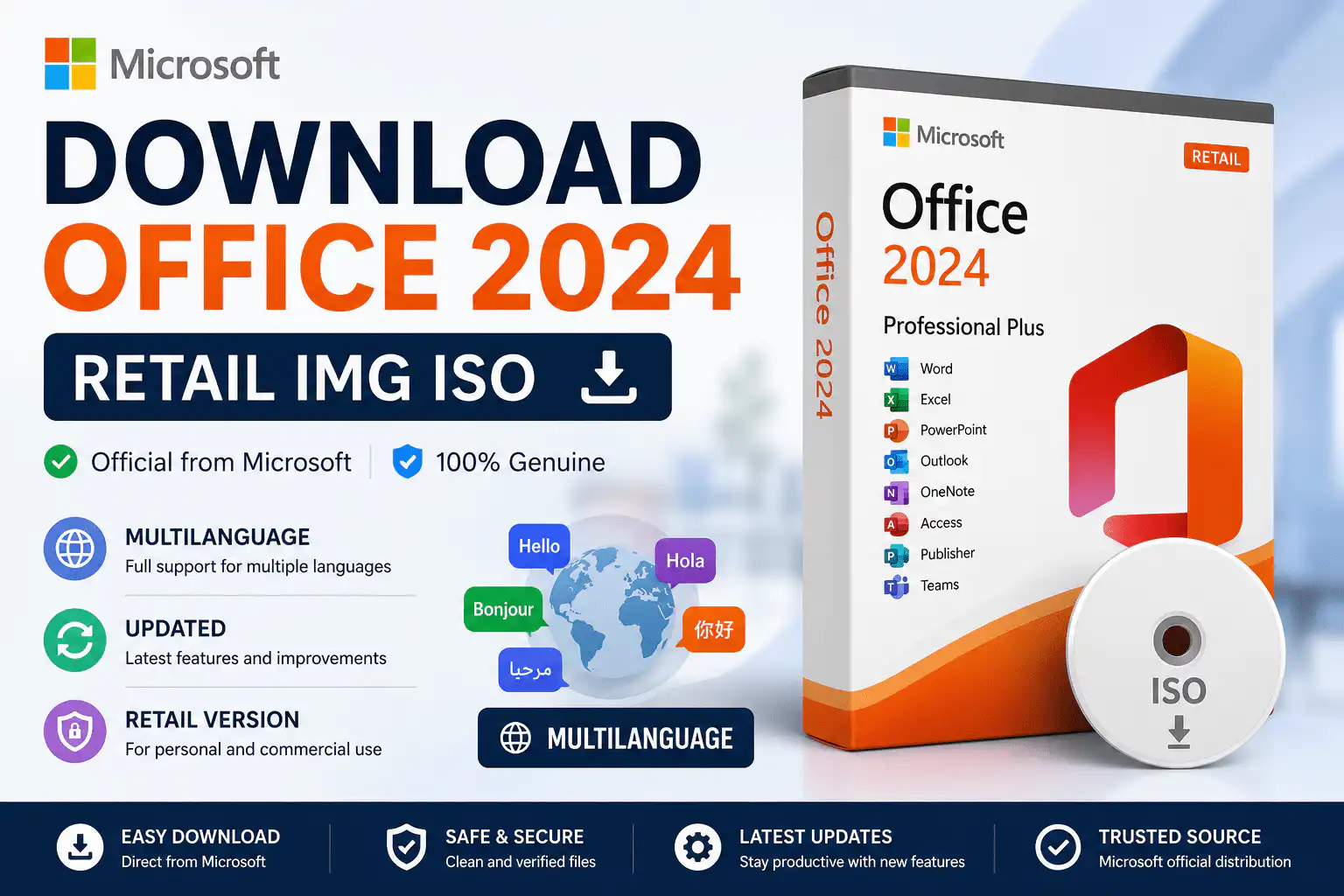
Looking for the official Office 2024 direct download from Microsoft? This page gives you genuine offline installer image (IMG) files hosted on Microsoft’s own content delivery network — officecdn.microsoft.com — for every retail edition of Microsoft Office 2024. Whether you need to reinstall on an existing PC, set up a clean offline installation without an internet connection during setup, or keep a backup copy of your installer, these are the same full setup files Microsoft distributes to retail customers worldwide.
Yes — the Office 2024 installer download is completely free. Microsoft does not charge for the setup files themselves. What you need is a genuine product key to activate the software after installation. If you don’t have one yet, you can buy a genuine Office 2024 key from WinCDKey — delivered by email within minutes — and then use any download link on this page to get your installer.
⚠️ Important: These installer files are offline installation media only. Office 2024 cannot be activated without a valid retail product key. Downloading the IMG file does not include a licence.
On This Page
- Quick Download — Office 2024 English (en-US)
- What Are Office 2024 IMG Files?
- Office 2024 ISO vs IMG — What’s the Difference?
- Office 2024 IMG File Reference (Filenames & Sizes)
- All Languages — Download Tables (30+ Locales)
- How to Install Office 2024 from an IMG File (Step by Step)
- Office 2024 for Mac — Where to Download
- Troubleshooting Common Download & Install Issues
- Frequently Asked Questions
Quick Download — Office 2024 English (en-US) Offline Installers
Most visitors need the English (US) files, so here they are in one place. Every link points directly to officecdn.microsoft.com — Microsoft’s official CDN. For all other languages, jump to the full language tables below.
Need the matching licence? Browse Office 2024 Pro Plus keys, Home & Business, Office 2024 Standard, or the multi-device Office 2024 Pro Plus for 3 devices.
What Are Office 2024 IMG Files?
Microsoft distributes Office 2024 retail installers as .IMG disk image files rather than the traditional ISO images used for Office 2019 and earlier. Each IMG file is a complete offline installer — a full setup package containing every application in that edition, bundled into a single mountable image. Once downloaded, you can install Office 2024 without an internet connection during setup, keep the file as reinstallation media, or copy it to a USB drive for deployment on multiple PCs (each PC still needs its own licence unless you purchase a multi-device key or volume licensing).
These are official Click-to-Run builds. The installer automatically deploys the 64-bit version of Office 2024 on 64-bit Windows, which is the default and recommended architecture for Windows 10 and Windows 11. Office 2024 requires Windows 10 or Windows 11 — it does not install on Windows 8.1 or earlier. If you’re running an older PC, consider Office 2021 or Office 2019 instead.
Office 2024 ISO vs IMG — What’s the Difference?
Searching for an Office 2024 ISO download? You won’t find one — and that’s normal. Microsoft switched from ISO to IMG format for Office 2024 retail media. Functionally, the two formats are nearly identical: both are disk images, and Windows 10 and Windows 11 mount IMG files natively exactly the same way they mount ISOs. You double-click the file, Windows assigns it a virtual drive letter, and you run Setup.exe from inside. No extra software is required.
| ISO (Office 2019 and earlier) | IMG (Office 2024) | |
|---|---|---|
| Format type | Optical disc image | Disc image (functionally equivalent) |
| Mounts natively in Windows 10/11 | Yes | Yes — double-click to mount |
| Installer technology | MSI or Click-to-Run | Click-to-Run only |
| Works offline | Yes | Yes — full offline installer |
| Third-party tools needed | No | No (7-Zip/WinRAR optional for extraction) |
So if a guide tells you to “download the Office 2024 ISO”, the IMG files on this page are the correct, official equivalent. For the older ISO-based generation, see our Office 2019 Pro Plus download guide.
Office 2024 IMG File Reference — Filenames & Approximate Sizes
Every language edition uses the same filename — only the folder path (locale code such as en-US, de-DE, fr-FR) changes. If you found this page searching for a specific filename like ProPlus2024Retail.img or HomeStudent2024Retail.img, this table confirms exactly what each file contains.
| File Name | Edition | Included Applications | Approx. Size |
|---|---|---|---|
| ProPlus2024Retail.img | Office 2024 Professional Plus | Word, Excel, PowerPoint, Outlook, Access, Publisher, OneNote | ~4–5 GB |
| Professional2024Retail.img | Office 2024 Professional | Word, Excel, PowerPoint, Outlook, Access, Publisher | ~4–5 GB |
| HomeBusiness2024Retail.img | Office 2024 Home and Business | Word, Excel, PowerPoint, Outlook, OneNote | ~4–5 GB |
| HomeStudent2024Retail.img | Office 2024 Home and Student | Word, Excel, PowerPoint, OneNote | ~4–5 GB |
| Word2024Retail.img / Excel2024Retail.img / PowerPoint2024Retail.img / Outlook2024Retail.img / Publisher2024Retail.img / Access2024Retail.img | Standalone apps | Single application only | ~3–4 GB each |
| ProjectStd2024Retail.img / ProjectPro2024Retail.img | Project 2024 Standard / Professional | Microsoft Project | ~3–4 GB |
| VisioStd2024Retail.img / VisioPro2024Retail.img | Visio 2024 Standard / Professional | Microsoft Visio | ~3–4 GB |
Because Click-to-Run bundles shared components, even single-app images are several gigabytes. Make sure you have at least 10 GB of free disk space before installing. Match your file to the right licence: Project 2024 keys, Visio 2024 keys, Word 2024 and Excel 2024 standalone keys are all available at WinCDKey.
Download Office 2024 IMG Files by Language — All Editions, 30+ Locales
The tables below cover every supported language, from Arabic and Chinese to Portuguese, Spanish, Turkish and Vietnamese. The suite you download must match the language of the interface you want — Office 2024 retail images are single-language installers, so pick your locale carefully. All links point directly to Microsoft’s CDN.
How to Install Office 2024 from an IMG File (Step by Step)
Once your Office 2024 full setup download finishes, installation takes about 10 minutes:
- Locate the IMG file in your Downloads folder (e.g. ProPlus2024Retail.img).
- Mount the image: right-click the file and choose Mount (or simply double-click it). Windows 10/11 opens it as a virtual DVD drive.
- Run Setup.exe from the mounted drive. The Click-to-Run installer starts automatically extracting and installing all applications — no internet connection required.
- Wait for “You’re all set!” then open any Office app, such as Word.
- Activate with your product key: go to File → Account → Change Product Key (or enter the key when prompted at first launch) and type the 25-character key from your WinCDKey order email.
- Unmount the image when done: right-click the virtual drive in File Explorer and choose Eject.
If your key requires telephone activation, our free Confirmation ID (CID) tool completes it online in minutes — no call to Microsoft needed. For a complete walkthrough with screenshots, see the full Office 2024 Pro Plus download, install & activation guide, or our general Installation & Activation Guide. Deploying the volume-licensed edition instead? Follow the Office 2024 LTSC download and activation guide.
Office 2024 for Mac — Where to Download
The IMG files on this page are Windows installers only. Office 2024 for Mac is distributed differently: after activating your key at setup.office.com or linking it to your Microsoft account, you download the macOS installer package directly from account.microsoft.com → Services & subscriptions. If you own Office 2024 Home and Business (PC & Mac) or Office 2024 Home, redeem the key first and Microsoft will serve the correct Mac download automatically. Browse all Office 2024 Mac licences here.
Troubleshooting Common Download & Install Issues
The download stops or the file is corrupt. Microsoft’s CDN occasionally drops very large transfers on unstable connections. Resume the download in your browser, or use a download manager. A healthy suite image is several gigabytes — if your file is only a few MB, the download failed.
Windows won’t mount the IMG file. Native mounting requires Windows 10 or 11. On older systems, extract the image with 7-Zip or WinRAR and run Setup.exe from the extracted folder — though note Office 2024 itself only supports Windows 10/11.
“This product key has already been used” or activation errors. First confirm you installed the exact edition your key covers (a Pro Plus key won’t activate a Home and Business installation). If the error persists, contact our Help & Support Center — replacement or phone-activation assistance is included with every order, and our Refunds & Returns policy covers non-working keys.
Setup says a newer Office is already installed. Uninstall Microsoft 365 / Office trial versions first via Settings → Apps, or use Microsoft’s Support and Recovery Assistant, then re-run Setup.exe from the mounted image.
Frequently Asked Questions
Is the Office 2024 direct download free?
Yes. The installer IMG files are hosted free of charge on Microsoft’s official CDN. You only pay for the product key that activates the software. Genuine keys start from a fraction of the RRP at WinCDKey’s Office 2024 store.
Are these downloads official and safe?
Yes. Every link on this page points to officecdn.microsoft.com — the same content delivery network Microsoft uses to serve retail customers. No files are hosted by third parties, and nothing is modified, repacked or cracked.
Can I install Office 2024 without a product key?
You can run the installer, but Office 2024 will demand activation before you can use it properly. There is no permanent trial mode for the retail 2024 suites. A genuine 25-character retail key is required — never use “activators” or cracked copies, which commonly carry malware and violate Microsoft’s licence terms.
How do I open an IMG file on Windows?
Double-click it. Windows 10 and Windows 11 mount IMG files natively as a virtual drive — then run Setup.exe from that drive. No third-party software is needed.
Is there an Office 2024 ISO download?
No. Microsoft replaced ISO with IMG format for Office 2024. The IMG files here are the official equivalent and behave identically — see the ISO vs IMG comparison above.
Is the download 32-bit or 64-bit?
The Click-to-Run installer deploys 64-bit Office 2024 by default on 64-bit Windows, which covers virtually all Windows 10 and 11 PCs today. 64-bit is Microsoft’s recommended architecture for Office 2024.
How big are the Office 2024 download files?
Full suites (Pro Plus, Home & Business, Home & Student) are roughly 4–5 GB; standalone apps like Word, Excel, Project and Visio are around 3–4 GB each. Allow at least 10 GB of free disk space for installation.
Can I use one IMG file to install on several PCs?
Yes — the media is reusable, but each installation needs its own licence. For multiple machines, a 3-device Office 2024 Pro Plus key, the Office 2024 Standard 3-PC licence, or B2B/wholesale pricing works out significantly cheaper.
Should I buy Office 2024 or Office 2021?
Office 2024 is the newer perpetual release with longer support ahead of it — Office 2021 reaches end of support in October 2026. If you’re buying today, Office 2024 is the safer long-term choice; compare editions in our Office 2024 Home & Business vs Pro Plus LTSC comparison.
Why Buy Your Office 2024 Key from WinCDKey?
WinCDKey is a UK-registered verified Microsoft Partner with more than 600,000 orders served and 400,000+ regular customers. Over 2,500 verified reviews on Trustpilot back up what we promise: genuine retail keys delivered by email within minutes, free activation support (including our online CID phone-activation tool), and a clear refund policy if a key ever fails. Track any order anytime via Order Tracking, and find answers fast in our FAQs.
Related Downloads & Guides
Explore more official download resources on the WinCDKey blog: the Office 2024 Pro Plus install & activation guide, Office 2024 LTSC guide, Office 2019 Pro Plus download guide, Visio 2024 Professional guide and Project 2024 Professional guide. Pairing Office with a fresh Windows install? Save with the Office 2024 Pro Plus + Windows 11 Pro bundle.


