

Microsoft Excel

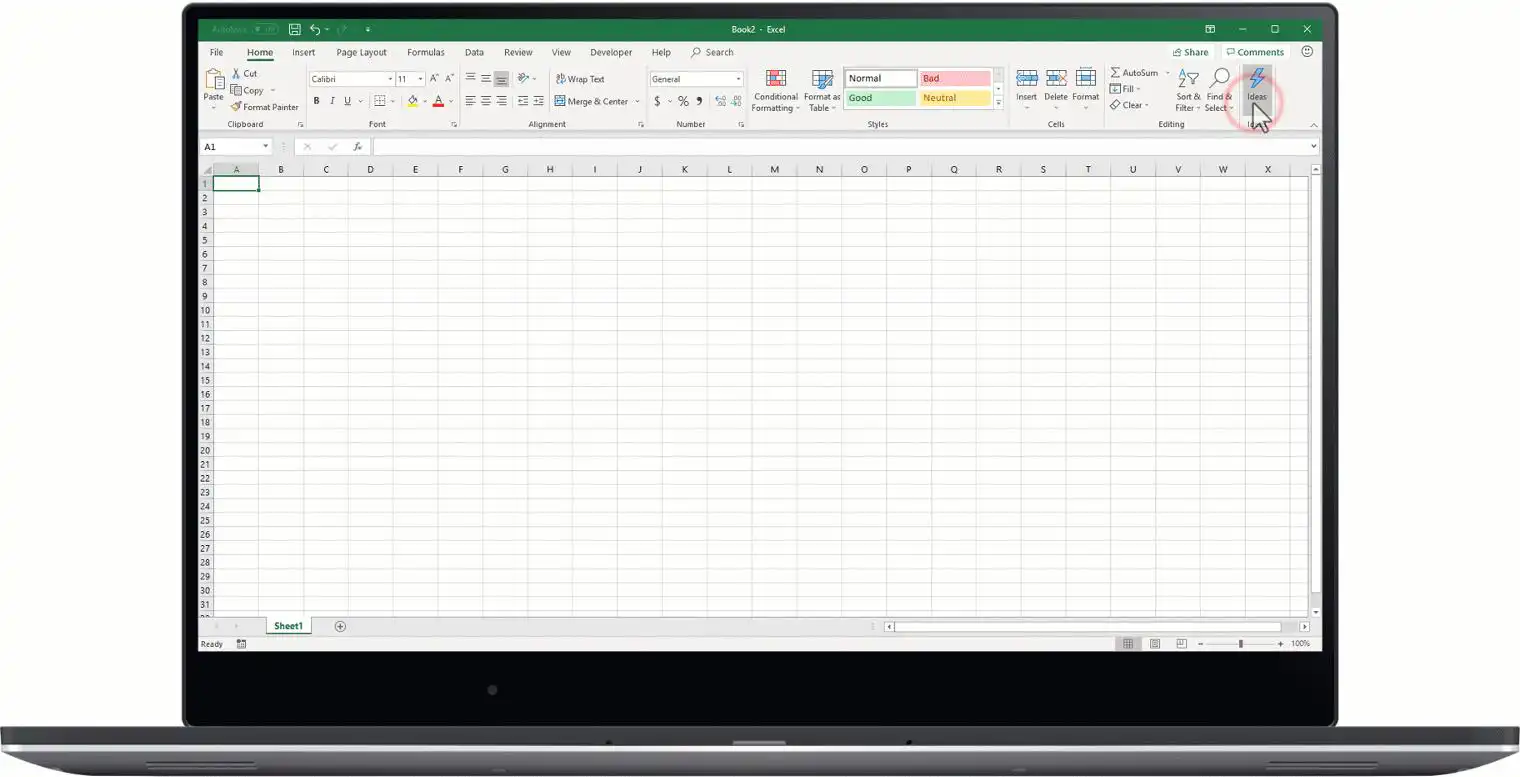
Microsoft Excel is a spreadsheet application developed by Microsoft, widely used for data organization, analysis, and visualization. It forms a core component of the Microsoft Office suite and Microsoft 365, serving both business and personal productivity needs. Excel’s grid-based interface and powerful formulas make it a global standard for quantitative work.
Key facts
-
Developer: Microsoft
-
Initial release: 1985
-
Latest version: Included in Microsoft 365 (continuously updated)
-
Primary uses: Data analysis, modeling, charting, and automation
-
Platforms: Windows, macOS, web, iOS, Android
Core features
Excel enables users to manipulate and visualize data through rows and columns organized into worksheets. It supports functions for arithmetic, statistics, finance, and text manipulation. Features such as pivot tables, data validation, and conditional formatting help users derive insights from large datasets efficiently.
Integration and extensibility
Excel integrates with other Microsoft services, including Power BI, SharePoint, and OneDrive, allowing collaborative editing and cloud storage. Its functionality can be extended with Visual Basic for Applications (VBA) macros or Office Scripts for automation, and with external add-ins for specialized analytics.
Business and educational use
Excel remains foundational in finance, accounting, research, and project management. It is also a teaching tool for introducing data literacy and quantitative reasoning. Organizations rely on it for financial modeling, forecasting, and performance tracking across industries.
Evolution and impact
From its origins on early Macintosh systems to its current cross-platform presence, Excel has shaped how data is handled in the modern workplace. Its influence extends into emerging areas such as machine learning and business intelligence through integrations with cloud analytics and AI-powered tools.


One thought on “Microsoft Excel”