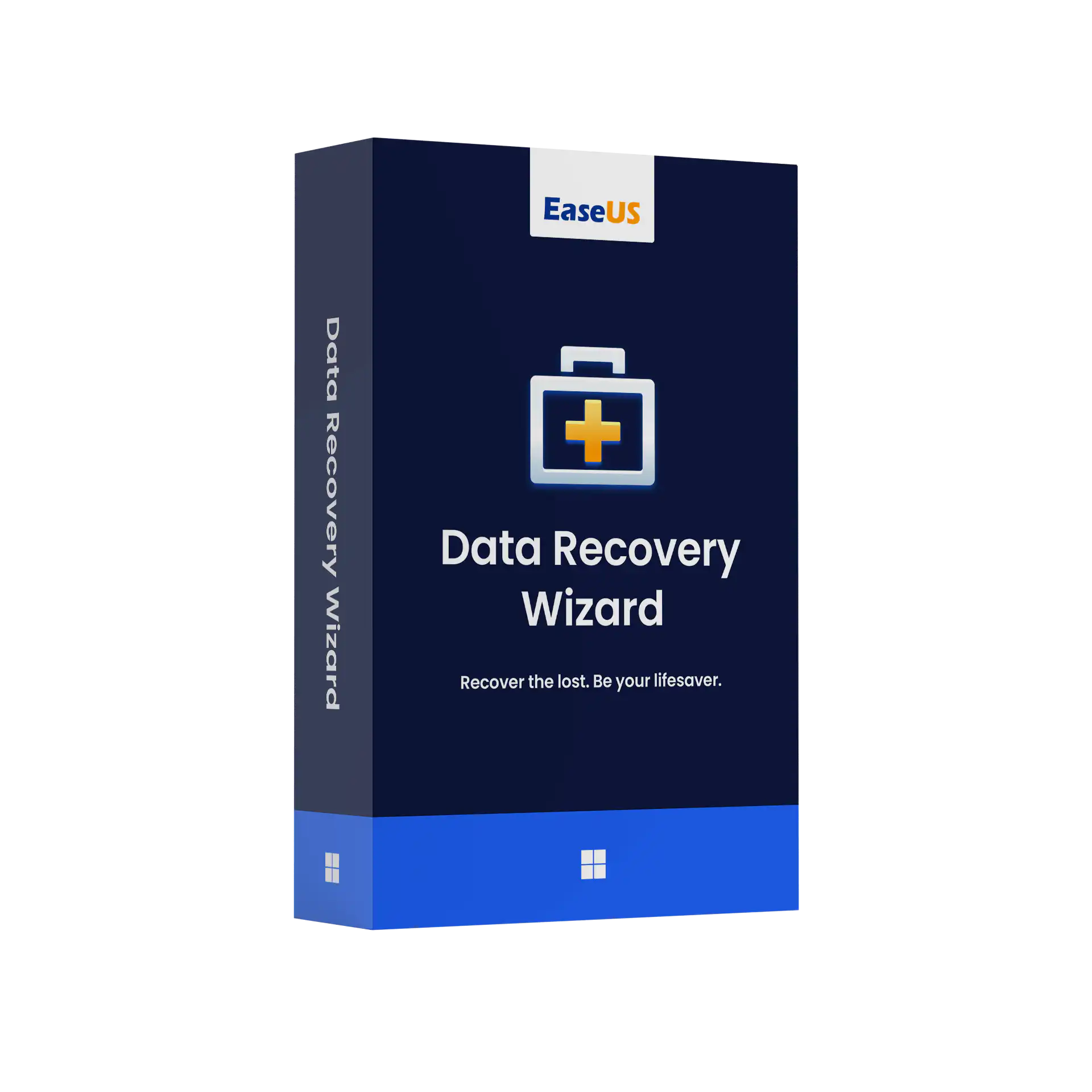
EaseUS Data Recovery Wizard Professional recovers files that have been deleted, formatted or lost from Windows PCs, external hard drives, USB sticks, SD cards and cameras. The free version stops after 2 GB of recovered data. A Pro licence removes that limit on one PC, so you can recover as much as the scan finds.
You can choose a One-Month licence for a single recovery job, One-Year if you want it on hand, or Lifetime Upgrade to keep it permanently with all future versions. The licence code is sent by email. WinCDKey is listed in the Microsoft partner directory and reviewed on Trustpilot.
Try the free scan before you buy
Install the free EaseUS Data Recovery Wizard, scan the drive and preview what it finds. If your files appear in the preview, they can usually be recovered, and the Pro licence will unlock unlimited recovery. If they don’t appear, a licence won’t change that, and you have saved your money.
Stop using the affected drive straight away. Every new file written to it can overwrite the deleted data. Don’t install the recovery software on the drive you’re recovering from, and save recovered files to a different drive.
What can Data Recovery Wizard Pro recover?
- Deleted files, including those removed with Shift+Delete or from an emptied Recycle Bin.
- Formatted drives and lost partitions, including partitions that now show as RAW or ask to be formatted.
- Data from external media: USB flash drives, SD and microSD cards, external HDDs and SSDs, and camera cards.
- Files after a virus attack or system crash, as long as the drive can still be read.
- Hundreds of file types, including Office documents, PDFs, photos (JPG and RAW), videos and email archives. Damaged photos and documents can also be repaired after recovery.
The success rate depends on how much the drive has been used since the data was lost, and whether the drive is physically healthy. On SSDs with TRIM enabled, deleted files are often erased permanently within minutes, so recovery is far less likely there than on a hard drive. A drive that clicks or isn’t detected at all needs a professional lab, not software.
Which licence term should you choose?
| Option |
Best for |
Includes |
| One-Month |
A single recovery job you need to finish now |
Unlimited recovery on 1 PC for one month |
| One-Year |
A small office or anyone who wants a safety net |
Unlimited recovery and free updates for a year |
| Lifetime Upgrade |
IT staff or long-term use |
Permanent licence with free upgrades to future versions |
If the PC won’t boot at all, you need Data Recovery Wizard with bootable media, which runs from a USB stick. If you recover data for clients, you need Data Recovery Wizard Technician. Mac users should get Data Recovery Wizard for Mac.
How do I activate EaseUS Data Recovery Wizard Pro?
Install EaseUS Data Recovery Wizard, enter your licence code to unlock Pro, then scan and recover. The steps are below.
- Download the installer from the link in your order email, or from EaseUS’s site. Install it on a drive other than the one you’re recovering from.
- Open the program, select Activate and paste your licence code.
- Select the drive or folder where the files were lost and run a scan. A deep scan starts automatically after the quick scan.
- Filter the results by file type, preview the files, then recover them to a different drive.
System requirements
| Windows |
Windows 11, 10, 8.1, 8 and 7, plus Windows Server editions |
| File systems |
NTFS, FAT, exFAT, ReFS and others |
| Storage devices |
Internal and external HDD and SSD, USB drives, memory cards, cameras |
| Licence |
1 PC or server per licence |
Frequently asked questions
Is there a limit on how much data I can recover?
No. The Pro licence removes the 2 GB limit of the free version, so you can recover everything the scan finds on that PC.
Can I recover files from an SSD?
Sometimes. Most SSDs use TRIM, which wipes deleted blocks soon after deletion, so success rates are much lower than on hard drives. Formatted or lost SSD partitions, and files lost to corruption rather than deletion, have a better chance of recovery.
Can I move the licence to another PC?
A licence covers one PC at a time. If you replace your computer, EaseUS’s support team can normally reset the licence so you can use it on the new machine.
Will the one-month licence renew automatically?
No. Licences bought from us are prepaid codes for the term you choose. Nothing is billed again automatically.
My drive isn’t detected at all. Will this help?
Probably not. If Windows and Disk Management can’t see the drive, or it clicks or grinds, it has a hardware fault. Stop using it and contact a data recovery lab.
What if the code doesn’t activate?
Check that you installed Data Recovery Wizard for Windows and not the Mac or Technician build. Then open a support ticket. Our refund and replacement policy applies.
See all recovery tools in our EaseUS Data Recovery category.
Refunds
Once a purchased software package has been activated or an activation has been attempted through an online activation site, the package becomes none refundable But in serious matters, we can refund on Wincdkey wallet. So you can use every product. We cannot add the software package to our stock if an activation has been completed or attempted.
We cannot issue a refund if a customer has purchased the wrong product. Rather then we can change it if he not try to active it
Example: A customer purchases a Windows software package for a Mac machine.
Exchanges
Microsoft Softwares will exchange software purchases for up to 30 days after order completion but only if the software has not been downloaded by the customer, you can also return your purchased software within 30 days if the software remains none downloaded for a full refund.
Redemption or Activation:
After purchasing keys, you will get a voucher code which is needed to redeem. this voucher code have a lifetime validity but once redeem it then you need to activate your windows or office within 7 working days.
Refund process
Refunds will be credited back to the credit/debit card that customers used to place their order, refunds are processed from our platform immediately the time taken to credit to the customer depends entirely on the customers card issuer and/or bank account.
How to initiate a Refund/Exchange
For any refund or exchange please open a create a refund or exchange request ticket here.