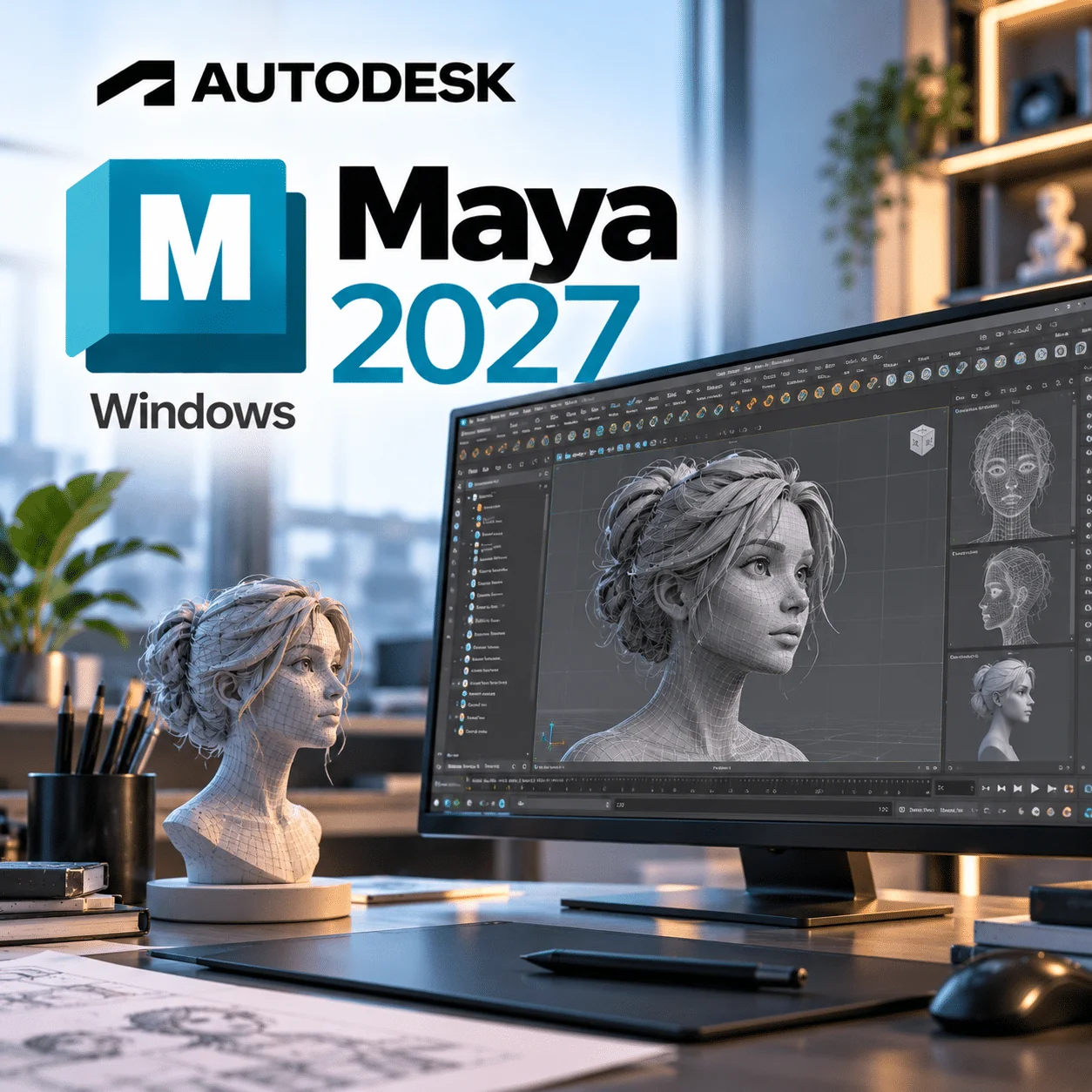
Autodesk Maya 2027 Windows is Autodesk’s 3D animation, modelling, simulation and rendering package for character animators, VFX artists and game studios working on Windows 11 PCs. This listing is a 1-year subscription for 1 device on Windows, delivered instantly by email so you can be animating the same day.
Maya 2027 is the current major release in Autodesk’s annual cycle and adds layer-based skinning, a smarter bevel and AI-assisted motion tools on top of the familiar Maya workflow.
Autodesk Maya 2027 Windows licence at a glance
| Item |
Detail |
| Product |
Autodesk Maya |
| Version |
2027 |
| Platform |
Windows 11 (64-bit) |
| Licence term |
1-year subscription for 1 device |
| Delivery |
By email after payment |
| Activation |
Sign in with your Autodesk Account (named-user sign-in) |
| Updates |
Updates Autodesk releases for Maya 2027 during the term |
What is Autodesk Maya 2027?
Autodesk Maya 2027 is professional 3D software used to model, rig, animate, simulate and render characters, creatures and effects for film, TV, games and advertising. It ships with the Arnold renderer, Bifrost for procedural effects and USD for Maya for pipeline work, and it runs on Windows 11, macOS and Linux.
On Windows, Maya gets the widest renderer support: Arnold can render on the CPU or on a compatible NVIDIA GPU. That matters if you plan to use GPU rendering for look development or quick turnarounds.
What’s new in Autodesk Maya 2027
These additions come from Autodesk’s What’s New in Maya 2027 documentation.
Skin Tools for layer-based skinning
A built-in skinning workflow based on ngSkinTools, with weight layers, advanced masking and mirror tools. Riggers no longer need a third-party plug-in for layered weight painting.
Smart Bevel
A new bevel tool designed to produce cleaner, more detailed bevels on hard-surface models.
MotionMaker equine character
MotionMaker gains a standard horse character, adsk_equine, for generating horse motion, and characters now follow paths more closely using new Path Locator attributes.
Sequencer improvements
Better shot editing, grouping and organisation, plus improved playblast output for layout and previs artists.
USD asset build tools
USD for Maya adds a Component Creator and a Variant Manager, and LookdevX moves to version 2.0.0 with expanded UV texture menus and archiving.
Bifrost 3.0 and Arnold 5.6.0
Bifrost 3.0.0.0 brings faster rigid body dynamics and surface tension for droplets. Arnold for Maya 5.6.0 adds lightweight USD instancing and a new hair scattering mode.
Autodesk Assistant (Tech Preview)
An AI helper that answers questions about Maya features and workflows using Autodesk’s documentation. Autodesk labels it a technology preview.
Key features
- Polygon, NURBS and subdivision modelling with retopology tools
- Rigging with skin clusters, deformers and the new Skin Tools
- Keyframe animation with the Graph Editor, Dope Sheet and Time Slider
- Arnold renderer included, with CPU and NVIDIA GPU rendering on Windows
- Bifrost visual programming for liquids, smoke, fire and rigid bodies
- USD for Maya and LookdevX for USD-based look development
- Python and C++ APIs for pipeline scripting and plug-ins
- FBX, OBJ, Alembic and USD import and export for game engines and other DCCs
Maya 2027 vs 3ds Max: which should you buy?
Pick Maya if your work is mostly character animation, rigging or VFX; pick 3ds Max if you focus on architectural visualisation, product shots or hard-surface game assets. Both include Arnold, but 3ds Max is Windows-only while Maya also runs on Mac and Linux.
| Area |
Autodesk Maya 2027 |
Autodesk 3ds Max |
| Main strength |
Character animation, rigging, VFX |
Archviz, modelling, design visualisation |
| Platforms |
Windows, macOS, Linux |
Windows only |
| Rigging and skinning |
Deep toolset, new layer-based Skin Tools |
Capable, but less used for feature animation |
| Modelling style |
Polygon and NURBS, Smart Bevel |
Modifier stack, strong parametric workflow |
| Bundled renderer |
Arnold |
Arnold |
If 3ds Max fits better, see our Autodesk 3ds Max 2026 licence.
Who is it for?
- Character animators: Graph Editor, MotionMaker and the new Skin Tools in one package.
- Riggers and technical artists: Python, C++ API and layered skin weights without extra plug-ins.
- VFX and simulation artists: Bifrost 3.0 for liquids, droplets and rigid bodies.
- Game studios: FBX and USD export for Unreal, Unity and in-house engines.
- Freelancers on Windows 11 workstations: GPU rendering in Arnold on NVIDIA cards.
Maya 2027 system requirements for Windows
Autodesk’s Maya 2027 product details page lists the following for Windows.
| Component |
Requirement |
| Operating system |
Microsoft Windows 11 (Windows 10 is no longer listed) |
| CPU |
64-bit Intel or AMD with SSE4.2 instruction set |
| RAM |
8 GB minimum, 16 GB or more recommended |
| Graphics |
See Autodesk’s Maya Certified Hardware list for tested cards |
| Disk space |
7 GB free for installation |
| Pointing device |
Three-button mouse |
| Arnold GPU rendering |
NVIDIA GPU, Maxwell architecture or later, with a current driver |
Still on Windows 10? You will need to move to a Windows 11 licence before installing this release.
Always check Autodesk’s current requirements before buying, as Autodesk updates OS support during a release’s life.
How to activate Maya 2027 on Windows
- Check your inbox for the order email. It holds your licence details and the activation instructions for Maya 2027.
- Sign in to your Autodesk Account at autodesk.com, or create a free account with the email address you want the licence tied to.
- Download the Maya 2027 installer for Windows from your Autodesk Account, or from the download link given in your order email.
- Run the installer as an administrator and pick the components you need (Arnold, Bifrost and USD are offered as plug-ins).
- Launch Maya and sign in when prompted, then apply the licence exactly as the instructions in your order email describe.
- If any step fails, contact our Help & Support Center with your order number and a screenshot of the message.
Our Installation & Activation Guide covers the general sign-in and installer steps with screenshots.
Why buy from WinCDKey
Related products
Frequently asked questions
Is Autodesk Maya 2027 a subscription or a perpetual licence?
It is a subscription. This product is a 1-year subscription for 1 device, not a perpetual licence, because Autodesk no longer sells new perpetual Maya licences. You use Maya 2027 for 12 months and then renew if you want to keep working with it.
Does Maya 2027 run on Windows 10?
No. Autodesk lists only Windows 11 as the supported Windows version for Maya 2027, so Windows 10 machines are not supported. If your PC can run Windows 11, upgrade first; our Windows 11 keys cover that step before you install Maya.
Can I use this licence on another computer?
This licence covers 1 device at a time. You sign in with your Autodesk Account, so if you replace your PC you can usually sign out on the old one and sign in on the new one. Running it on two machines at once is not covered.
Does this Windows licence work on a Mac?
No. This listing is for the Windows edition of Maya 2027. Mac users should choose the Mac version of Maya 2027 instead, because the platform is set at purchase and the Windows installer will not run on macOS.
What happens after 1 year?
After 12 months the subscription ends and Maya 2027 stops being licensed on your device. Your scene files stay on your drive and can be opened again once you renew or buy a new term. Back up projects before the term ends.
How is Maya 2027 delivered?
Delivery is by email, normally within minutes of payment. The email contains your licence details and instructions; you download the installer from your Autodesk Account. Nothing is posted, so you can track progress on our order tracking page if the email is slow to arrive.
What are the minimum system requirements for Maya 2027 on Windows?
You need Windows 11, a 64-bit Intel or AMD CPU with SSE4.2, 8 GB of RAM (16 GB recommended) and 7 GB of free disk space. Autodesk points to its Maya Certified Hardware list for graphics cards, so check your GPU there before buying.
Can Maya 2027 render with my NVIDIA GPU?
Yes, if the card is supported. Arnold’s GPU mode on Windows needs an NVIDIA GPU of Maxwell architecture or later and a recent driver. AMD and Intel graphics can run the Maya viewport but cannot be used for Arnold GPU rendering.
Do I need ngSkinTools with Maya 2027?
No. Maya 2027 includes Skin Tools, a built-in layer-based skinning workflow based on ngSkinTools, with masking and mirroring. Studios that already own ngSkinTools can keep using it, but new users get layered weights out of the box.
Refunds
Once a purchased software package has been activated or an activation has been attempted through an online activation site, the package becomes none refundable But in serious matters, we can refund on Wincdkey wallet. So you can use every product. We cannot add the software package to our stock if an activation has been completed or attempted.
We cannot issue a refund if a customer has purchased the wrong product. Rather then we can change it if he not try to active it
Example: A customer purchases a Windows software package for a Mac machine.
Exchanges
Microsoft Softwares will exchange software purchases for up to 30 days after order completion but only if the software has not been downloaded by the customer, you can also return your purchased software within 30 days if the software remains none downloaded for a full refund.
Redemption or Activation:
After purchasing keys, you will get a voucher code which is needed to redeem. this voucher code have a lifetime validity but once redeem it then you need to activate your windows or office within 7 working days.
Refund process
Refunds will be credited back to the credit/debit card that customers used to place their order, refunds are processed from our platform immediately the time taken to credit to the customer depends entirely on the customers card issuer and/or bank account.
How to initiate a Refund/Exchange
For any refund or exchange please open a create a refund or exchange request ticket here.