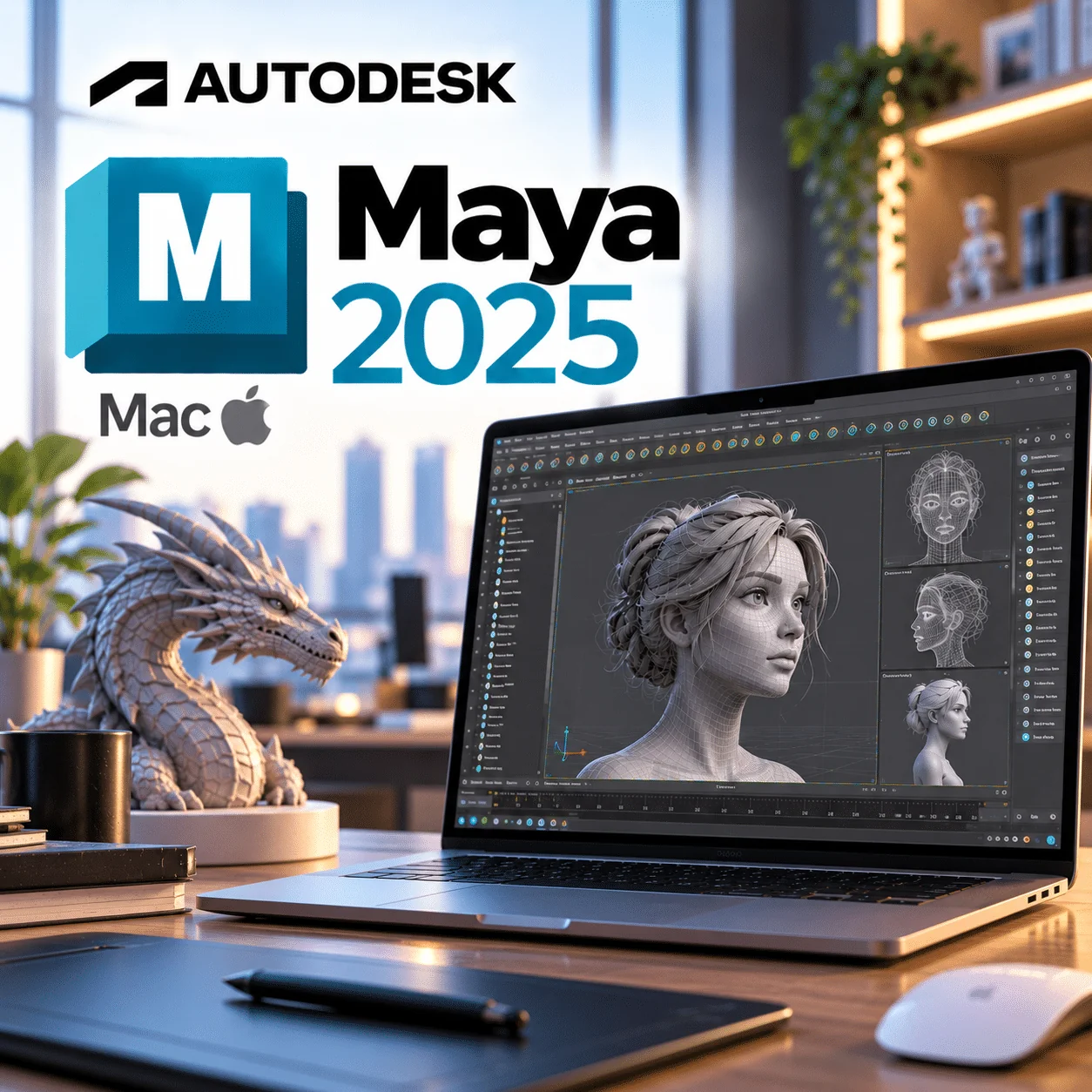
Autodesk Maya 2025 Mac is a 1-year, single-Mac subscription to Maya 2025, a good fit for animation students and freelancers on macOS 12 Monterey, 13 Ventura or 14 Sonoma. It runs natively on Apple silicon, and the licence is emailed to you instantly after checkout.
Autodesk Maya 2025 Mac licence at a glance
| Item |
Detail |
| Product |
Autodesk Maya |
| Version |
2025 |
| Platform |
macOS 14.x, 13.x or 12.x (Apple silicon or Intel) |
| Licence term |
1-year subscription for 1 device |
| Delivery |
By email after payment |
| Activation |
Sign in with your Autodesk Account (named-user sign-in) |
| Updates |
Updates Autodesk releases for Maya 2025 during the term |
What is Autodesk Maya 2025 for Mac?
Autodesk Maya 2025 for Mac is the macOS release of Maya 2025, Autodesk’s software for 3D modelling, character animation, rigging, effects and rendering. It runs natively on Apple silicon Macs and on Intel Macs, and it is the newest Maya version that still lists macOS 12 Monterey among its supported systems.
That makes it a strong match for older Intel MacBook Pros and iMacs that cannot upgrade to macOS 13 or later. Scenes you build here open in newer Maya versions when you eventually upgrade your hardware.
What’s new in Autodesk Maya 2025 for Mac
From Autodesk’s Maya 2025 What’s New notes; all of these are cross-platform features available on macOS.
Smart Extrude
Extrude faces in one interactive step, with automatic clean-up where the new geometry meets the existing mesh.
Dope Sheet rework
A redesigned Dope Sheet makes it easier to see and retime keys, which suits laptop screens with limited space.
Motion Trails rebuilt
More flexible Motion Trails for refining arcs directly in the viewport.
MaterialX in LookdevX 1.3.0
Assign MaterialX materials straight to Maya geometry for USD-friendly shading.
Bifrost 2.9 ocean and foam
Ocean wave nodes simulate foam, with wind-driven spectral waves.
Key features
- Runs natively on Apple silicon (arm64) and on Intel x86 Macs
- Smart Extrude, bevel and Boolean modelling tools
- Rigging, skinning and constraints for characters
- Dope Sheet, Graph Editor and Motion Trails
- Arnold for Maya 5.4.0 CPU rendering
- Bifrost ocean, liquid and particle effects
- USD for Maya 0.27 and LookdevX with MaterialX
Maya 2025 for Mac vs Maya 2026 for Mac
Choose Maya 2025 if your Mac runs macOS 12 Monterey, because Maya 2026 no longer lists it. If your Mac runs macOS 15 Sequoia, choose Maya 2026, since Maya 2025 lists macOS 14 as its newest supported release.
| Area |
Maya 2025 Mac |
Maya 2026 Mac |
| Supported macOS |
14.x, 13.x, 12.x |
15.x, 14.x, 13.x |
| Default surface shader |
Standard Surface |
OpenPBR |
| Arnold for Maya |
5.4.0 |
5.5.3 |
| Bifrost highlight |
Ocean foam and spectral waves |
Liquids in the graph |
| Colour management |
OCIO 2.3.1 |
OCIO 2.4.1 |
Who is it for?
- Owners of Intel Macs stuck on macOS 12: the newest Maya that lists Monterey.
- Animation students on a budget who want a current-enough version.
- Mac animators who value the redesigned Dope Sheet and Motion Trails.
- Look-dev artists testing MaterialX workflows.
- Freelancers whose client pipeline is locked to Maya 2025 and who need to match it exactly.
Maya 2025 Mac system requirements
Per Autodesk’s Maya 2025 system requirements article.
| Component |
Autodesk requirement |
Our suggestion (not an Autodesk requirement) |
| Operating system |
macOS 14.x, 13.x or 12.x |
macOS 14.x |
| CPU |
Apple silicon (arm64) or Intel x86 |
Apple silicon |
| RAM |
8 GB (Autodesk recommends 16 GB or more) |
16 GB or more |
| Graphics |
See Autodesk’s Maya Certified Hardware list |
No extra suggestion |
| Disk space |
7 GB free for install |
Extra space for caches |
Arnold renders on the CPU on macOS; GPU rendering is a Windows and Linux feature.
Always check Autodesk’s current requirements before buying, as Autodesk updates OS support during a release’s life.
How to activate Maya 2025 on Mac
- Open the order email we send after payment. It contains your licence details and setup instructions.
- Sign in to your Autodesk Account in Safari or Chrome, or create one with the email address you want to use.
- Download the macOS installer for Maya 2025 from your Autodesk Account, or via the link in your order email.
- Open the downloaded disk image and run the installer. macOS may ask for your administrator password.
- Launch Maya from Applications, sign in when asked and finish licensing as set out in your order email.
- If Maya will not open or licensing fails, send our support team your order number and the exact error text.
For a general walkthrough of installer and sign-in steps, see our Installation & Activation Guide.
Why buy from WinCDKey
Related products
Frequently asked questions
Does Maya 2025 run on macOS Monterey?
Yes. Autodesk lists macOS 14.x, 13.x and 12.x for Maya 2025, and macOS 12 is Monterey. Newer Maya releases drop macOS 12, so Maya 2025 is the version to choose if your Mac cannot upgrade.
Does Maya 2025 work on macOS Sequoia (15)?
Not officially. Autodesk lists macOS 14, 13 and 12 for Maya 2025, so macOS 15 is not on the supported list. If you are on Sequoia, Maya 2026 for Mac lists macOS 15 support.
Is Maya 2025 native on Apple silicon?
Yes. Autodesk lists Apple silicon arm64 as a supported CPU for Maya 2025 on macOS, alongside Intel x86. Maya has run natively on M-series Macs since Maya 2024.
Is this a perpetual licence?
No. This is a 1-year subscription for 1 Mac. Autodesk does not sell new perpetual Maya licences, so after 12 months you renew to keep using the software.
Can I transfer the licence to another Mac?
Yes, provided only 1 device uses it at a time. Sign out of Maya on the first Mac, then sign in with the same Autodesk Account on the new one. Simultaneous use on two Macs is not covered.
Can I use this licence on Windows?
No. This is the Mac edition of Maya 2025. For a Windows PC, buy the Windows edition. Your scene files work on both, so switching platforms later does not mean losing work.
What happens after 12 months?
At the end of the 12-month term, Maya 2025 is no longer licensed on your Mac. Your scenes stay on disk. Renew or buy a new term to keep editing them in Maya.
How is Maya 2025 for Mac delivered?
By email, instantly after payment. You follow the instructions to sign in to your Autodesk Account and download the macOS installer. Most customers are installing within minutes.
What are the minimum Mac specs for Maya 2025?
macOS 12, 13 or 14, an Apple silicon or Intel CPU, 8 GB of RAM and 7 GB of free disk space. Autodesk recommends 16 GB RAM or more and points to its certified hardware list for graphics.
Refunds
Once a purchased software package has been activated or an activation has been attempted through an online activation site, the package becomes none refundable But in serious matters, we can refund on Wincdkey wallet. So you can use every product. We cannot add the software package to our stock if an activation has been completed or attempted.
We cannot issue a refund if a customer has purchased the wrong product. Rather then we can change it if he not try to active it
Example: A customer purchases a Windows software package for a Mac machine.
Exchanges
Microsoft Softwares will exchange software purchases for up to 30 days after order completion but only if the software has not been downloaded by the customer, you can also return your purchased software within 30 days if the software remains none downloaded for a full refund.
Redemption or Activation:
After purchasing keys, you will get a voucher code which is needed to redeem. this voucher code have a lifetime validity but once redeem it then you need to activate your windows or office within 7 working days.
Refund process
Refunds will be credited back to the credit/debit card that customers used to place their order, refunds are processed from our platform immediately the time taken to credit to the customer depends entirely on the customers card issuer and/or bank account.
How to initiate a Refund/Exchange
For any refund or exchange please open a create a refund or exchange request ticket here.