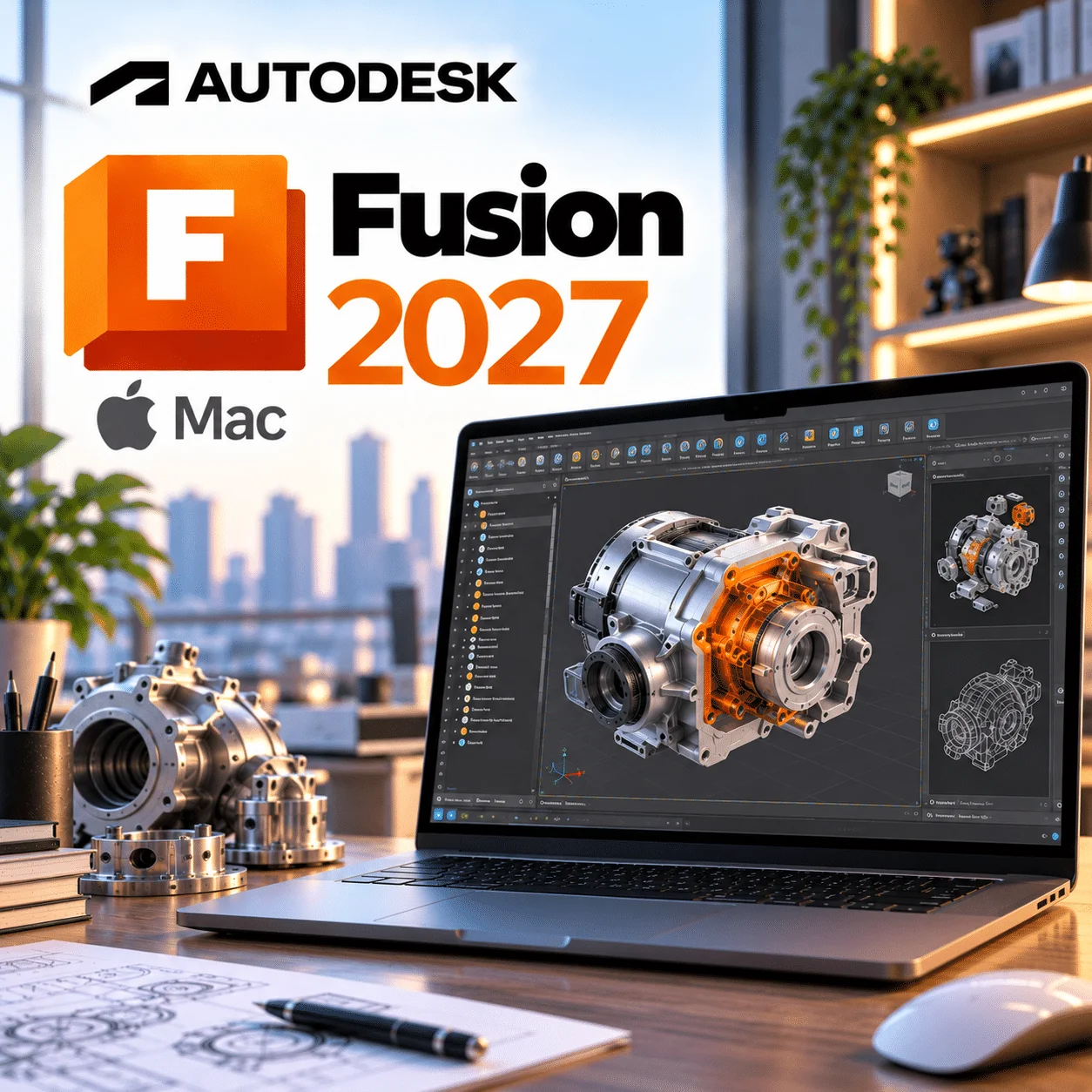
Autodesk Fusion 2027 Mac is a 1-year subscription to Autodesk Fusion, the cloud-connected 3D CAD, CAM and electronics design tool that runs natively on macOS, for designers, makers and engineers who work on a Mac. You get one user on 1 device at a time for 1 year, with instant delivery by email. Fusion has no fixed yearly versions, so “2027” refers to the 2026–2027 subscription year, and the app updates itself automatically to Autodesk’s latest release.
Autodesk Fusion 2027 Mac licence at a glance
| Item |
Detail |
| Product |
Autodesk Fusion (formerly Fusion 360), base subscription |
| Version |
Always the current release; “2027” is the 2026–2027 subscription year, not a separate build |
| Platform |
macOS 14 Sonoma or later; Apple silicon recommended (Intel Macs lose updates after March 2027) |
| Licence term |
1-year subscription, one named user, used on 1 device at a time |
| Delivery |
By email after payment |
| Activation |
Sign in with your Autodesk Account as explained in your order email |
| Updates |
All Fusion updates released during your term, subject to your Mac meeting Autodesk’s requirements |
What is Autodesk Fusion for Mac?
Autodesk Fusion for Mac is the macOS desktop edition of Autodesk’s integrated CAD, CAM, simulation and PCB design platform, with your files stored in Autodesk’s cloud. It is one of the few professional mechanical CAD tools with a real Mac app, so you do not need Boot Camp, Parallels or a second PC to model, machine and document parts.
The subscription is the same one Windows users buy. Sign in with your Autodesk Account and your projects, version history and settings follow you between machines.
Recent Fusion updates that matter on Mac
Fusion is updated several times a year instead of once. These are the 2026 changes Mac users should know about, from Autodesk’s October 2026 Fusion release notes and the July 2026 What’s New post.
Apple silicon becomes mandatory from end of March 2027
Autodesk has announced that at the end of March 2027 Fusion will require an Apple silicon Mac to stay up to date. Intel Macs will stop receiving updates and support, and the last Intel-compatible build will only launch until its eight-month build expiry runs out. If you are on an Intel Mac, read this before buying a 12-month term.
Native Apple silicon for metal powder bed simulation (July 2026)
MPBF Process Simulation in the Manufacture Extension now runs natively on Apple silicon without Rosetta. It is one more step in Autodesk moving Fusion’s remaining commands to ARM64.
macOS accessibility crash fixed (August 2026)
The v.2704.1.53 update on 6 August 2026 fixed a crash on macOS when accessibility features such as VoiceOver were turned on.
System Modeler and smarter Autodesk Assistant (October 2026)
System Modeler brings node-based visual scripting to Design and Manufacture, and Autodesk Assistant now reads Fusion error messages and manufacturing setups in context. Both are in the shared Fusion codebase, so Mac users get them at the same time as Windows.
Faster large assemblies and a refreshed Home (2026)
Autodesk reports up to 35% faster open, save and edit on large nested assemblies in October, after July’s redesigned My Fusion Home page that pulls recent files, search and learning into one place.
Key features of Fusion on macOS
- Parametric, freeform, surface and mesh modelling in one timeline
- Joints, assemblies and motion studies
- Integrated CAM for milling, turning and additive, with post-processors
- Schematic and PCB layout with live sync to the 3D enclosure
- 2D drawings with GD&T for the workshop
- Cloud storage, version history and share links that open in any browser
- Trackpad and 3Dconnexion SpaceMouse support
- Offline Mode for up to two weeks away from a connection
Fusion on Mac vs Fusion on Windows
It is the same subscription and the same cloud data on both systems; the differences are in hardware requirements and the Intel Mac cut-off, not in what you are allowed to do. Figures below come from Autodesk’s Fusion product details page.
| Point |
Mac |
Windows |
| Minimum OS |
macOS 14 Sonoma |
Windows 10 22H2 (64-bit) |
| Processor |
Apple silicon M1 or later (Intel i5 until March 2027) |
x86-64, 2 cores / 4 threads minimum |
| Minimum / recommended RAM |
4GB / 16GB+ |
8GB / 32GB+ |
| Extra dependency |
Rosetta 2 for commands still moving to ARM64 |
.NET Framework 4.5+ for crash reports |
| Licence |
One named-user subscription covers both; sign in on one computer at a time |
Who is Fusion for Mac for?
- Industrial and product designers who already work in a Mac studio.
- Makers and 3D printing businesses selling what they design.
- Students moving into paid work who have outgrown free licences.
- Mixed Mac and PC teams sharing one cloud project.
- Hardware start-ups doing enclosure and PCB design on MacBook Pros.
Autodesk Fusion system requirements for Mac
Fusion needs macOS 14 Sonoma or later; Apple silicon is supported natively and is the recommended platform.
| Component |
Minimum |
Recommended |
| Operating system |
macOS 14 Sonoma |
macOS 15.7 Sequoia or macOS 26 Tahoe or newer |
| CPU |
Apple M1, or 2.4GHz dual-core Intel Core i5 (updates end March 2027) |
Apple M1 Max or newer |
| Memory |
4GB RAM |
16GB+ RAM |
| Graphics |
Apple M1 or Intel HD Graphics 5000 |
M1 Max or newer; certified hardware for professional use |
| Display |
1366 x 768 at 60Hz, Retina scaling off |
4K at 60Hz, Retina scaling on |
| Disk |
8.5GB |
15GB+ on SSD |
| Internet |
5 Mbps down / 1 Mbps up |
25+ Mbps down / 5+ Mbps up |
| Dependencies |
TLS 1.2+, Rosetta 2; OpenCore Legacy Patcher not supported |
Always check Autodesk’s current requirements before buying, as Autodesk updates OS support during a release’s life.
How to activate Autodesk Fusion on a Mac
- Open the WinCDKey order email that holds your licence details.
- Sign in to your Autodesk Account, or create one with the email you want Fusion tied to.
- Download the macOS installer from your Autodesk Account or the link in your order email.
- Open the installer and, if macOS asks, allow it to run and install Rosetta 2.
- Launch Fusion, sign in and apply the licence as described in your order email.
- Stuck? Our step-by-step activation guide and support team can help.
Why buy from WinCDKey
Related products
Frequently asked questions
Does Autodesk Fusion run natively on Apple silicon?
Yes. Autodesk lists the Apple M1 as a minimum processor and recommends M1 Max or newer, and most of Fusion runs natively on M-series chips. A few commands are still moving to ARM64 and may ask for Rosetta 2. From the end of March 2027, Autodesk says Fusion will require Apple silicon to stay updated.
Can I use Fusion on an Intel Mac?
Only until about March 2027. Autodesk has announced that Intel Macs will stop receiving Fusion updates and support then, and the last Intel build will run only until its eight-month expiry. With a 12-month term bought now, Intel Mac owners should plan to move to Apple silicon or use Fusion on Windows.
Is there a separate Fusion 2027 for Mac?
No. Autodesk does not sell Fusion as yearly versions. There is one Fusion app for macOS that updates automatically, currently build v.2706 from October 2026. “2027” in this listing means the 2026–2027 subscription year, not a different download.
Is Autodesk Fusion a subscription or a one-time purchase?
It is a subscription. Autodesk does not sell new perpetual licences for Fusion; you pay for access by the month or year. This listing gives 12 months of access with all updates in that period, after which you renew to keep commercial use.
Will my Mac licence work on a Windows PC too?
Yes. Fusion is licensed to a named user, not an operating system, so the same Autodesk Account signs in on Windows, macOS or a web browser. Autodesk only allows one computer to be signed in at a time, so close Fusion and sign out on one machine before using another.
What happens when the year ends?
Your commercial access to Fusion ends unless you renew. Your designs remain in your Autodesk cloud account, and you can pick them up again after renewing. WinCDKey sells new terms, and our customer FAQs explain how renewals are delivered.
How do I receive Fusion after buying?
By email, normally within minutes of payment. The email explains how to link the subscription to your Autodesk Account and where to download the Mac installer. Nothing is posted. Check your junk folder if it is not in your inbox, then contact support.
What Mac do I need for Fusion?
At minimum, a Mac on macOS 14 Sonoma with an Apple M1 (or a 2.4GHz Intel Core i5 until March 2027), 4GB RAM and 8.5GB free disk. For comfortable work on assemblies, Autodesk recommends an M1 Max or newer, 16GB+ RAM, an SSD and macOS 15.7 Sequoia or later.
Should I buy paid Fusion or use Fusion for personal use on my Mac?
Buy paid Fusion if you earn money from your designs. Fusion for personal use is free only for non-commercial home projects and people earning under USD 1,000 a year, with limited export, CAM, simulation and drawings and no Extensions. The paid subscription lifts those limits and adds Autodesk support.
Refunds
Once a purchased software package has been activated or an activation has been attempted through an online activation site, the package becomes none refundable But in serious matters, we can refund on Wincdkey wallet. So you can use every product. We cannot add the software package to our stock if an activation has been completed or attempted.
We cannot issue a refund if a customer has purchased the wrong product. Rather then we can change it if he not try to active it
Example: A customer purchases a Windows software package for a Mac machine.
Exchanges
Microsoft Softwares will exchange software purchases for up to 30 days after order completion but only if the software has not been downloaded by the customer, you can also return your purchased software within 30 days if the software remains none downloaded for a full refund.
Redemption or Activation:
After purchasing keys, you will get a voucher code which is needed to redeem. this voucher code have a lifetime validity but once redeem it then you need to activate your windows or office within 7 working days.
Refund process
Refunds will be credited back to the credit/debit card that customers used to place their order, refunds are processed from our platform immediately the time taken to credit to the customer depends entirely on the customers card issuer and/or bank account.
How to initiate a Refund/Exchange
For any refund or exchange please open a create a refund or exchange request ticket here.