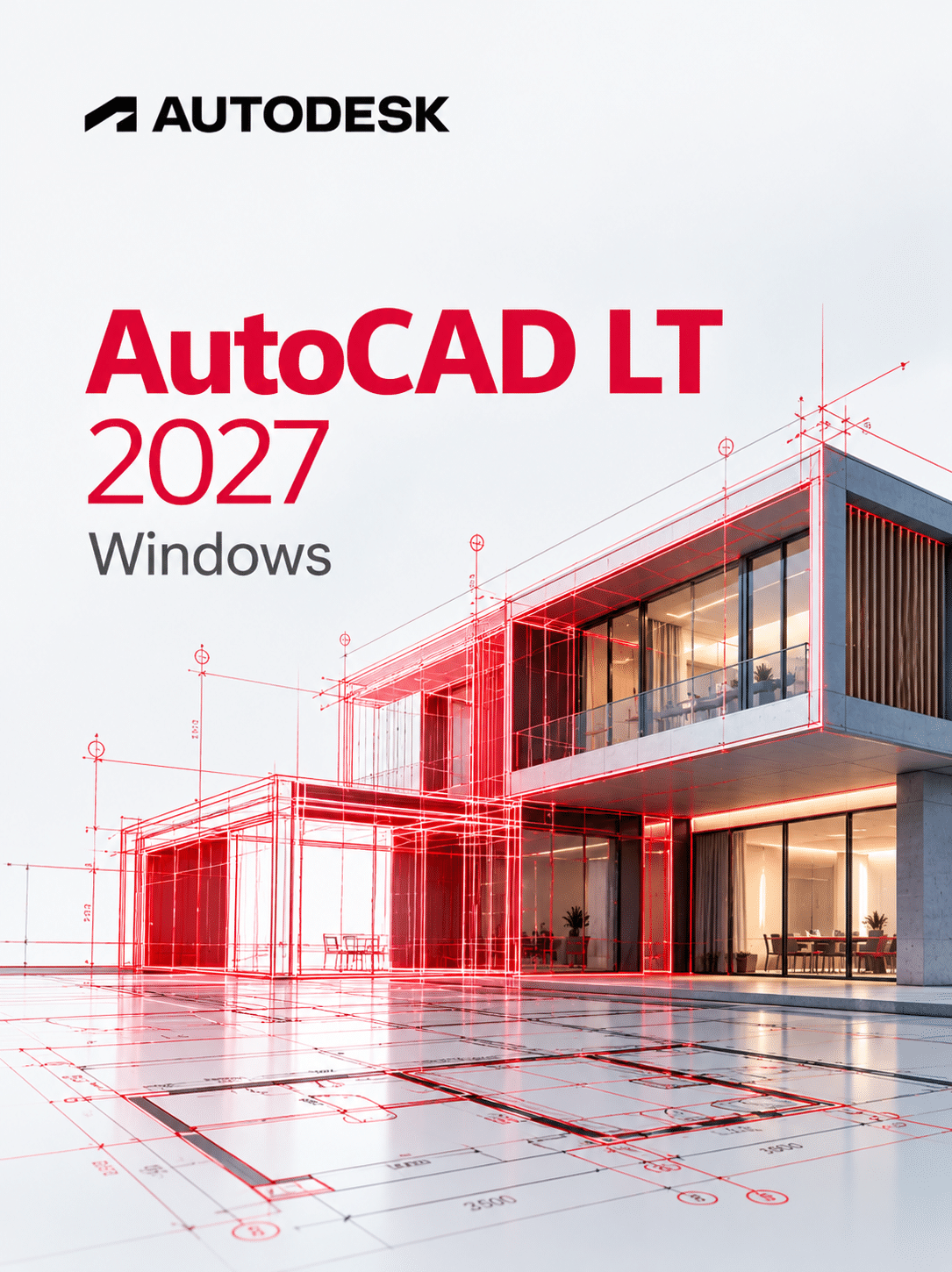
Autodesk AutoCAD LT 2027 Windows is Autodesk’s 2D-only drafting program for Windows 11 PCs, built for draughtspeople, contractors and small offices who produce plans, sections and details but have no need for 3D modelling. This licence runs on 1 device for 1 year on Windows, and you receive the details by instant email delivery.
It costs far less than full AutoCAD while keeping the same DWG format and core commands. Not sure which you need? Our AutoCAD vs AutoCAD LT comparison sets out the differences in plain terms.
Licence at a glance
| Item |
Detail |
| Product |
Autodesk AutoCAD LT |
| Version |
2027 |
| Platform |
Windows 11 (64-bit, x64 only) |
| Licence term |
1-year subscription for 1 device |
| Delivery |
By email after payment |
| Activation |
Sign in to your Autodesk Account (named-user sign-in) |
| Updates |
Updates Autodesk releases for version 2027 during the term |
What is AutoCAD LT 2027 for Windows?
AutoCAD LT 2027 is the lower-cost member of the AutoCAD family, focused purely on 2D drafting and documentation in DWG format. It has the AutoCAD command line, layers, blocks, dimensions, xrefs and sheet layouts, but leaves out 3D modelling, the specialised toolsets and most programming interfaces. Drawings open directly in full AutoCAD.
For most site plans, shop drawings, kitchen layouts and electrical schematics, that is all you need. The time savings in 2027 come from cleanup and collaboration tools rather than new drawing commands.
What’s new in AutoCAD LT 2027
The list below comes from Autodesk’s AutoCAD LT 2027 What’s New help page, including items added in the 2027.1 update.
Geometry Cleanup
Scans a drawing for gaps, overshoots, undershoots and misaligned angles, then offers fixes. Very useful on inherited or converted DWG files before you hatch or measure areas.
Autodesk Assistant
AI-enhanced chat and prompt-driven workflows inside LT. The 2027.1 update adds smarter object counting, selection-aware analysis and context-aware unit reporting.
Connected References
Finds xrefs that were moved or renamed in a cloud project and suggests the corrected paths, so fewer drawings open with broken references.
Connected Support Files
Tool palettes, authoring palettes and partial CUIx files can be shared with everyone on the same Forma Data Management project. Your custom ribbon and tools follow the drawing.
Sheet Set Manager and editing tweaks (2027.1)
Edit common properties across several sheets at once, use the new Lengthen option on polyline end grips, and press Ctrl+A to select all text in attribute dialogs.
Faster layout switching
Moving between layout tabs is quicker. Note that Autodesk also removed MrSID image attachment, PostScript output (PSOUT) and the AutoCAD Web and Mobile save and open commands in this release.
Key features
- 2D drawing and editing: lines, polylines, arcs, offsets, trims and fillets
- Smart dimensioning, multileaders, centre lines and revision clouds
- Layers, layer states and object transparency
- Blocks, attributes and dynamic block insertion
- External references and PDF, DGN and image underlays
- Layouts, viewports, sheet sets and plotting to PDF
- Tables with Excel data linking, plus fields
- AutoLISP for basic automation, and TrustedDWG compatibility
AutoCAD LT 2027 vs AutoCAD 2027
Pick AutoCAD LT 2027 if your work is strictly 2D; pick full AutoCAD 2027 if you need 3D, toolsets or deeper automation. The table uses Autodesk’s 2027 product information.
| Feature |
AutoCAD LT 2027 |
AutoCAD 2027 |
| 2D drafting and documentation |
Yes |
Yes |
| 3D modelling and rendering |
No |
Yes |
| Specialised toolsets (Architecture, MEP, Electrical and more) |
No |
Yes |
| Automation |
AutoLISP (some customisation) |
AutoLISP plus development tools and APIs |
| Checkout (object-level editing of shared DWGs) |
Not listed in LT 2027 |
New in 2027 |
| Geometry Cleanup and Autodesk Assistant |
Yes |
Yes |
If the right-hand column matters to you, look at AutoCAD 2027 for Windows instead. Many offices run a mix: one or two full seats plus LT for the drafting team.
Who is it for?
- Architectural technicians producing 2D plans, sections and elevations
- Building contractors and site engineers marking up consultant drawings
- MEP and electrical drafters working on 2D schematics
- Kitchen, bathroom and shopfit designers creating layouts for clients
- Small firms that need DWG compatibility without the full AutoCAD price
AutoCAD LT 2027 Windows system requirements
Based on Autodesk’s AutoCAD LT 2027 system requirements article. Windows 10 is no longer listed, and ARM processors are not supported.
| Component |
Minimum |
Recommended |
| Operating system |
64-bit Windows 11 (a version Microsoft still supports) |
Fully updated Windows 11 |
| Processor |
2.5 to 2.9 GHz (base), x64; ARM not supported |
3+ GHz (base) |
| Memory |
8 GB |
16 GB |
| Graphics card |
1 GB GPU, 29 GB/s bandwidth, DirectX 11 |
4 GB GPU, 106 GB/s bandwidth, DirectX 12 |
| Display |
1920 x 1080 True Color |
Up to 3840 x 2160 with a capable card |
| Disk space |
10 GB |
10 GB on an SSD |
| .NET |
.NET 10 (installed by the setup if missing) |
.NET 10 |
Always check Autodesk’s current requirements before buying, as Autodesk updates OS support during a release’s life. Still on Windows 10? You will need a Windows 11 licence first.
How to activate AutoCAD LT 2027
- Open the order confirmation email that contains your licence details.
- Sign in to your Autodesk Account, or register a new account.
- Download the AutoCAD LT 2027 installer from Autodesk Account, or from the link given in your order email.
- Run the installer on your Windows 11 PC and let it add .NET 10 if needed.
- Launch AutoCAD LT and sign in, or apply the licence following the instructions in your order email.
- If anything goes wrong, contact our Help and Support Center.
The AutoCAD LT 2025 installation guide shows the same installer screens you will see in 2027, and our installation and activation guide covers the general steps.
Why buy from WinCDKey
Related products
Frequently asked questions
Is AutoCAD LT 2027 a one-time purchase?
No. AutoCAD LT 2027 is a subscription, not a perpetual licence. This listing gives you 1 year on 1 Windows device, after which you renew to keep using it. Autodesk does not sell new perpetual AutoCAD LT licences.
Does AutoCAD LT 2027 run on Windows 10?
No. Autodesk’s 2027 requirements list 64-bit Windows 11 only, and the software must run on a Windows version Microsoft still supports. If your PC is on Windows 10, upgrade it to Windows 11 before installing LT 2027.
Does this licence work on a Mac?
No. This listing is the Windows edition. AutoCAD LT for Mac is a separate macOS product with its own installer and feature set, so Mac users should choose the Mac edition instead of this one.
Can I move AutoCAD LT 2027 to a new PC?
Yes, generally. The licence is for 1 device at a time, so sign out of AutoCAD LT on the old PC and sign in on the new one. Do not use it on two computers simultaneously. Our support team can help if the transfer fails.
What happens after 12 months?
After 12 months the subscription ends and AutoCAD LT stops being licensed until you renew. Your DWG drawings stay on your disk and can still be opened in any DWG viewer or another licensed copy of AutoCAD.
How quickly is AutoCAD LT 2027 delivered?
Usually within minutes. As soon as payment is confirmed we email the licence details and instructions to you. You then download the installer from Autodesk Account or the link provided, so there is nothing physical to wait for.
What PC do I need for AutoCAD LT 2027?
A 64-bit Windows 11 PC with an x64 processor of 2.5 GHz or faster, 8 GB RAM (16 GB recommended), a 1 GB DirectX 11 GPU, a 1920 x 1080 display and 10 GB of disk space. ARM-based Windows laptops are not supported.
Can AutoCAD LT 2027 do 3D?
No. AutoCAD LT is a 2D drafting product and does not include 3D modelling or rendering tools. It can open drawings containing 3D objects created in full AutoCAD and view them, but if you need to create 3D models you need AutoCAD.
Can AutoCAD LT 2027 run LISP routines?
Yes, to a degree. Autodesk says AutoCAD LT supports some customisation through AutoLISP, so many everyday routines will run. It lacks the wider development tools and APIs of full AutoCAD, so complex add-ins written for AutoCAD may not work.
Refunds
Once a purchased software package has been activated or an activation has been attempted through an online activation site, the package becomes none refundable But in serious matters, we can refund on Wincdkey wallet. So you can use every product. We cannot add the software package to our stock if an activation has been completed or attempted.
We cannot issue a refund if a customer has purchased the wrong product. Rather then we can change it if he not try to active it
Example: A customer purchases a Windows software package for a Mac machine.
Exchanges
Microsoft Softwares will exchange software purchases for up to 30 days after order completion but only if the software has not been downloaded by the customer, you can also return your purchased software within 30 days if the software remains none downloaded for a full refund.
Redemption or Activation:
After purchasing keys, you will get a voucher code which is needed to redeem. this voucher code have a lifetime validity but once redeem it then you need to activate your windows or office within 7 working days.
Refund process
Refunds will be credited back to the credit/debit card that customers used to place their order, refunds are processed from our platform immediately the time taken to credit to the customer depends entirely on the customers card issuer and/or bank account.
How to initiate a Refund/Exchange
For any refund or exchange please open a create a refund or exchange request ticket here.