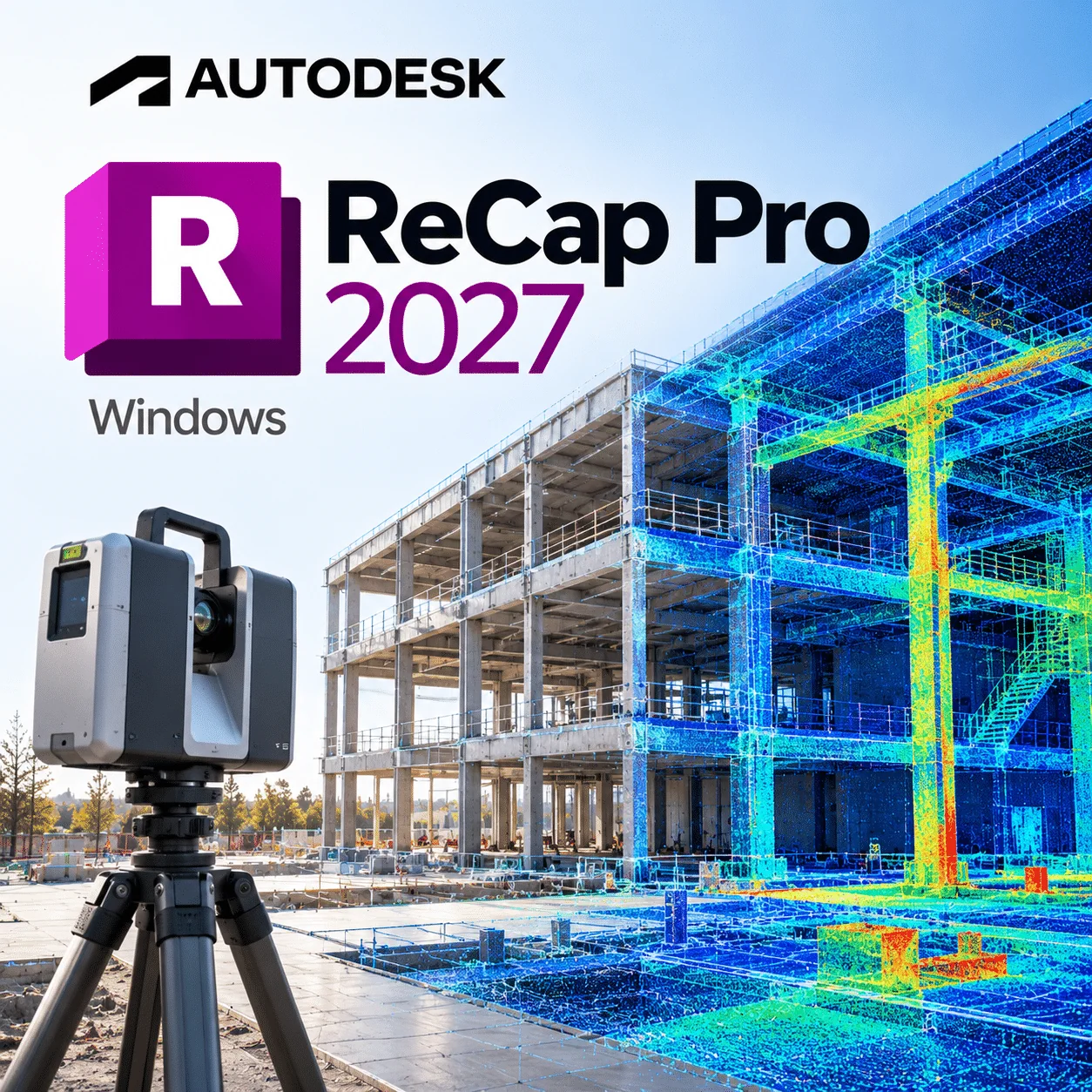
Autodesk ReCap Pro 2027 is reality capture software for surveyors, engineers and BIM teams who turn laser scans and photos into registered point clouds and meshes for use in Revit, Civil 3D and AutoCAD. This licence covers 1 Windows device for 1 year and is delivered by email straight after payment.
ReCap Pro 2027 shipped in April 2026, followed by update 2027.0.1 in June 2026, so it is a real versioned release rather than a rebadged subscription.
Licence at a glance
| Item |
Detail |
| Product |
Autodesk ReCap Pro |
| Version |
2027 |
| Platform |
Windows (64-bit) |
| Licence term |
1-year subscription, 1 device |
| Delivery |
By email after payment |
| Activation |
Sign in to your Autodesk Account, following your order email |
| Updates |
2027 updates during the term (for example 2027.0.1 and 2027.1) |
What is Autodesk ReCap Pro 2027?
Autodesk ReCap Pro 2027 is a Windows desktop application that imports terrestrial, mobile and handheld laser scans, registers them into one point cloud, and lets you clean, measure, classify and mesh the result. Since 2026 it also handles photo-based capture inside the same app, so you can turn drone or camera photos into 3D meshes.
The output feeds design tools directly. Point clouds in RCP/RCS format attach to Revit, AutoCAD and Civil 3D, while meshes and classified layers support scan-to-BIM and as-built checks.
What about ReCap Photo? Autodesk folded ReCap Photo’s photo-to-3D workflow into ReCap Pro with the 2026 release, so there is no separate install to manage. The 2027 notes do not list any photogrammetry changes.
What’s new in ReCap Pro 2027
Sources: Autodesk’s What’s New in ReCap Pro and the Autodesk AEC blog on ReCap Pro 2027.
Level panoramic images on E57 import
ReCap can now detect and straighten panoramas that are not level when you import E57 files. This is aimed at handheld and SLAM scanners, so RealViews line up better with the point cloud.
Scan to Mesh templates, schemas and attributes
You can save classification templates, map schemas and add custom attributes such as asset IDs. Classifications carry into the Mesh Editor and out to Revit, Model Coordination and the newly supported IFC 4.0.
New ReCap Home
The start screen was redesigned to match Revit, Civil 3D and AutoCAD. Finding, sorting and opening recent projects is quicker.
Autodesk Assistant (tech preview)
An AI help assistant answers questions about ReCap Pro in plain language and links to help topics. Autodesk labels it experimental, so double-check its answers.
Rail Track Extraction (2027.1)
A new tool traces rail lines and extracts gauge and centre lines from point clouds, including turnouts. Results export as LandXML for Civil 3D.
Wider scanner support and lighter meshing
Newer ZFS scans and more FARO and Topcon FLS raw formats import directly. Local Scan to Mesh uses less RAM and handles fine detail such as railings better.
Key features
- Automatic and manual scan registration with accuracy reports
- Survey control and coordinate systems for geo-referenced projects
- Point cleanup, region tools and elevation slices
- Advanced measurement and annotation, with view states
- Photo to 3D mesh output (RCM, OBJ, FBX) from camera and drone photos
- Local Scan to Mesh with classification layers
- Export to RCP/RCS, E57 and PTS
- Cloud project sharing with Autodesk Forma Data Management, plus 100 GB storage
ReCap Pro vs free ReCap
The free ReCap is fine for opening and viewing scans; you need ReCap Pro to register, clean, export or mesh them. Here is how the two tiers compare according to Autodesk’s product tier list.
| Task |
Free ReCap |
ReCap Pro 2027 |
| Import and view scans, RealViews |
Yes |
Yes |
| Measurement |
Basic |
Advanced, with annotations |
| Scan registration and stitching |
No |
Automatic and manual |
| Export RCP/RCS, E57, PTS |
No |
Yes |
| Photo to 3D mesh |
No |
Yes |
| Shared cloud storage |
No |
Yes, 100 GB |
Who is it for?
- Measured building surveyors delivering registered point clouds to architects
- Scan-to-BIM teams modelling existing buildings in Revit 2026
- Rail and civil surveyors who need track centre lines in Civil 3D
- Steel detailers checking refurbishment work against site scans in Advance Steel 2026
- Drone operators producing photo meshes of sites and structures
- Visualisation artists bringing site meshes into 3ds Max 2026
System requirements
Autodesk publishes one combined ReCap Pro system requirements article rather than a separate 2027 sheet. The recommended figures we could confirm are below.
| Component |
Recommended (Autodesk) |
| Operating system |
Microsoft Windows 10 (64-bit) or higher |
| CPU |
2.0 GHz or faster 64-bit (x64) processor |
| Memory |
16 GB or more |
| Display |
1600 x 1050 or higher, true colour |
| Graphics |
OpenGL 3.x-capable card (see Autodesk’s article for the exact version) |
| Disk space and network |
See Autodesk’s article; cloud features need an internet connection |
Point clouds grow fast, so in practice a fast SSD and more than 16 GB of RAM make a big difference on large projects.
Always check Autodesk’s current requirements before buying, as Autodesk updates OS support during a release’s life.
How to activate ReCap Pro 2027
- Find the order email we send once your payment is confirmed.
- Sign in to your Autodesk Account, or create one with your work email.
- Download ReCap Pro 2027 from your Autodesk Account or the link in your order email.
- Install it on your Windows PC.
- Open ReCap Pro and sign in, or apply the licence as your order email instructs.
- If something does not work, follow our Installation & Activation Guide or ask the support team.
Why buy from WinCDKey
Related products
Frequently asked questions
Is ReCap Pro 2027 a real release?
Yes. Autodesk released ReCap Pro 2027 in April 2026 and followed it with update 2027.0.1 in June 2026, according to Autodesk’s release notes. A later 2027.1 update added Rail Track Extraction. New 2027 features include panorama levelling on E57 import, mesh classification templates, a new home screen and the Autodesk Assistant preview.
Does ReCap Pro 2027 include ReCap Photo?
Yes, in effect. Since the 2026 release Autodesk has built the ReCap Photo workflow into ReCap Pro as Photo to 3D, so you process photos into meshes inside the same application. Autodesk’s 2027 notes do not mention photogrammetry changes, and some cloud photo processing may use Autodesk Flex tokens, so check Autodesk’s current terms.
What is the difference between ReCap and ReCap Pro?
The free ReCap lets you import and view scans with basic measuring, while ReCap Pro adds registration, cleanup, advanced measurement, accuracy reports, exports to RCP, E57 and PTS, photo-to-mesh and 100 GB of shared storage. If you need to deliver usable point clouds to a design team, you need ReCap Pro.
Is ReCap Pro 2027 a subscription?
Yes. This is a 1-year subscription for 1 device, not a perpetual licence. Autodesk sells ReCap Pro only on subscription, so you can use it and install 2027 updates for 12 months. After that the software stops being licensed until you renew, though your project files stay on your drive.
Does ReCap Pro run on Mac?
No. ReCap Pro 2027 is a Windows desktop application, and Autodesk’s requirements list 64-bit Windows 10 or higher. Mac users can view some ReCap data in a web browser through Autodesk’s cloud viewer, but processing, registration and meshing need a Windows PC. Check Autodesk’s article for current OS support.
Can I use the licence on more than one PC?
Only one at a time. This product licenses 1 device, so if you move from a desktop to a field laptop, sign out on the first machine and sign in on the second with the same Autodesk Account. Running ReCap Pro on two computers at once needs a second licence.
What happens when my year ends?
ReCap Pro 2027 stops being licensed at the end of the 12-month term. Your RCP and RCS projects remain on your storage and can still be opened in other Autodesk tools that read them, but registration and editing need an active licence. Renew before expiry to avoid a gap.
How is ReCap Pro 2027 delivered?
By email, usually within minutes of payment being confirmed. The email contains your licence details and instructions, and you download the installer from your Autodesk Account. Nothing is shipped. If it has not arrived, check your spam folder and then contact our support team with your order number.
What computer do I need for ReCap Pro 2027?
Autodesk recommends 64-bit Windows 10 or higher, a 2.0 GHz or faster 64-bit processor, 16 GB of RAM or more, a 1600 x 1050 display and an OpenGL 3-capable graphics card. Large scan projects benefit from more RAM and a fast SSD, so size your PC to your typical project.
Refunds
Once a purchased software package has been activated or an activation has been attempted through an online activation site, the package becomes none refundable But in serious matters, we can refund on Wincdkey wallet. So you can use every product. We cannot add the software package to our stock if an activation has been completed or attempted.
We cannot issue a refund if a customer has purchased the wrong product. Rather then we can change it if he not try to active it
Example: A customer purchases a Windows software package for a Mac machine.
Exchanges
Microsoft Softwares will exchange software purchases for up to 30 days after order completion but only if the software has not been downloaded by the customer, you can also return your purchased software within 30 days if the software remains none downloaded for a full refund.
Redemption or Activation:
After purchasing keys, you will get a voucher code which is needed to redeem. this voucher code have a lifetime validity but once redeem it then you need to activate your windows or office within 7 working days.
Refund process
Refunds will be credited back to the credit/debit card that customers used to place their order, refunds are processed from our platform immediately the time taken to credit to the customer depends entirely on the customers card issuer and/or bank account.
How to initiate a Refund/Exchange
For any refund or exchange please open a create a refund or exchange request ticket here.