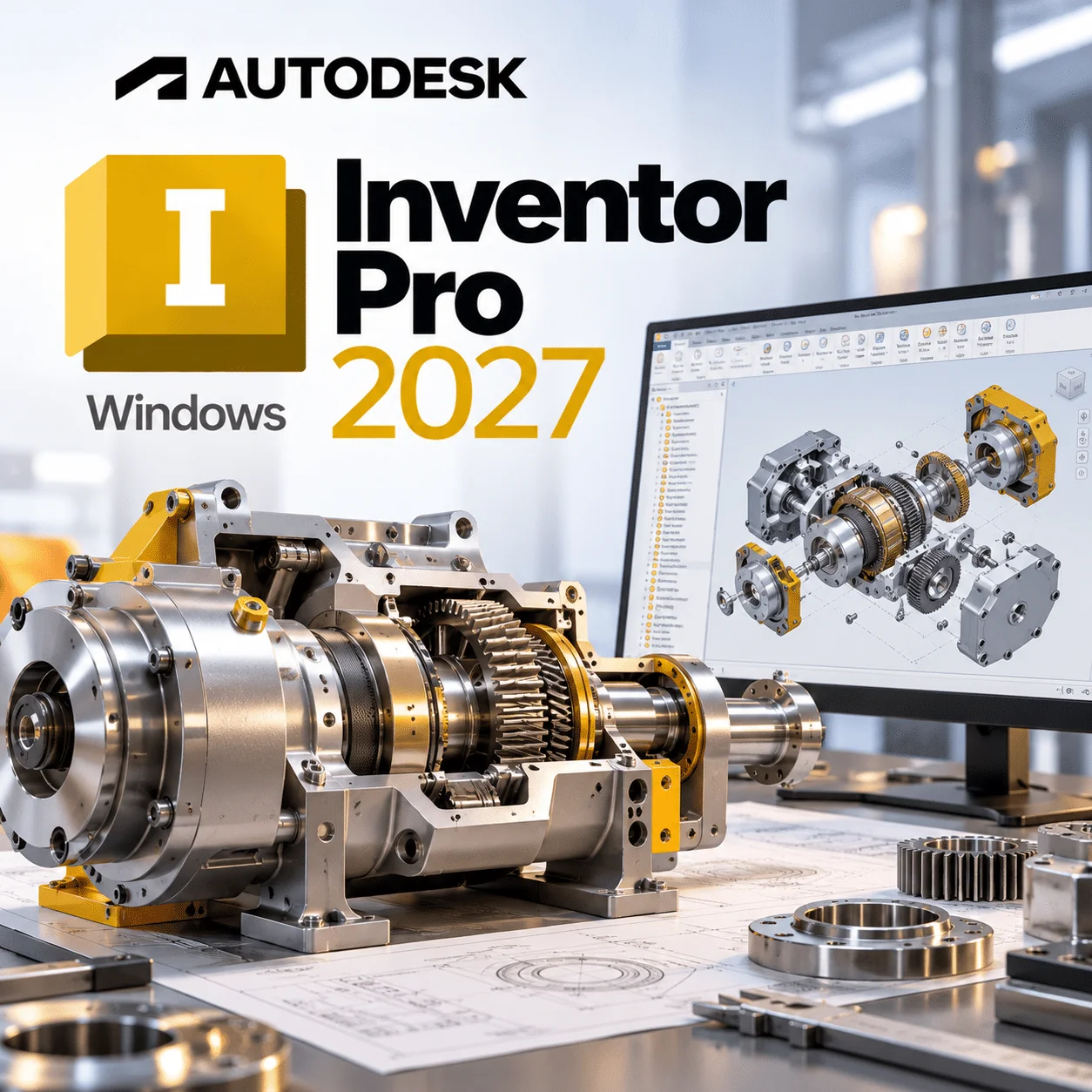
Autodesk Inventor Pro 2027 is Autodesk’s professional 3D mechanical design software for Windows, built for engineers and product designers who model parts, assemblies and production drawings. This is a 1-year subscription for 1 Windows 11 device, emailed to you instantly after payment.
Licence at a glance
| Item |
Detail |
| Product |
Autodesk Inventor Professional |
| Version |
2027 |
| Platform |
64-bit Windows 11 |
| Licence term |
1-year subscription, 1 device |
| Delivery |
By email after payment |
| Activation |
Named-user sign-in with your Autodesk Account |
| Updates |
Updates released for Inventor 2027 during the term |
What is Autodesk Inventor Pro 2027?
Autodesk Inventor Pro 2027 is a parametric CAD application for designing mechanical parts and assemblies, simulating how they move, and producing manufacturing drawings that stay linked to the 3D model. Autodesk describes it as professional-grade mechanical design, documentation and product simulation software that runs on Windows.
The Professional edition adds routed-systems tools that general CAD packages lack. According to Autodesk’s Inventor overview page, that includes:
- Tube and pipe runs
- Cable and harness design
- Frame and machine design tools
- Dynamic simulation of mechanisms
- iLogic rules for configurable products
What’s new in Inventor Professional 2027
Autodesk’s Inventor 2027 What's New article highlights these additions.
Autodesk Assistant
A natural-language AI assistant that can analyse models, create model states, suppress components, generate parameters and automate repetitive steps. It arrived as a technical preview with this release.
iLogic Codeblocks
A drag-and-drop way to build iLogic rules, showing the underlying code in real time. It lowers the barrier for engineers who have never written a rule.
New Slot feature
A dedicated part-modelling tool for slots with in-canvas editing, a property panel, countersunk and counterbore options, and reusable presets.
Assembly mirror enhancements
More control when mirroring components: keep or break associativity, Save Copy As, mirror the feature tree, exclude components and use Associative Placement.
Content Center assemblies
You can now publish and reuse complete assemblies in Content Center, including configurable assemblies driven by model states, not just single parts.
Key features
- Parametric part modelling with sketches, features and model states
- Top-down and bottom-up assembly design
- Sheet metal, weldment and frame design
- Tube and pipe plus cable and harness routing
- Associative 2D drawings and model-based definition
- Content Center library of standard fasteners and parts
- iLogic and an API for design automation
- Vault integration for data management
- AnyCAD and DWG workflows with other CAD formats
Inventor Professional vs Fusion
Choose Inventor Professional for Windows-based, desktop mechanical design with routed systems and deep automation; choose Fusion if you need macOS, cloud collaboration or built-in electronics design. Autodesk’s own Fusion vs Inventor comparison frames it the same way.
| Area |
Inventor Professional 2027 |
Fusion |
| Platform |
Windows (2027 lists Windows 11 only) |
Windows and macOS |
| Data model |
Local files, optional Vault |
Cloud-based projects |
| Routed systems |
Tube and pipe, cable and harness |
Not a core focus |
| Electronics |
PCB interoperability |
Schematic capture and PCB layout |
| Design automation |
iLogic rules and Codeblocks |
Scripts and add-ins |
| Typical buyer |
Machine builders, manufacturers |
Start-ups, product teams, prototyping |
Who is it for?
- Machine designers building large assemblies with frames, guards and fasteners.
- Plant and process engineers routing pipework and tube.
- Electrical-mechanical teams laying out cables and harnesses in 3D.
- Sheet metal fabricators producing flat patterns and drawings.
- Steel and structural detailers who also use Advance Steel 2026.
- Engineering firms that want rule-based configurators with iLogic.
System requirements
Values from Autodesk’s Inventor 2027 system requirements. Note the new Windows 11-only support and .NET 10.
| Component |
Minimum |
Recommended |
| Operating system |
64-bit Windows 11 |
64-bit Windows 11 |
| CPU |
2.5 GHz or faster |
3.0 GHz or faster, 4+ cores, AVX2/AVX-512 support |
| Memory |
16 GB (assemblies under 500 parts) |
32 GB or more (64 GB for 1,000+ part assemblies) |
| Graphics |
2 GB GPU, 42 GB/s, DirectX 11 (absolute minimum); 4 GB, 96 GB/s suggested |
8 GB/16 GB GPU, 240 GB/s, DirectX 12 (Feature Level 12_0) |
| Display |
1280 x 1024 |
3840 x 2160 (4K) at 100 to 200% scaling |
| Disk space |
About 40 GB total including install files |
About 40 GB plus project space |
| .NET |
.NET 10.0 or later, Windows Update enabled |
Same |
| Other |
Internet for install and licensing; local Excel 2016 or LibreOffice 7.2+ for spreadsheet editing |
3Dconnexion SpaceMouse (driver 10.7.0+) |
ARM-based Windows PCs are not listed. If your machine is still on Windows 10, upgrade first with a Windows 11 licence, or consider an earlier Inventor release.
Always check Autodesk’s current requirements before buying, as Autodesk updates OS support during a release’s life.
How to activate
- Watch for our order email after payment; it carries the licence details and steps.
- Sign in to your Autodesk Account, or create one with your work email.
- Download Inventor Professional 2027 from your Autodesk Account or via the link in your order email.
- Install on your Windows 11 PC with Windows Update enabled so .NET 10 can install.
- Open Inventor, sign in, and follow the licensing instructions in your order email.
- Any errors? See our installation and activation guide or open a ticket with our support team.
Why buy from WinCDKey
Related products
Frequently asked questions
Is Inventor Professional 2027 a subscription or perpetual?
It is a subscription. This licence gives 1 year of use on 1 device, and Autodesk does not sell new perpetual Inventor licences. At the end of the term you renew to keep designing; your .ipt, .iam and .idw files stay on your drive.
Does Inventor 2027 run on Windows 10?
No. Autodesk’s requirements for Inventor 2027 list only 64-bit Microsoft Windows 11. Windows 10 is no longer included, unlike Inventor 2026 and 2025. If you cannot upgrade the operating system yet, buy an earlier Inventor version or move to Windows 11 first.
Can I run Inventor Professional 2027 on a Mac?
Not natively. Autodesk states that Inventor runs on Microsoft Windows, and there is no macOS build. Mac users who need Autodesk mechanical CAD often choose Fusion, which runs on macOS. Running Inventor on a Mac requires a separate Windows 11 environment, which Autodesk does not list as supported.
Can I install Inventor 2027 on more than one computer?
This licence is for 1 device. If you swap PCs, sign out of Inventor on the old machine, install it on the new Windows 11 computer and sign in with the same Autodesk Account. Simultaneous use on two machines is not included. Our support team can help with any sign-in problem.
What happens after 1 year?
After 12 months the licence expires and Inventor will not open for design work until you renew. Your part, assembly and drawing files are not deleted. Buy another 1-year licence whenever you are ready, and you can carry on from where you stopped.
How do I receive Inventor Professional 2027?
By email, normally within minutes of payment. The message holds your licence details and set-up steps, and the installer itself comes from your Autodesk Account. There is no disc or box. Check our order tracking page if an email has not arrived.
What hardware does Inventor 2027 need?
Autodesk recommends Windows 11, a 3.0 GHz 4-core CPU with AVX2, 32 GB RAM, an 8 GB DirectX 12 graphics card and a 4K display. The minimum is 16 GB RAM, a 2.5 GHz CPU and a 2 GB DirectX 11 GPU, with about 40 GB of disk space and .NET 10.
What is the difference between Inventor and Inventor Professional?
Inventor Professional is the full edition Autodesk sells today, covering part and assembly modelling plus tube and pipe, cable and harness, frame design and simulation tools. Older Inventor-only editions had fewer routed-system tools. If you design piping or wiring, the Professional edition is the one you need.
Is Autodesk Assistant included in Inventor Professional 2027?
Yes, as a technical preview. Autodesk introduced the AI-powered Autodesk Assistant with Inventor 2027, letting you ask in plain language for tasks such as creating model states or suppressing components. Being a preview, its features and availability can change during the release.
Refunds
Once a purchased software package has been activated or an activation has been attempted through an online activation site, the package becomes none refundable But in serious matters, we can refund on Wincdkey wallet. So you can use every product. We cannot add the software package to our stock if an activation has been completed or attempted.
We cannot issue a refund if a customer has purchased the wrong product. Rather then we can change it if he not try to active it
Example: A customer purchases a Windows software package for a Mac machine.
Exchanges
Microsoft Softwares will exchange software purchases for up to 30 days after order completion but only if the software has not been downloaded by the customer, you can also return your purchased software within 30 days if the software remains none downloaded for a full refund.
Redemption or Activation:
After purchasing keys, you will get a voucher code which is needed to redeem. this voucher code have a lifetime validity but once redeem it then you need to activate your windows or office within 7 working days.
Refund process
Refunds will be credited back to the credit/debit card that customers used to place their order, refunds are processed from our platform immediately the time taken to credit to the customer depends entirely on the customers card issuer and/or bank account.
How to initiate a Refund/Exchange
For any refund or exchange please open a create a refund or exchange request ticket here.