

Windows 11 Version 26H1 Full Breakdown – Features, Requirements & Upgrade Guide

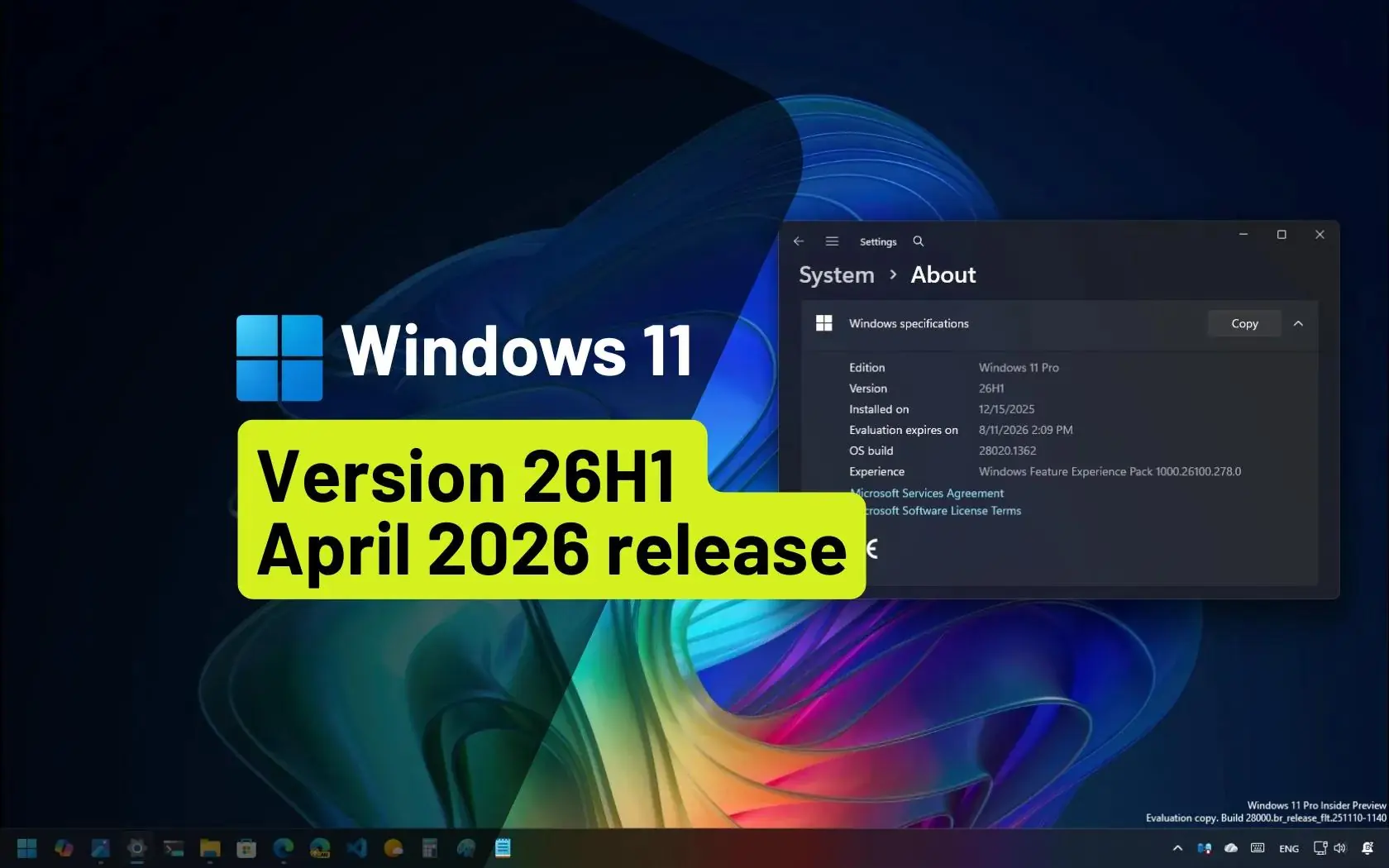
Windows 11 version 26H1 is one of the most unique releases Microsoft has introduced in recent years. Unlike traditional feature updates, this version is designed for next-generation hardware, bringing deep platform-level changes rather than just UI improvements.
In this guide, you’ll learn what 26H1 is, why it exists, how to get it, and whether it actually matters for you.

What is Windows 11 version 26H1?
Windows 11 version 26H1 is a special offshoot version of Windows 11 designed specifically for new devices powered by Qualcomm’s Snapdragon X2 and upcoming NVIDIA N1X chips. It’s based on the Bromine platform release, which was finalized internally at Microsoft in November 2025 at build 28000.
It is considered the fifth major update to Windows 11 and was officially released on February 10, 2026. The first preview was released to Insiders in the Canary Channel on November 7, 2025.

Why does Windows 11 exist?
The upcoming Qualcomm Snapdragon X2-based SoC and NVIDIA N1X platform require platform changes that aren’t currently available in version 25H2. The improvements needed to support these devices are shipping as part of this new Windows platform release, codenamed Bromine. Unlike 25H2, which is based on the same platform release as version 24H2 (codenamed Germanium), Windows 11 version 26H1 is based on the newer Bromine platform, making it a full OS upgrade.
The biggest reason behind 26H1 is hardware evolution.
New chipsets like:
- Qualcomm Snapdragon X2
- NVIDIA N1X
require deep system-level changes that older platforms (like 24H2 / 25H2 based on Germanium) simply don’t support.
💡 That’s why Microsoft introduced the Bromine platform, enabling:
- Better ARM performance
- AI acceleration support
- Improved power efficiency
- Next-gen hardware compatibility
👉 In simple terms: 26H1 exists to unlock future hardware, not to upgrade old PCs.
How can you get it?
Getting Windows 11 26H1 is not like a normal update.
✅ Official Method
- Preinstalled on new devices only
- Especially on Snapdragon X2-powered laptops

⚠️ Unofficial Method
- Download ISO files online
- Manual installation on existing PCs
🚫 However, Microsoft does not recommend or support manual upgrades to 26H1.
Key limitations to know
- No broad Windows Update rollout: Unlike annual Windows feature updates such as versions 24H2 and 25H2, Windows 11 version 26H1 is not offered through Windows Update and cannot be installed as an in-place update on existing devices. Microsoft Learn
- No upgrade to 26H2: Microsoft has confirmed that PCs which ship with version 26H1 won’t be updated to version 26H2 this fall. The next OS update that 26H1 users get will be in 2027 with version 27H2.
- No hotpatch support: Windows 11 version 26H1 does not support hotpatch updates, though security updates will be manageable through typical tooling — Windows Autopatch, Microsoft Intune, Microsoft Configuration Manager, etc.
Support lifecycle
Windows 11 version 26H1 will be supported with security updates until March 14, 2028 for Home and Pro users, and March 13, 2029 for Enterprise and Education users.
What this means for enterprises
For organizations with homogeneous environments that prioritize standardization, long deployment windows, and large volume management, Windows 11 versions 24H2 and 25H2 remain the right choices. There is no benefit to waiting or deferring plans based on version 26H1, unless you are specifically targeting adoption of devices with silicon that requires it.
The Bigger Picture

Windows 11 version 26H1 represents a strategic shift, not a mainstream update.
This isn’t the first time Microsoft has done this:
- In 2024, version 24H2 (Germanium) launched early for new hardware
👉 Similarly, 26H1 (Bromine) is:
- A hardware-enablement release
- Focused on future AI PCs
- Not intended for general users


